
Microsoft 365 Family Complete Guide: Everything You Need to Know (2025)

Callum specializes in breaking down complex technology topics into easy-to-understand guides. He has a background in computer science and technical writing.
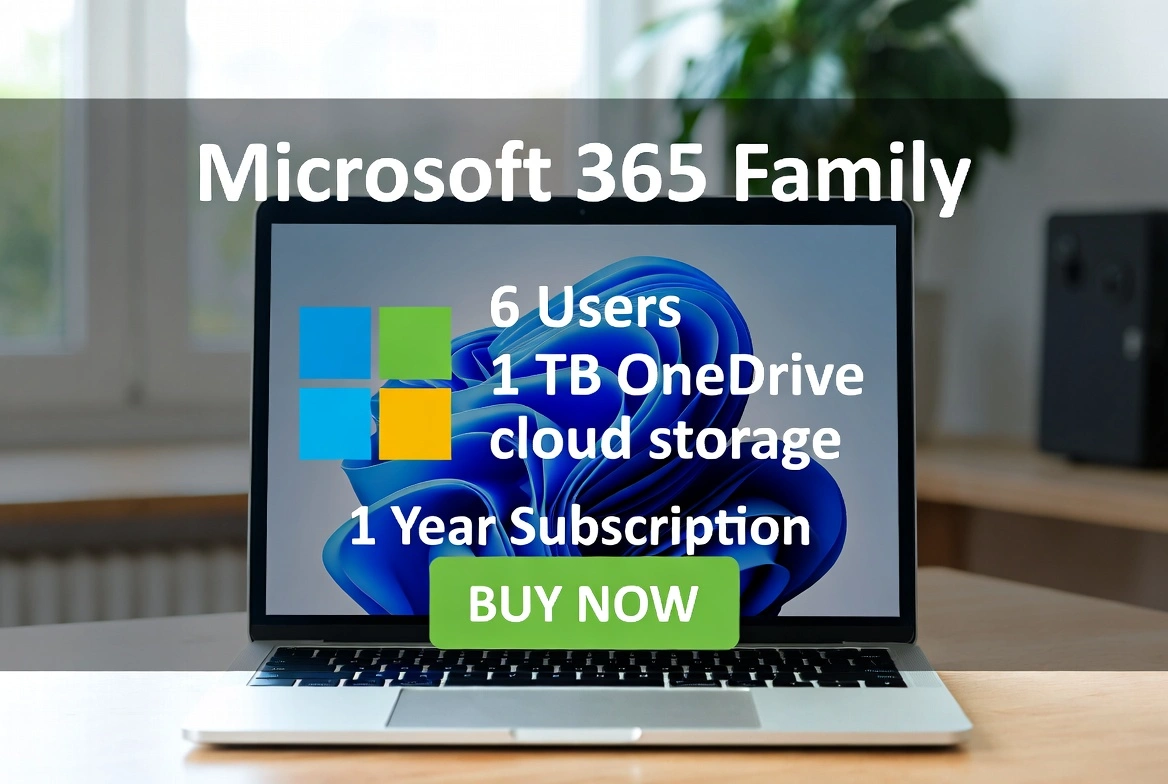
Microsoft 365 Family is Microsoft's most comprehensive subscription for households. This ultimate guide covers everything you need to know: what's included, how it works for 6 users, OneDrive storage, family safety features, and how to get the best price in 2025.
📋 Guide Contents
What is Microsoft 365 Family?
Microsoft 365 Family (formerly Office 365 Home) is Microsoft's premium subscription designed for households of up to 6 people. Each family member gets their own account with full access to all Office applications, 1TB of OneDrive storage, and advanced security features.
Unlike perpetual licenses like Office 2024, Microsoft 365 Family is an annual subscription that includes constant updates, new features like Copilot AI, and cross-platform access (Windows, Mac, iOS, Android).
Everything That's Included
Up to 6 Users
Independent accounts
Each person has their own login, files, and personal settings.
6TB OneDrive Total
1TB per person
Cloud storage for photos, documents, and automatic backups.
Full Office Apps
Word, Excel, PowerPoint, Outlook
Complete desktop versions for PC and Mac, plus mobile apps.
Microsoft Defender
Advanced security
Protection against malware and phishing for all devices.
Additional apps included: Microsoft Teams, OneNote, Publisher (PC only), Access (PC only), and 60 monthly Skype minutes for calls to landlines and mobile phones.
How It Works for 6 Users
The subscription administrator (who purchases Microsoft 365 Family) can invite up to 5 additional people. Each invited person:
- Gets full access to all Office apps
- Receives 1TB of personal and private OneDrive storage
- Can install apps on up to 5 devices simultaneously
- Keeps their files separate and private from the administrator
Microsoft Family Safety
One of the exclusive advantages of Microsoft 365 Family is Microsoft Family Safety, a complete parental control suite that includes:
Screen Time
Set daily limits for devices and specific apps.
Content Filters
Automatically block inappropriate websites and content.
Real-time Location
Locate family members on the map.
Activity Reports
Receive weekly summaries of device usage.

6TB OneDrive Storage
With Microsoft 365 Family, each user receives 1TB of OneDrive storage (6TB total for the family). This enables:
- Automatic backup: Phone photos, PC documents
- Access from anywhere: Web, mobile, and desktop
- Files on-demand: Save local disk space
- Version history: Recover previous file versions
Pricing & Where to Buy
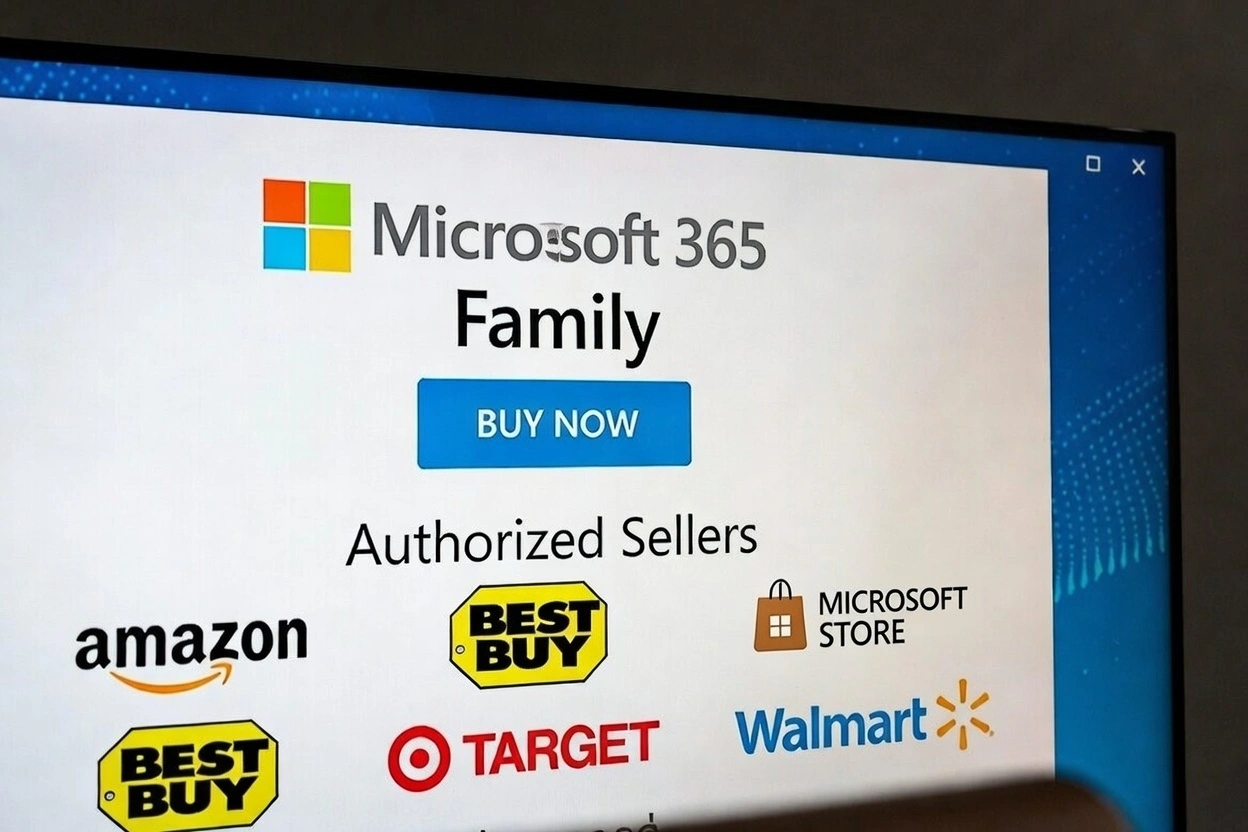
The official price of Microsoft 365 Family at Microsoft Store is $129.99/year. However, you can get significant discounts by buying from authorized sellers:
| Seller | Price/Year | Savings |
|---|---|---|
| Microsoft Store | $129.99 | 0% |
| Amazon | $99.99 | 23% |
| Prise Keys | $88.00 | 46% |
Frequently Asked Questions
Do all 6 users have to live together?
No, users can be in any location. They only need a Microsoft account to join your family group.
Can the administrator see other users' files?
No, each user has their own completely private OneDrive space. The administrator only manages the subscription.
What happens if I don't renew the subscription?
Office apps stop working, but your OneDrive files remain accessible in read-only mode during a grace period.
Can I change family group members?
Yes, you can add or remove members at any time from your Microsoft account.
Related Microsoft 365 Guides
Conclusion
Microsoft 365 Family is the best choice for households that need complete productivity, generous storage, and family security. With up to 6 users and 6TB of storage, the cost per person is minimal compared to individual subscriptions.