
Microsoft Office for Students: Cheapest Ways to Get It

Callum specializes in breaking down complex technology topics into easy-to-understand guides. He has a background in computer science and technical writing.
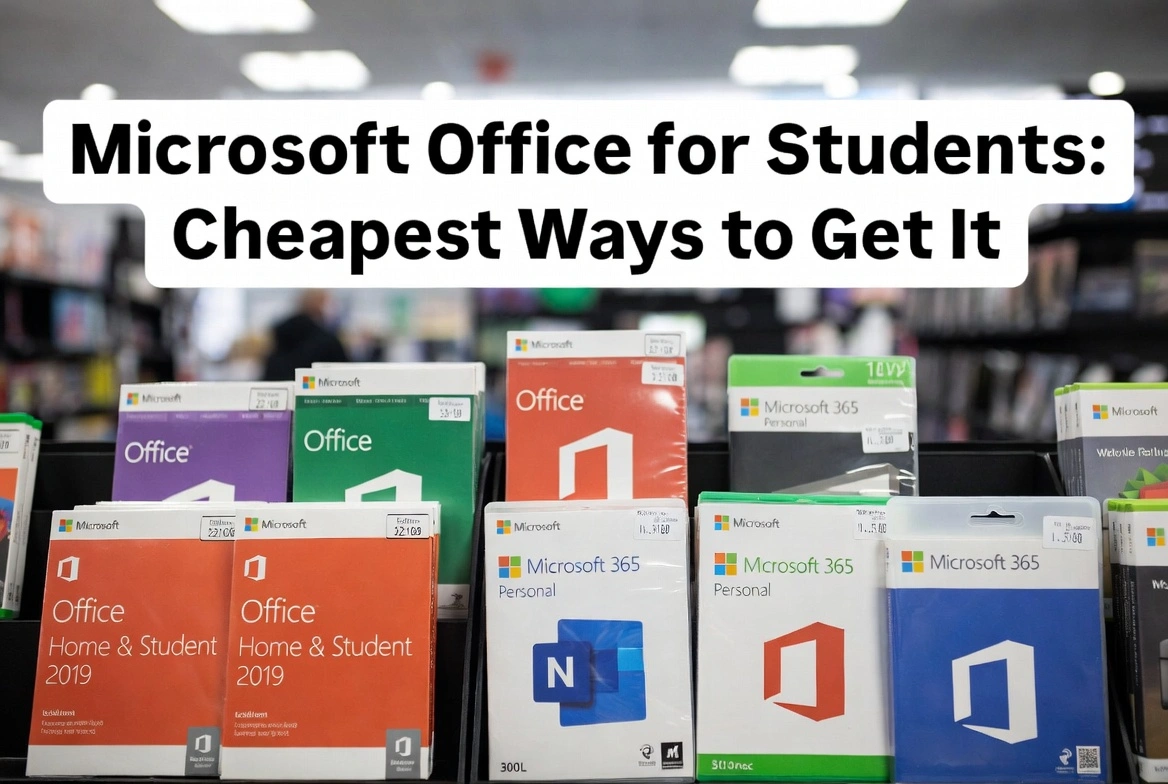
Let's be honest—being a student is expensive enough without Microsoft charging full price for Office. The good news? You don't have to pay $150+ for Word, Excel, and PowerPoint. There are legitimate ways to get Microsoft Office as a student for free, heavily discounted, or through one-time purchases that won't drain your bank account. Here's how to find the cheapest way to get Microsoft Office while staying legal.
Quick Answer for Students
Check if your school offers free Microsoft 365 first—many universities provide it at no cost. If not, a one-time Office purchase (Office 2021 or 2024) from an authorized reseller is the cheapest long-term option.
Free Microsoft 365 Through Your School
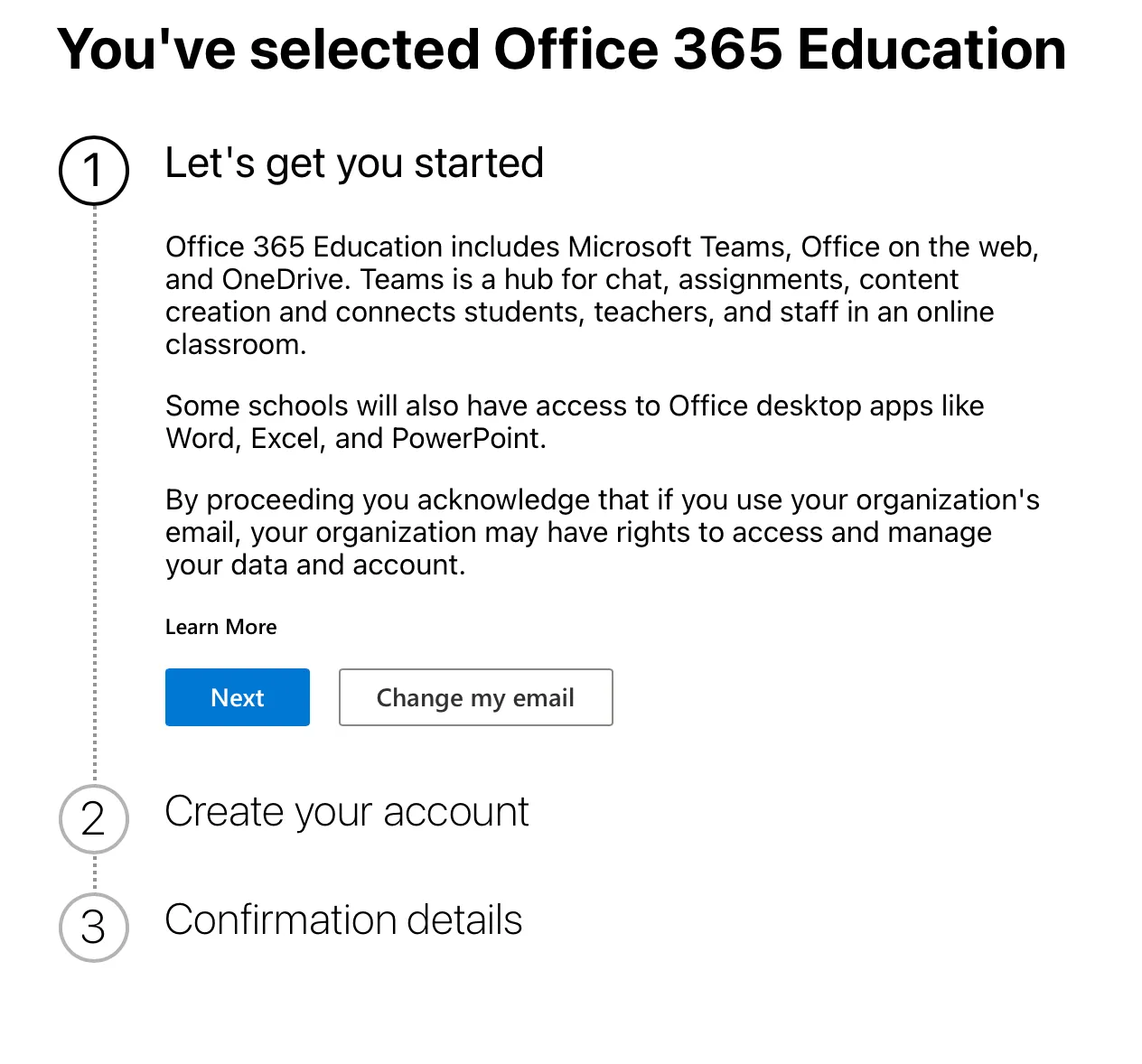
Before you spend a single dollar, check this first: your school may already provide Microsoft 365 for free. Microsoft's Education program gives students and educators access to Word, Excel, PowerPoint, OneNote, and Teams at no cost—as long as your institution participates.
How to Check if You're Eligible
- 1Go to microsoft.com/education
- 2Enter your school email address (the one ending in .edu or your institution's domain)
- 3If eligible, you'll get immediate access to Microsoft 365 Education
This includes the full online versions of Office apps plus desktop downloads in many cases. The catch? Access typically ends when you graduate or leave the institution.
What's Included in Microsoft 365 Education
- Word, Excel, PowerPoint, OneNote
- Microsoft Teams for collaboration
- 1TB OneDrive cloud storage
- Desktop apps (at participating schools)
Microsoft 365 Student Discount
If your school doesn't offer free Office, Microsoft sells Microsoft 365 Personal at a discounted rate for verified students. It's around $2.99/month with annual billing—cheaper than the standard $6.99/month.
Here's the thing though: even at the discounted rate, you're still paying a subscription. Over four years of college, that's roughly $144. It adds up. And the moment you stop paying, you lose access.
Microsoft 365 Subscription: Pros and Cons for Students
Pros
- Always latest features and updates
- 1TB OneDrive cloud storage
- Install on multiple devices
- Access to Copilot AI features
Cons
- Ongoing monthly/yearly cost
- Lose access if you stop paying
- Student discount requires verification
- More expensive long-term than one-time purchase
One-Time Purchase: The Best Value for Most Students
Here's what most students don't realize: you can buy Microsoft Office outright with a one-time payment and use it forever. No subscription. No annual renewals. Pay once, own it for life.
Microsoft sells Office 2024 (the latest perpetual version) for $149.99. But here's where it gets interesting—authorized resellers offer genuine Office 2021 Professional Plus keys for a fraction of that price. We're talking under $40 for a lifetime license.
Office 2021 vs Office 2024 for Students
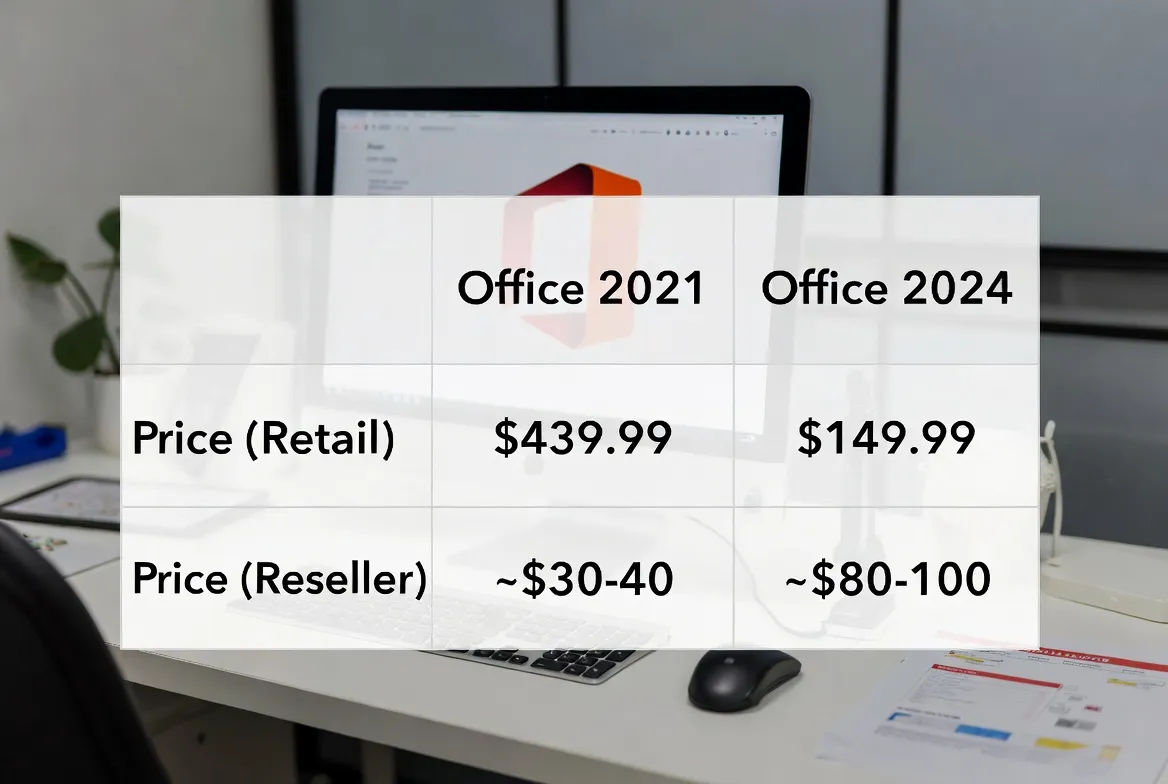
| Feature | Office 2021 | Office 2024 |
|---|---|---|
| Price (Retail) | $439.99 | $149.99 |
| Price (Reseller) | ~$30-40 | ~$80-100 |
| Word, Excel, PowerPoint | ✓ | ✓ |
| Outlook | ✓ | ✓ |
| OneNote | ✓ (Windows 10 app) | ✓ |
| AI Features | Limited | Some built-in |
| Best For | Budget-conscious students | Those wanting latest features |
For most students, Office 2021 is more than enough. It has everything you need for essays, spreadsheets, presentations, and email. The feature differences between 2021 and 2024 are minimal for everyday academic work.
Where to Buy Cheap Microsoft Office Keys (Legally)
The internet is full of sketchy key sellers, so you need to be careful. Here's how to spot legitimate resellers:
- Authorized Microsoft partners: Look for resellers that explicitly state they're authorized
- Customer reviews: Genuine sellers have verifiable reviews and ratings
- Money-back guarantee: Legitimate sellers stand behind their products
- Instant digital delivery: Keys should arrive immediately via email
Red Flags to Avoid
Be wary of keys under $10 (often volume license abuse), sellers with no contact information, or sites requiring unusual payment methods. If it seems too good to be true, it probably is.
Free Alternatives to Microsoft Office
If you're on an extremely tight budget and can't access Office through your school, these free alternatives work well for most academic tasks:
Google Docs, Sheets, and Slides
Completely free with any Google account. It's web-based, which means you can access your work from any device. Collaboration features are excellent—great for group projects. The downside? Formatting can get wonky when converting to/from Microsoft formats, and some professors require .docx files.
LibreOffice
A free, open-source desktop suite that closely mimics Microsoft Office. It includes Writer (Word), Calc (Excel), and Impress (PowerPoint). It handles .docx and .xlsx files reasonably well, though complex formatting might shift slightly. It's a solid choice if you prefer working offline.
Microsoft Office Online (Free)
What many students don't know: you can use Word, Excel, and PowerPoint online for free at office.com. Just sign in with a Microsoft account. The web versions have fewer features than desktop apps, but they're perfect for basic document creation and are 100% compatible with Microsoft formats.
| Alternative | Cost | Best For | Limitation |
|---|---|---|---|
| Google Docs | Free | Collaboration, group work | Format conversion issues |
| LibreOffice | Free | Offline work, privacy | Less polished interface |
| Office Online | Free | Basic documents, compatibility | Limited features |
| WPS Office | Free (with ads) | Microsoft-like experience | Ads, privacy concerns |
Which Option Should You Choose?
Here's my honest recommendation based on different student situations:
Your school offers free Microsoft 365
Use it! It's free and full-featured. Just know access ends after graduation.
You want Office forever without recurring fees
Buy Office 2021 Pro Plus from an authorized reseller. One payment, lifetime use—best long-term value.
You need the latest features and cloud storage
Microsoft 365 subscription with student discount. More expensive over time, but always up to date.
You're on a zero budget
Use Office Online (free) or Google Docs. They handle 90% of student needs without spending a cent.
Frequently Asked Questions
Can students get Microsoft Office for free?
Yes, many schools provide free Microsoft 365 Education. Check with your school or visit microsoft.com/education with your .edu email to see if you qualify.
What's the cheapest way to get Microsoft Office as a student?
Free through your school is cheapest. If not available, buying Office 2021 from an authorized reseller (around $30-40) is the most cost-effective for long-term use.
Is it legal to buy cheap Office keys?
Yes, as long as you buy from authorized resellers selling genuine licenses. Avoid grey market keys (often sourced from volume licensing abuse) that can be revoked.
Do I lose Microsoft Office when I graduate?
If using your school's free Microsoft 365 Education, typically yes—access ends when you leave. If you purchased a one-time license (Office 2021/2024), you keep it forever.
Is Microsoft 365 student discount worth it?
At ~$3/month it's reasonable if you need cloud storage and always-updated apps. But over 4 years of college, a one-time Office 2021 purchase is cheaper.
Can I use Office on multiple devices as a student?
Microsoft 365 subscriptions allow installation on multiple devices. One-time purchases (Office 2021/2024) are licensed per PC, though you can move the license if you get a new computer.
Final Thoughts
Microsoft Office doesn't have to break the bank. Start by checking if your school offers it for free—that's the obvious first choice. If not, a one-time purchase of Office 2021 from a trusted reseller gives you everything you need for essays, presentations, and spreadsheets at a fraction of retail price.
The subscription model works for some, but most students are better off with a perpetual license they can use through college and beyond. And if money is really tight, the free web versions of Office or Google Docs will get you through most assignments without spending a dime.
Whatever route you choose, don't pay full retail price. There's always a smarter way to get Microsoft Office as a student.