
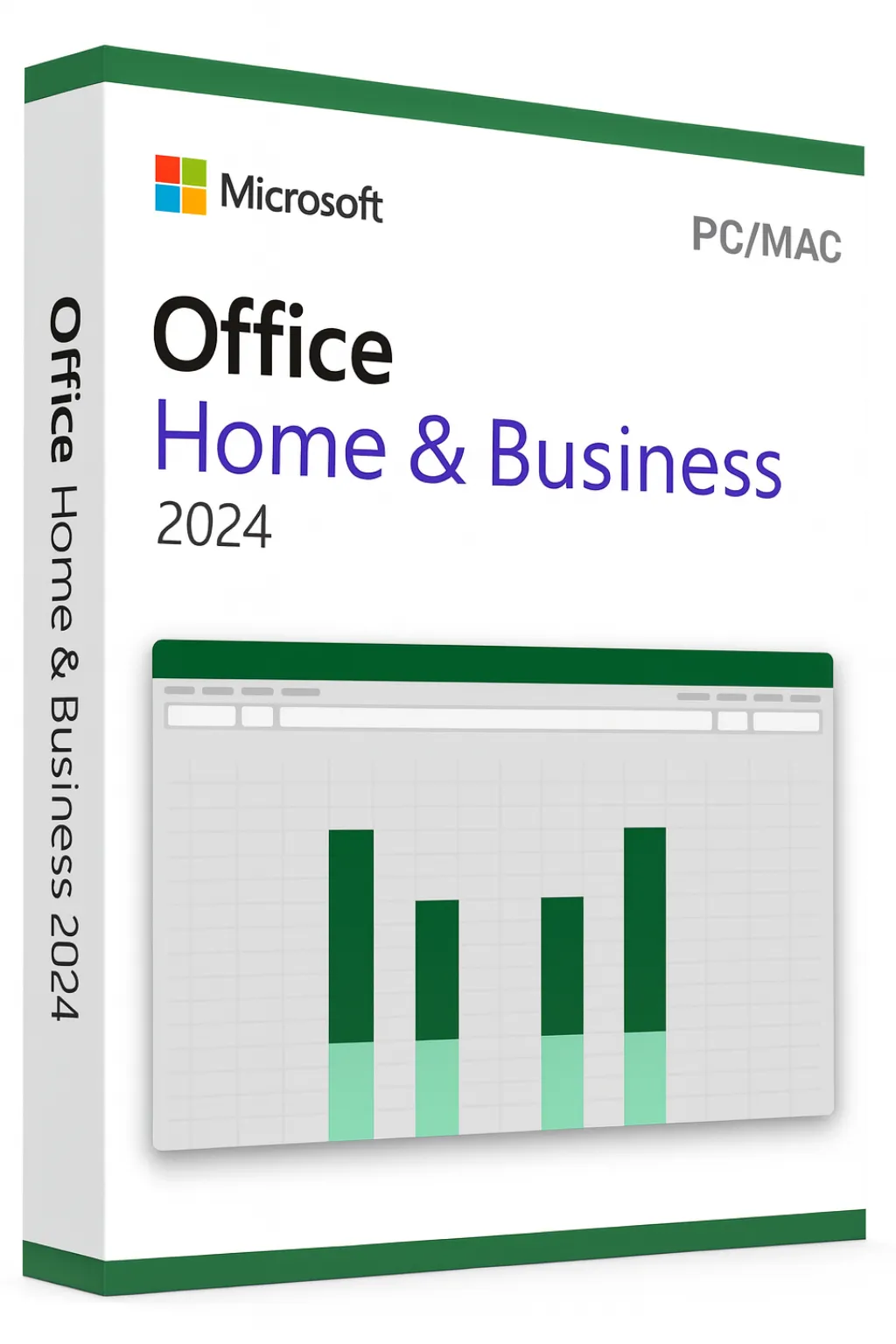


Microsoft Office 2024 Home & Business for Mac
Professional Productivity Designed for macOS
Built Natively for Your Mac
Microsoft Office 2024 Home & Business for Mac delivers the complete Microsoft Office experience optimized specifically for macOS. With native Apple Silicon support, seamless Retina display integration, and macOS-specific features like Handoff and Continuity, this edition provides the perfect blend of Microsoft's powerful productivity tools and Apple's elegant user experience.
Optimized for macOS Experience
Apple Silicon Native
Built for M1, M2, and M3 chips—runs faster and more efficiently than ever
Retina Display Support
Crystal-clear text and graphics optimized for high-resolution displays
iCloud Integration
Save and sync documents seamlessly with iCloud Drive
Continuity & Handoff
Start on your Mac, continue on your iPhone or iPad
4 Essential Applications Included
Office 2024 Home & Business for Mac includes the core productivity applications optimized for macOS:
Microsoft Word
Create polished documents with Focus Mode, Dark Mode support, and native macOS typography rendering
Microsoft Excel
Powerful spreadsheets with M1/M2/M3 chip optimization for lightning-fast calculations and large datasets
Microsoft PowerPoint
Design stunning presentations with Retina-optimized graphics and smooth Magic Keyboard shortcuts
Microsoft Outlook
Full-featured email client integrated with macOS notifications, Calendar, and Contacts
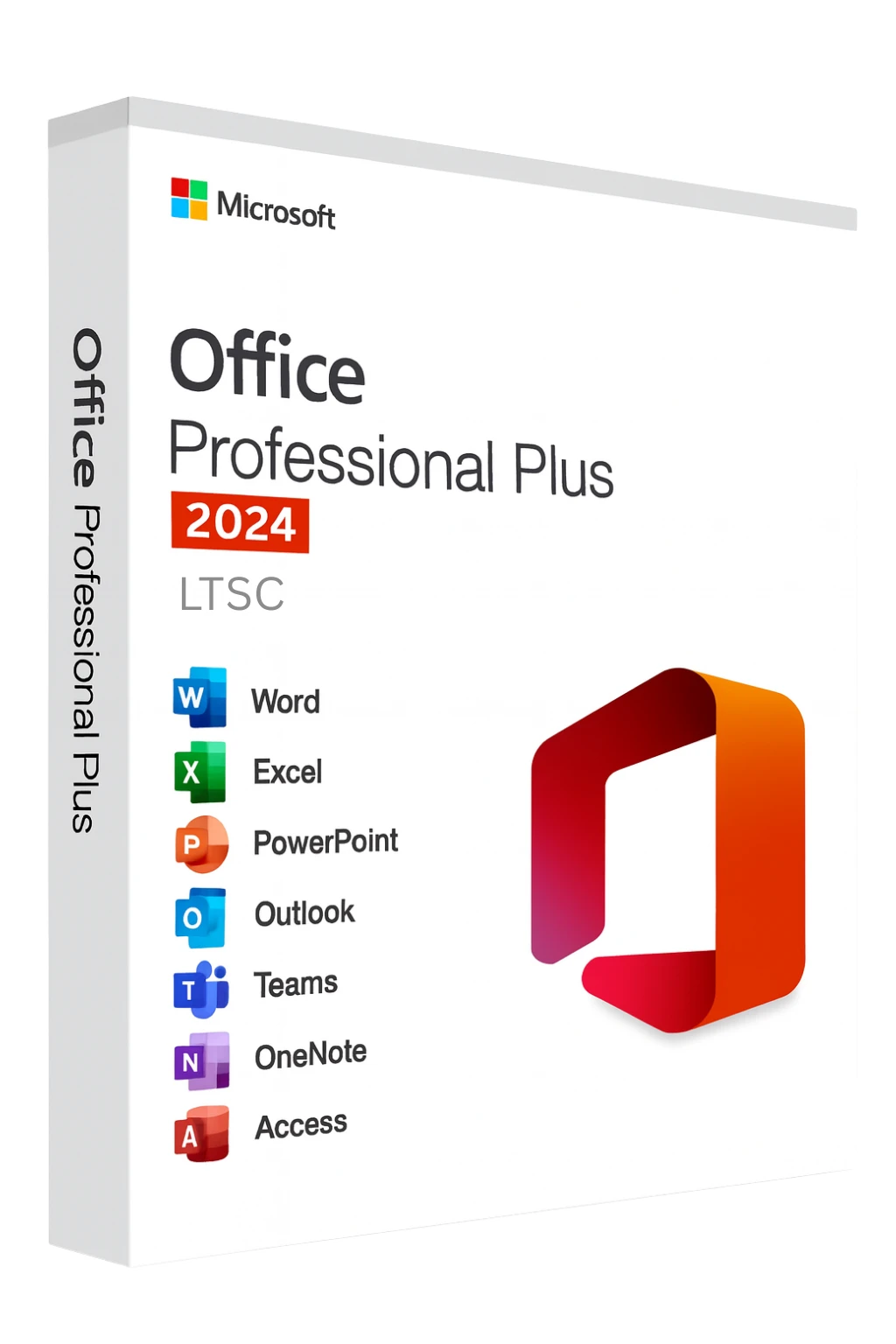
Home & Business vs Professional Plus
| Feature | Home & Business | Professional Plus |
|---|---|---|
| Word, Excel, PowerPoint | ✓ Included | ✓ Included |
| Outlook | ✓ Included | ✓ Included |
| OneNote | Free via App Store | ✓ Included |
| Access & Publisher | Not available on Mac | Windows only |
| Commercial Use Rights | ✓ Yes | ✓ Yes |
| License Type | 1 Mac | 1 PC (Windows) |
| Best For | Mac professionals | Windows power users |
What's New in Office 2024 for Mac
Enhanced Performance
Up to 3x faster on Apple Silicon compared to Intel-based Macs
Dynamic Arrays in Excel
XLOOKUP, XMATCH, and formulas that automatically expand
Modern Interface
Refreshed design that matches macOS Sonoma aesthetics
Improved Accessibility
Enhanced VoiceOver support and accessibility checker
Better Collaboration
Real-time co-authoring with presence indicators
Extended Format Support
OpenDocument format and improved PDF export
System Requirements for Mac
Minimum Requirements:
- macOS Monterey (12.0) or later
- Apple Silicon (M1, M2, M3) or Intel processor
- 4 GB RAM minimum (8 GB recommended)
- 10 GB available disk space
- 1280 x 800 screen resolution
For best performance, use macOS Sonoma or later on Apple Silicon Macs.
Lifetime License Benefits
One-Time Purchase
Pay once, own forever—no subscription fees
Commercial Use Allowed
Licensed for both personal and business use
Security Updates
Receive Microsoft security patches through 2029
Offline Access
Full functionality without internet connection
Quick Mac Activation
- 1Download Office from your Microsoft account or the Mac App Store
- 2Open the installer package (.pkg) and follow the prompts
- 3Launch any Office app (Word, Excel, PowerPoint, or Outlook)
- 4Sign in with your Microsoft account when prompted
- 5Enter your product key to activate your license
Your product key links to your Microsoft account for easy reinstallation. Learn more
Need Windows Office Instead?
If you're using a Windows PC or need Access and Publisher, consider Office 2024 Professional Plus which includes all 7 Office applications for Windows.
Frequently Asked Questions
- Will this work on my Intel Mac?
- Yes, Office 2024 supports both Intel and Apple Silicon Macs running macOS Monterey or later.
- Can I use this for my business?
- Yes, Home & Business includes commercial use rights for professional and business purposes.
- Is OneNote included?
- OneNote is available as a free download from the Mac App Store and integrates with your Microsoft account.
- Can I install on multiple Macs?
- This license is for one Mac. Additional installations require separate licenses.
- How long will I receive updates?
- Microsoft provides security updates for Office 2024 until October 2029.