
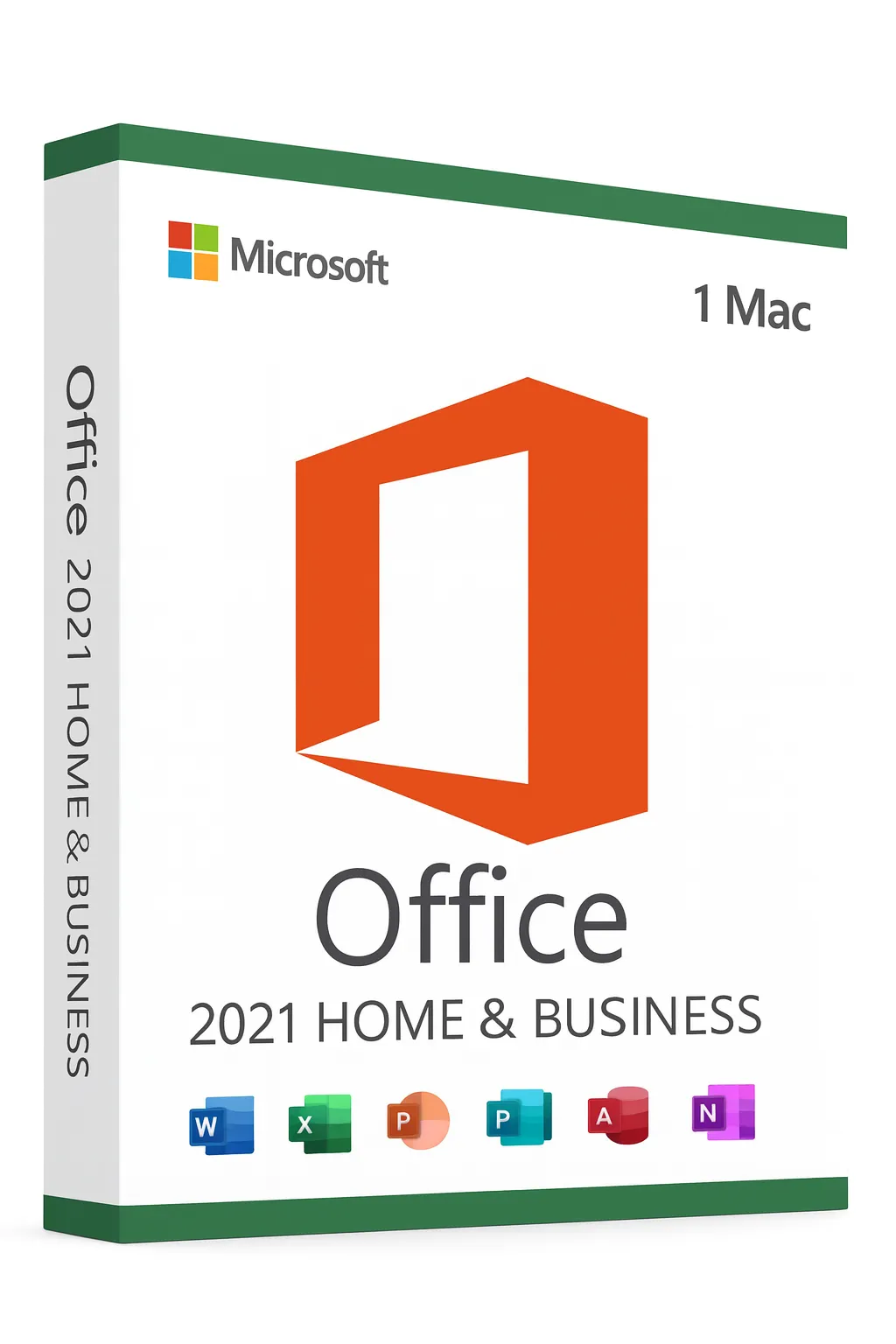


Microsoft Office 2021 Home & Business for Mac
Proven Productivity Suite for macOS – One-Time Purchase
Reliable Office Experience for Your Mac
Microsoft Office 2021 Home & Business for Mac delivers the trusted Microsoft Office experience optimized for macOS. With native Apple Silicon support, Retina display optimization, and seamless macOS integration, this one-time purchase provides professional-grade productivity tools without subscription fees. Perfect for professionals and small businesses seeking stable, cost-effective office software.
Built for macOS
Apple Silicon Support
Optimized for M1 and M2 chips with improved speed and efficiency
Retina Display Ready
Sharp, crisp text and graphics on high-resolution displays
Offline Capability
Full functionality without internet—work anywhere, anytime
One-Time Cost
No subscriptions—pay once and own your software forever
4 Essential Applications Included
Office 2021 Home & Business for Mac includes the core productivity suite optimized for macOS:
Microsoft Word
Professional document creation with Focus Mode, Dark Mode, and advanced formatting tools optimized for Mac
Microsoft Excel
Powerful spreadsheets with XLOOKUP, dynamic arrays, and native Apple Silicon performance
Microsoft PowerPoint
Create compelling presentations with Retina-optimized graphics and smooth animations
Microsoft Outlook
Complete email management integrated with macOS Calendar, Contacts, and notifications
Office 2021 vs Office 2024 for Mac
| Feature | Office 2021 | Office 2024 |
|---|---|---|
| Word, Excel, PowerPoint, Outlook | ✓ Included | ✓ Included |
| Apple Silicon Native | ✓ Yes | ✓ Yes (Enhanced) |
| XLOOKUP & Dynamic Arrays | ✓ Yes | ✓ Yes |
| Security Updates Until | October 2026 | October 2029 |
| macOS Requirement | Big Sur (11.0)+ | Monterey (12.0)+ |
| Price Point | Lower cost | Higher cost |
| Best For | Budget-conscious users | Latest features needed |
Key Features in Office 2021
XLOOKUP Function
Modern, flexible lookup replacing VLOOKUP and HLOOKUP
Dynamic Arrays
Formulas that automatically expand to fill multiple cells
Real-time Co-authoring
Collaborate simultaneously with others on shared documents
Modern Interface
Refreshed ribbon design with improved accessibility
Dark Mode Support
Full Dark Mode integration matching macOS appearance
Improved Performance
Faster launch times and smoother scrolling on Apple Silicon
System Requirements for Mac
Minimum Requirements:
- macOS Big Sur (11.0) or later
- Apple Silicon (M1, M2) or Intel processor
- 4 GB RAM minimum
- 10 GB available disk space
- 1280 x 800 screen resolution
Works on both Intel and Apple Silicon Macs.
Lifetime License Benefits
No Subscription Fees
One-time purchase with perpetual ownership
Commercial Use Rights
Licensed for personal and business use
Security Updates
Microsoft security patches until October 2026
Offline Productivity
No internet required for core functionality
Simple Mac Activation
- 1Download Office from your Microsoft account
- 2Open the installer (.pkg) and complete installation
- 3Launch any Office application
- 4Sign in with your Microsoft account
- 5Enter your product key to activate
Need help? Visit Microsoft Support
Consider Office 2024?
If you need extended support until 2029 and enhanced Apple Silicon optimization, consider upgrading to Office 2024 Home & Business for Mac. Office 2021 remains excellent for users who prioritize value and proven stability.
Frequently Asked Questions
- Does this work on Apple Silicon Macs?
- Yes, Office 2021 is fully optimized for M1 and M2 Macs, running natively without Rosetta.
- Can I use this for my business?
- Yes, Home & Business includes commercial use rights for professional and business purposes.
- Is OneNote included?
- OneNote is available as a free download from the Mac App Store and syncs with your Microsoft account.
- How long will I receive security updates?
- Microsoft provides security updates for Office 2021 until October 13, 2026.
- Can I install on multiple Macs?
- This license is valid for one Mac. Additional installations require separate licenses.