
Windows 11 Editions Explained: Home vs Pro vs Enterprise (Which Do You Need?)

Callum specializes in breaking down complex technology topics into easy-to-understand guides. He has a background in computer science and technical writing.
Last updated: December 2025
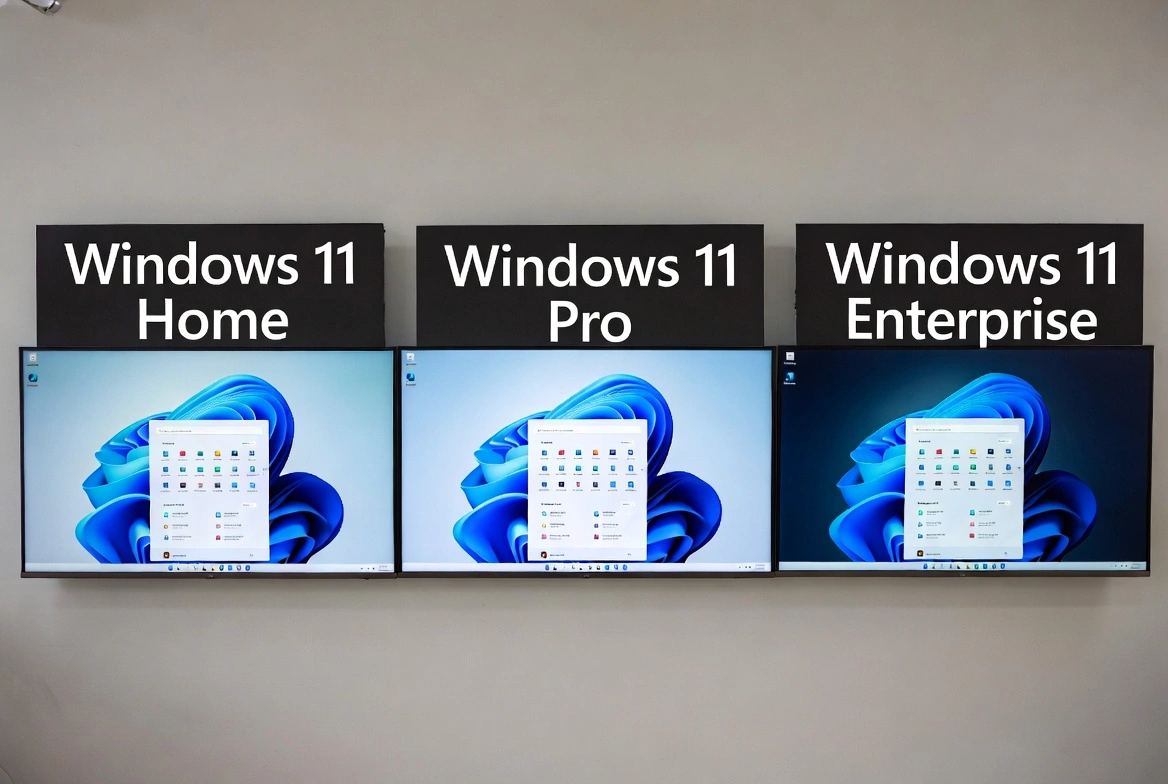
Windows 11 comes in multiple editions, each designed for specific user needs. Choosing the wrong edition means either paying for features you'll never use or missing critical tools your workflow requires. This guide breaks down every edition so you can make an informed decision.
Quick Summary: Which Edition Do You Need?
All Windows 11 Editions Compared
Windows 11 Home
For everyday users
$139
The standard edition for consumers. Includes all the features most home users need: Microsoft Edge, Windows Security, Snap Layouts, virtual desktops, and Microsoft Store access.
Ideal for: Students, home users, casual gamers, families
Included features:
- Full Windows 11 experience
- Windows Security (Defender)
- Microsoft Edge browser
- Snap Layouts & Virtual Desktops
- Xbox app & gaming features
- Microsoft Store access
- Windows Hello biometric login
- Device encryption (with TPM)
Limitations:
- No BitLocker drive encryption
- No Remote Desktop host
- No Group Policy Editor
- No domain join capability
- Limited to 128GB RAM
- No Hyper-V virtualization
Windows 11 Pro
For professionals & small businesses
Everything in Home plus professional features. The go-to choice for power users, freelancers, and small businesses that need advanced security and management tools.
Ideal for: Freelancers, developers, IT professionals, small businesses
All features:
Why upgrade? If you work with sensitive data, need to access your PC remotely, or manage multiple computers, Pro pays for itself quickly.
Windows 11 Pro for Workstations
For high-performance hardware
$309
Built for power users with high-end hardware. Optimized for server-grade components, faster file systems, and demanding professional workloads.
Ideal for: Engineers, video editors, 3D artists, data scientists, financial analysts
- All Windows 11 Pro features
- ReFS (Resilient File System)
- Persistent memory (NVDIMM-N) support
- SMB Direct for faster networking
- Support for up to 4 CPUs
- Support for up to 6TB RAM
- Optimized for Intel Xeon/AMD Epyc
When to choose: Only if you have workstation-class hardware (Xeon/Epyc processors, ECC RAM). Most users won't benefit from these features.
Windows 11 Enterprise
For large organizations
Volume licensing only
The most feature-complete edition with advanced security, deployment, and management tools. Available only through volume licensing agreements.
Ideal for: Corporations, government agencies, large organizations
Requirements: Requires Microsoft 365 E3/E5, Windows Enterprise E3/E5, or volume licensing agreement.
Windows 11 Education
For schools & universities
Education licensing
Nearly identical to Enterprise but available at significant discounts for qualified educational institutions. Includes all enterprise security and management features.
Ideal for: K-12 schools, universities, educational staff, students (through institution)
- All Windows 11 Enterprise features
- Optimized default settings for education
- Windows Autopilot for easy deployment
- Intune for Education management
- Take a Test app for secure assessments
- Set up School PCs app
How to get: Available through Microsoft 365 Education, volume licensing, or your institution's IT department.
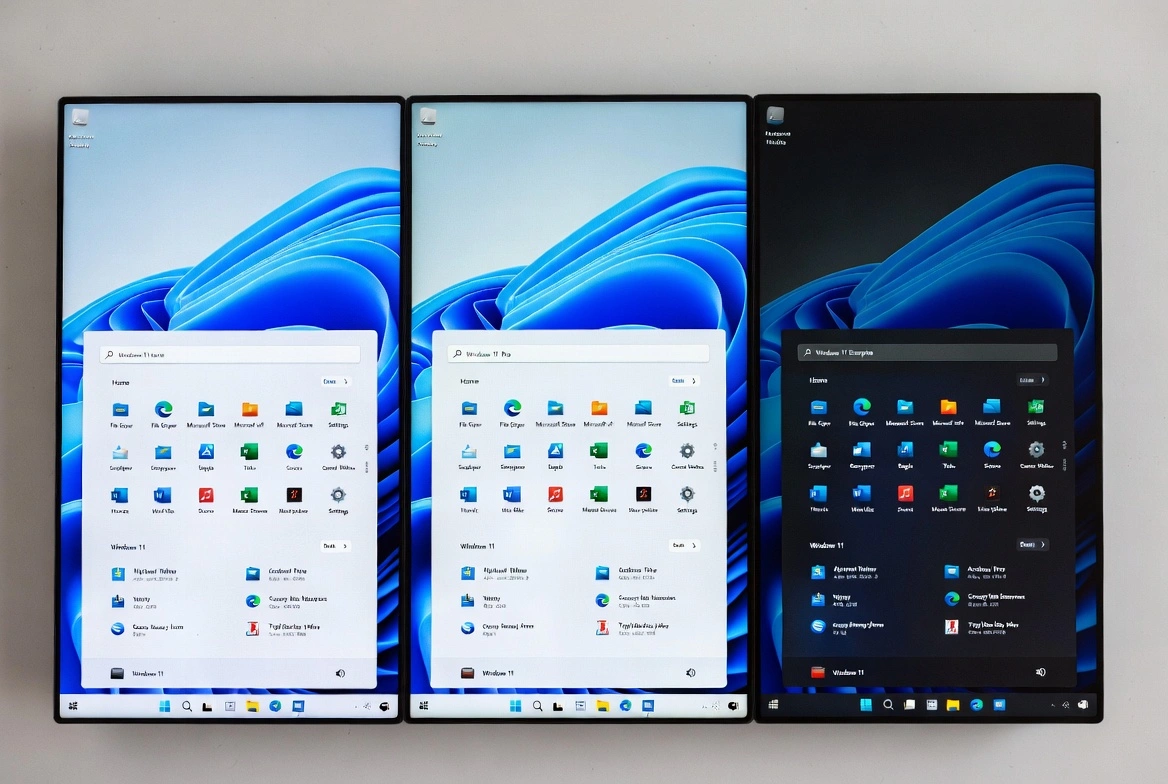
Feature Comparison Table
| Feature | Home | Pro | Enterprise |
|---|---|---|---|
| BitLocker Encryption | |||
| Remote Desktop Host | |||
| Group Policy Editor | |||
| Hyper-V | |||
| Windows Sandbox | |||
| Domain Join | |||
| Azure AD Join | |||
| Credential Guard | |||
| Application Guard | |||
| DirectAccess | |||
| AppLocker | |||
| LTSC Option | |||
| Max RAM | 128GB | 2TB | 6TB |
Windows 11 Home vs Pro: The Key Differences
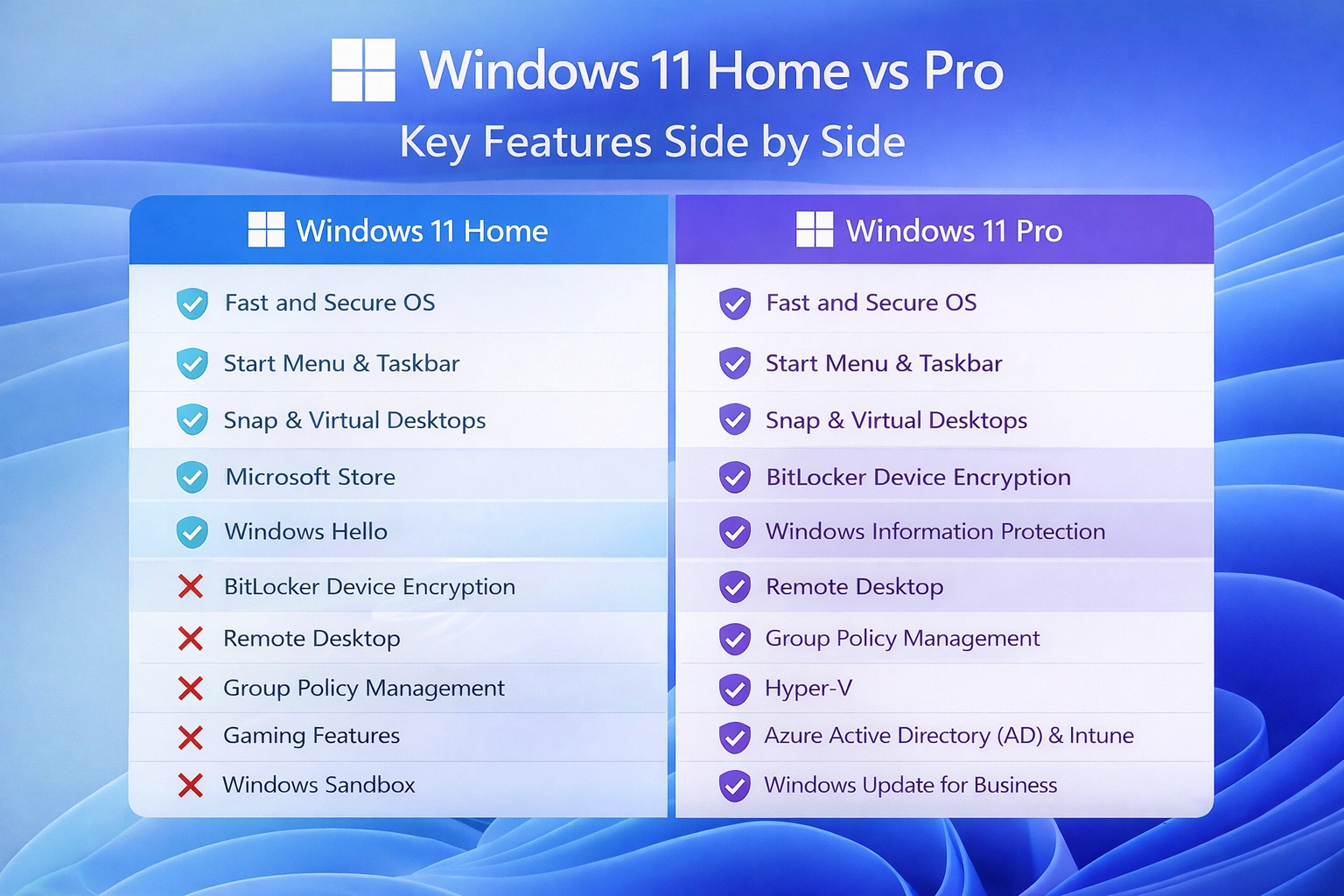
This is the most common comparison. Here's what you're actually paying extra for with Pro:
BitLocker Drive Encryption
HOME
Device encryption only (basic)
PRO
Full BitLocker with management options
Impact: Pro protects data if your laptop is stolen. Critical for anyone with sensitive files.
Remote Desktop
HOME
Can connect TO other PCs
PRO
Can be connected TO (host)
Impact: Pro lets you access your PC from anywhere. Essential for remote work.
Group Policy Editor
HOME
Not available
PRO
Full access (gpedit.msc)
Impact: Fine-tune Windows behavior, disable telemetry, enforce settings across multiple PCs.
Hyper-V
HOME
Not available
PRO
Full virtualization platform
Impact: Run virtual machines natively. Essential for developers and IT pros.
Windows Sandbox
HOME
Not available
PRO
Isolated testing environment
Impact: Test suspicious software safely without risking your main system.
If you work from home, handle client data, or need Remote Desktop access, Windows 11 Pro is worth every penny. For pure gaming or casual browsing, Home is sufficient.
Upgrade Paths: Moving Between Editions
Purchase upgrade key or enter Pro product key
Instant upgrade, no reinstall needed
Microsoft 365 E3/E5 subscription or volume license
Requires organization licensing
Free upgrade through Windows Update
If hardware meets requirements
Where to Buy: Best Prices for Each Edition
| Edition | Microsoft | Third-party | Recommendation |
|---|---|---|---|
| Windows 11 Home | $139 | $15-25 | Third-party keys are legitimate and save 80%+ |
| Windows 11 Pro | $199 | $15-40 | Best value upgrade. We sell genuine keys from $33.99 |
| Windows 11 Enterprise | Subscription only | N/A | Contact Microsoft for volume licensing |
Frequently Asked Questions
Can I upgrade from Home to Pro without reinstalling Windows?
Yes! Simply enter a Pro product key in Settings > System > Activation. Windows will upgrade instantly without losing any data or apps.
Is Windows 11 Pro worth it for gaming?
For pure gaming, no. Home includes all gaming features (DirectX 12, Auto HDR, DirectStorage). Pro is only worth it if you also need professional features like BitLocker or Remote Desktop.
What's the difference between OEM and Retail licenses?
OEM licenses are tied to one PC and can't be transferred. Retail licenses can be moved to a new computer. OEM is typically 40-60% cheaper.
Can students get Windows 11 for free?
Many universities provide Windows 11 Education through Microsoft Imagine/Azure Dev Tools for Teaching. Check with your school's IT department.
Is Windows 11 Pro for Workstations worth it?
Only if you have workstation-class hardware (Xeon/Epyc CPUs, 4+ processors, ECC RAM). For consumer hardware, you won't see any benefit.
Can I downgrade from Pro to Home?
No, downgrades require a clean reinstall. You cannot go from Pro to Home using a product key.
Final Recommendation
For 90% of users, the choice is between Home and Pro. Home is perfect for casual use and gaming. Pro is essential for anyone who works with sensitive data, needs remote access, or wants full control over their system. Enterprise and Education are only relevant for organizations with specific licensing arrangements.
Ready to upgrade? Get a genuine Windows 11 Pro key for just $33.99 - that's over 70% off Microsoft's price.