
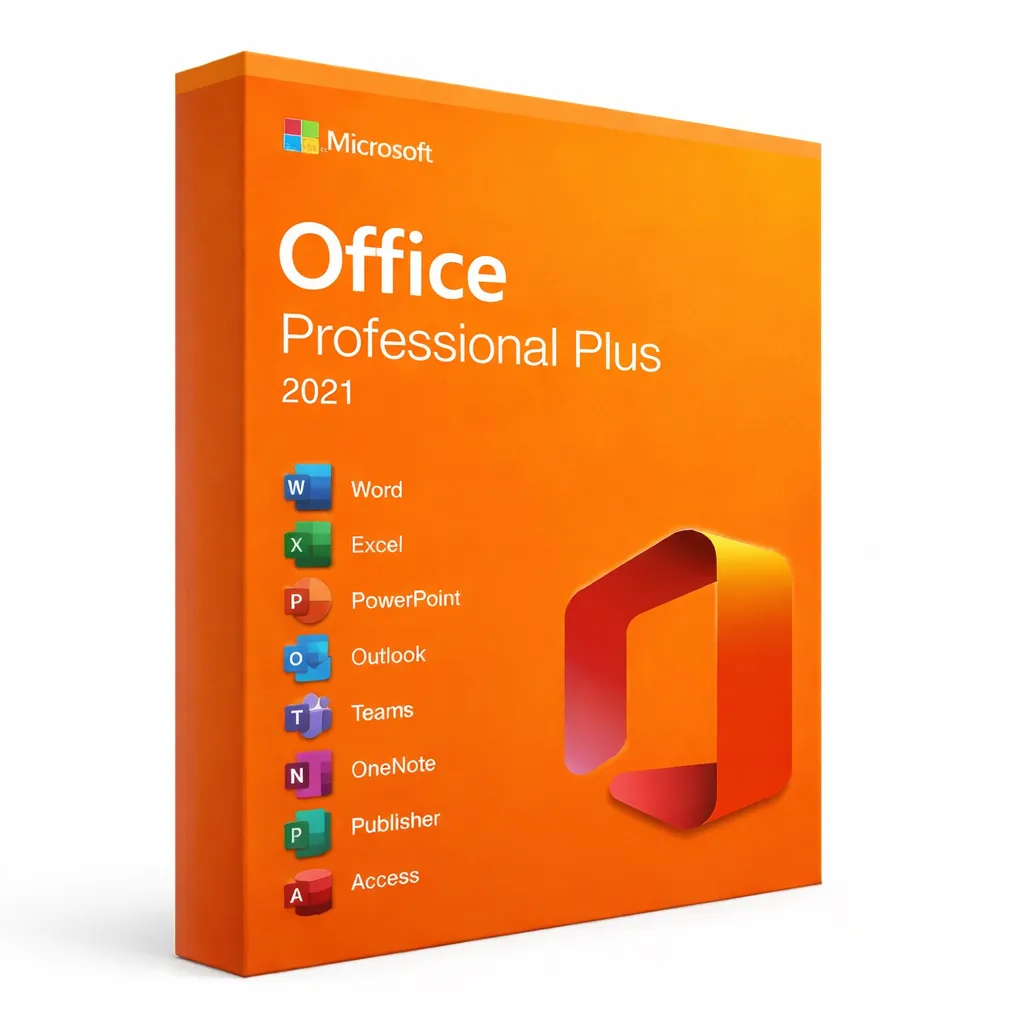


Microsoft Office 2021 Professional Plus
The Complete Desktop Office Suite with One-Time Purchase
Why Choose Office 2021 Professional Plus?
Microsoft Office 2021 Professional Plus delivers the complete desktop productivity experience with a one-time purchase. Unlike subscription-based alternatives, you pay once and own your software forever—no recurring fees, no internet requirements for core functionality. This makes it the ideal choice for professionals, small businesses, and organizations seeking cost-effective, reliable office software.
All 7 Professional Applications Included
Office 2021 Professional Plus includes the full suite of Microsoft's productivity applications:
Microsoft Word
Professional document creation with advanced formatting, collaboration tools, and accessibility features
Microsoft Excel
Powerful spreadsheets with XLOOKUP, dynamic arrays, and enhanced data analysis capabilities
Microsoft PowerPoint
Create impactful presentations with improved templates, transitions, and recording features
Microsoft Outlook
Complete email client with calendar, contacts, and task management integration
Microsoft Access
Build custom database applications for tracking, reporting, and data management
Microsoft Publisher
Desktop publishing for professional marketing materials and publications
Microsoft OneNote
Digital notebook for organizing notes, ideas, and collaboration
Office 2021 vs Microsoft 365: Which Is Right for You?
| Feature | Office 2021 | Microsoft 365 |
|---|---|---|
| Payment Model | One-time purchase | Monthly/yearly subscription |
| Ownership | Perpetual license | Access while subscribed |
| Updates | Security updates until 2026 | Continuous feature updates |
| Cloud Storage | Not included | 1TB OneDrive included |
| Internet Required | No (offline use) | Yes (for some features) |
| Total Cost (5 years) | ~$249 one-time | ~$350-700 subscription |
| Best For | Stable workflow users | Latest feature seekers |
What's New in Office 2021
XLOOKUP Function
Modern replacement for VLOOKUP with simplified syntax and better performance
Dynamic Arrays
Formulas that automatically spill results into multiple cells
LET Function
Define variables within formulas for cleaner, more efficient calculations
Real-time Co-authoring
Work simultaneously with others on shared documents
Improved Accessibility
Enhanced screen reader support and accessibility checker
Modern Visual Refresh
Updated interface with rounded corners and new icons
System Requirements
Minimum Requirements:
- Windows 10 or Windows 11 (32-bit or 64-bit)
- 1.6 GHz dual-core processor
- 4 GB RAM (64-bit) or 2 GB RAM (32-bit)
- 4 GB available disk space
- 1280 x 768 screen resolution
For optimal performance, we recommend pairing with Windows 11 Pro which provides enhanced security and compatibility.
Lifetime License Benefits
No Recurring Fees
Pay once, use forever—no monthly or yearly subscription costs
Offline Functionality
Work without internet connection—perfect for travel or limited connectivity
Security Updates
Receive Microsoft security patches until October 2026
Genuine Microsoft Product
Authentic product key with full Microsoft support eligibility
Simple Activation Process
- 1Download Office 2021 from the official Microsoft portal
- 2Run the installer and wait for installation to complete
- 3Open any Office application (Word, Excel, etc.)
- 4Enter your product key when prompted
- 5Sign in with a Microsoft account to link your license
Download directly from setup.office.com for the official installation files.
Should You Upgrade to Office 2024?
If you need the latest features including advanced AI capabilities and extended support until 2029, consider Office 2024 Professional Plus. However, Office 2021 remains an excellent choice for users who prefer proven stability and don't require the newest features.
Frequently Asked Questions
- Can I install Office 2021 on multiple computers?
- This license is valid for one PC. For additional installations, you'll need separate licenses.
- Will Office 2021 work with Windows 11?
- Yes, Office 2021 is fully compatible with Windows 10 and Windows 11.
- How long will Office 2021 receive updates?
- Microsoft will provide security updates until October 13, 2026.
- Can I upgrade to Office 2024 later?
- Yes, you can purchase Office 2024 separately when you're ready to upgrade.
- Is this a subscription?
- No, this is a one-time purchase with lifetime ownership—no recurring fees.