
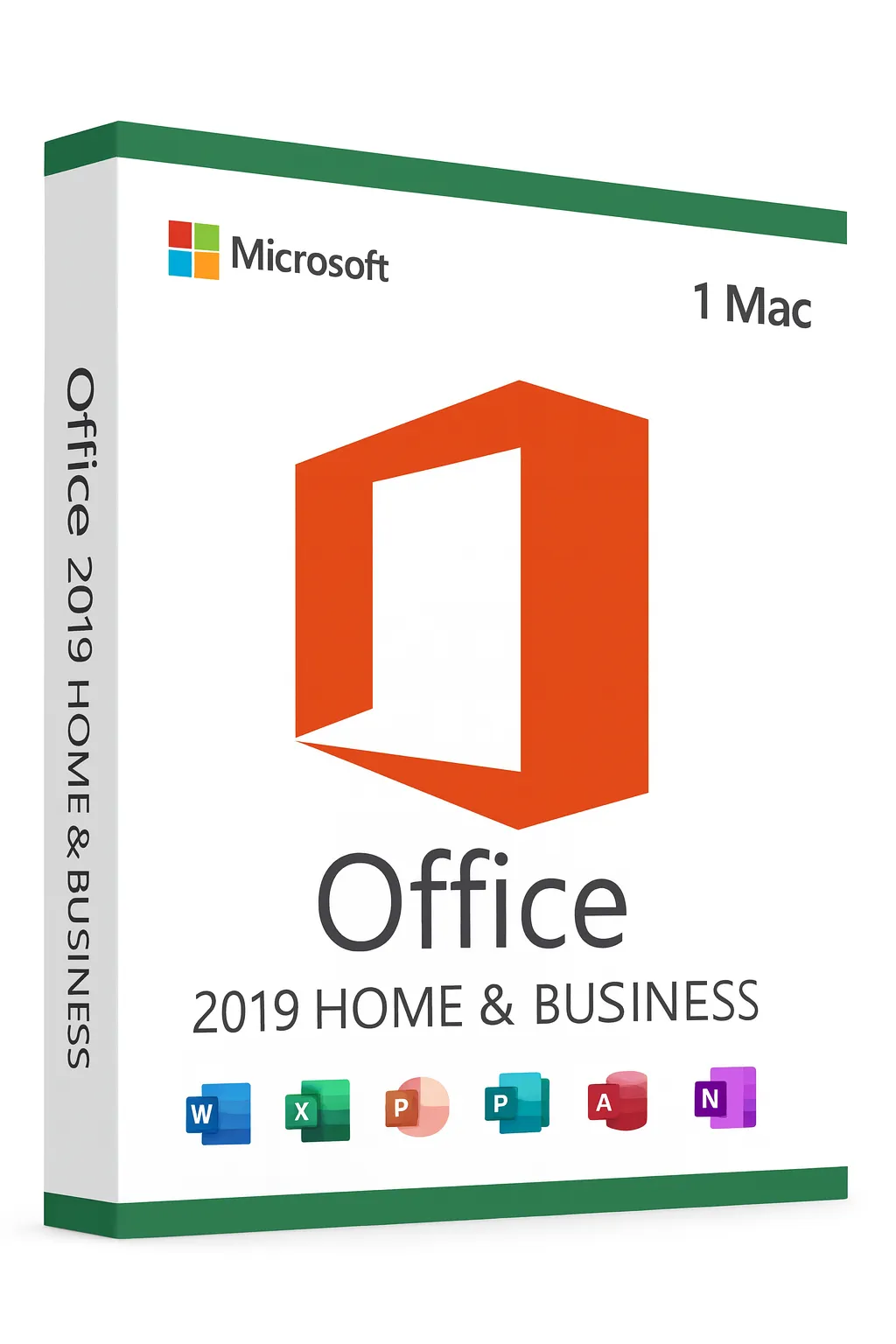


Microsoft Office 2019 Home & Business for Mac
Time-Tested Productivity Suite for macOS – Best Value
Proven Reliability at an Unbeatable Price
Microsoft Office 2019 Home & Business for Mac offers the essential Microsoft Office experience that millions of professionals trust daily. As a one-time purchase with no subscription fees, it delivers exceptional value for users who need reliable, proven productivity tools without the cost of newer versions. Perfect for budget-conscious professionals, students, and small businesses.
Why Choose Office 2019?
Best Value Option
Lowest cost Office suite with professional-grade features
Proven Stability
Mature, stable release with years of real-world testing
No Internet Required
Full functionality offline—work anywhere without connectivity
One-Time Purchase
Pay once, own forever—no recurring subscription fees
4 Core Applications Included
Office 2019 Home & Business for Mac includes the essential productivity applications:
Microsoft Word
Professional document creation with advanced formatting, Focus Mode, and Learning Tools
Microsoft Excel
Powerful spreadsheets with new formulas, charts, and improved pivot tables
Microsoft PowerPoint
Create engaging presentations with Morph transitions and 4K video export
Microsoft Outlook
Complete email client with focused inbox, calendar, and contact management
Office 2019 vs Newer Versions for Mac
| Feature | Office 2019 | Office 2021 | Office 2024 |
|---|---|---|---|
| Word, Excel, PowerPoint, Outlook | ✓ | ✓ | ✓ |
| Morph & Zoom Transitions | ✓ | ✓ | ✓ |
| XLOOKUP Function | ✗ | ✓ | ✓ |
| Dynamic Arrays | ✗ | ✓ | ✓ |
| Apple Silicon Native | Rosetta | ✓ | ✓ |
| Security Updates Until | Oct 2023* | Oct 2026 | Oct 2029 |
| Price Point | Lowest | Medium | Highest |
*Extended security updates may still be available. Core functionality remains fully operational.
Key Features in Office 2019
Morph Transitions
Cinematic motion effects for professional PowerPoint presentations
Focus Mode
Distraction-free writing environment in Word
Focused Inbox
Outlook automatically prioritizes your most important emails
New Excel Functions
IFS, SWITCH, TEXTJOIN, CONCAT, and more
4K Video Export
Export PowerPoint presentations in stunning 4K resolution
SVG & 3D Support
Insert and edit scalable graphics and 3D models
System Requirements for Mac
Minimum Requirements:
- macOS Sierra (10.12) or later
- Intel processor (runs via Rosetta on Apple Silicon)
- 4 GB RAM
- 10 GB available disk space
- 1280 x 800 screen resolution
Compatible with both older Intel Macs and newer Apple Silicon Macs via Rosetta 2.
Lifetime License Benefits
Unbeatable Value
Most affordable Office suite with professional features
Commercial Use Rights
Licensed for personal and business use
Perpetual Ownership
One-time purchase—no expiration or renewal needed
Offline Productivity
Works completely offline once installed
Easy Mac Activation
- 1Download Office from your Microsoft account
- 2Open the installer package and follow prompts
- 3Launch any Office application (Word, Excel, etc.)
- 4Sign in with your Microsoft account
- 5Enter your product key to activate
Need assistance? Visit Microsoft Support
Need Newer Features?
If you require XLOOKUP, dynamic arrays, or native Apple Silicon support, consider upgrading to Office 2021 Home & Business for Mac. However, Office 2019 remains fully functional and is the best choice for budget-conscious users.
Frequently Asked Questions
- Does Office 2019 work on M1/M2 Macs?
- Yes, it runs smoothly on Apple Silicon Macs through Rosetta 2 translation layer.
- Is this suitable for business use?
- Yes, the Home & Business edition includes commercial use rights for professional and business purposes.
- Will I still receive updates?
- While mainstream support has ended, the software remains fully functional. Consider Office 2021 if ongoing updates are important.
- Can I install on multiple Macs?
- This license is for one Mac. Additional installations require separate licenses.
- Is OneNote included?
- OneNote is available as a free download from the Mac App Store.