
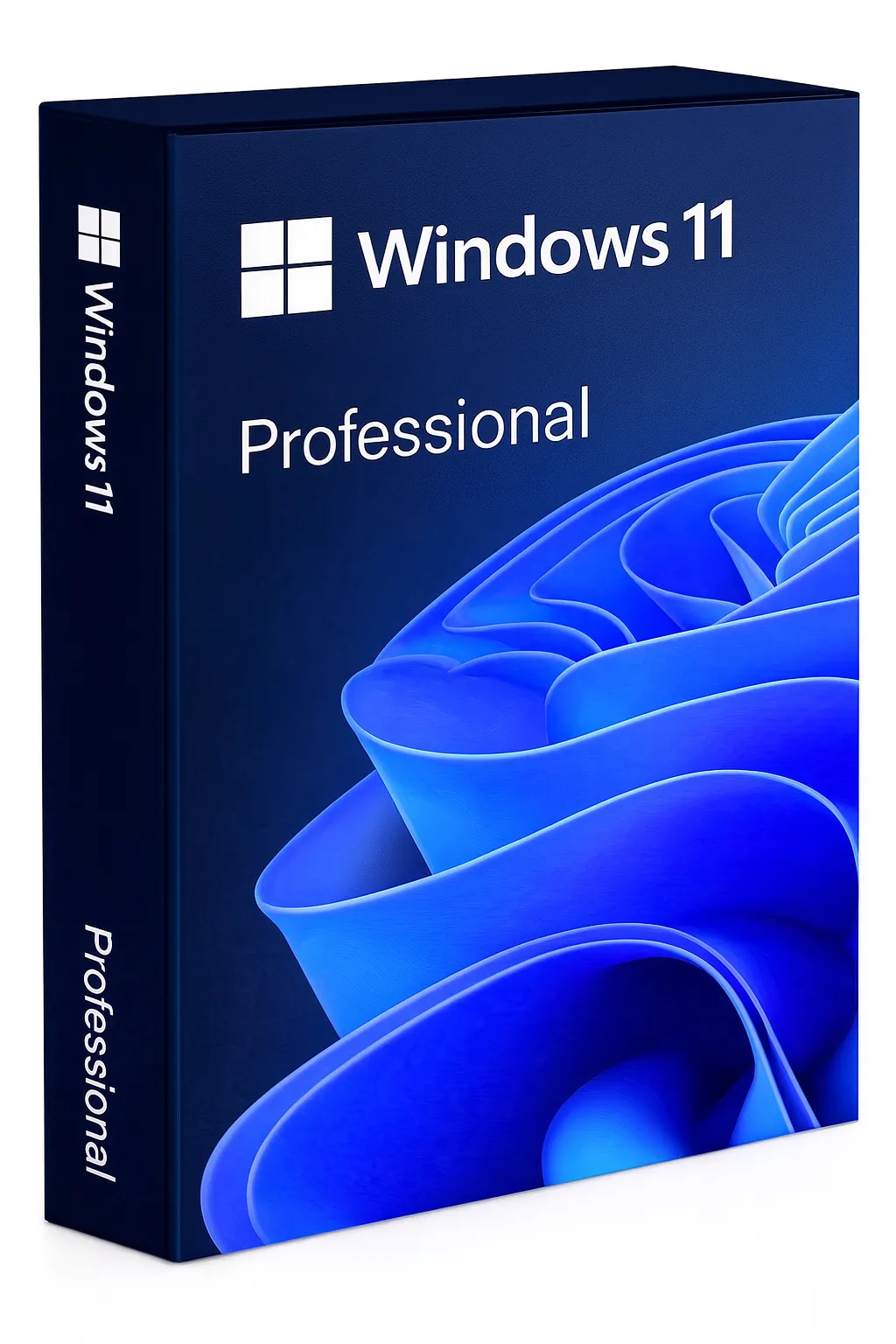


Windows 11 Pro
The Most Powerful Windows for Professionals
Windows 11 Pro is Microsoft's most advanced operating system, designed for professionals, businesses, and power users who need enterprise-grade security, remote desktop capabilities, and advanced management features. This lifetime digital license gives you permanent access to all Pro features without recurring fees.
Why Choose Windows 11 Pro Over Home?
Pro unlocks powerful features essential for business and advanced users
BitLocker Encryption
Full-disk encryption protects your sensitive data if your device is lost or stolen. Essential for business compliance.
Remote Desktop Host
Access your PC remotely from anywhere. Connect to your workstation from home, office, or on the go.
Hyper-V Virtualization
Run virtual machines natively. Perfect for developers, IT pros, and testing environments.
Windows Sandbox
Test untrusted applications in an isolated environment. Keeps your main system safe from potential threats.
Group Policy Management
Fine-grained control over system settings. Deploy configurations across multiple machines effortlessly.
Windows Information Protection
Separate personal and corporate data. Prevent accidental data leaks in enterprise environments.
Windows 11 Pro vs. Home Comparison
See exactly what you get with Pro
| Feature | Windows 11 Home | Windows 11 Pro |
|---|---|---|
| BitLocker Device Encryption | Partial | ✓ Full BitLocker |
| Remote Desktop (Host) | ✗ Not available | ✓ Included |
| Hyper-V Virtualization | ✗ Not available | ✓ Included |
| Windows Sandbox | ✗ Not available | ✓ Included |
| Group Policy Editor | ✗ Not available | ✓ Included |
| Azure AD Join | ✗ Not available | ✓ Included |
| Windows Update for Business | ✗ Not available | ✓ Included |
| Assigned Access (Kiosk Mode) | ✗ Not available | ✓ Included |
| Maximum RAM Support | 128 GB | 2 TB |
| Best For | Home users | Business & Power users |
Key Features of Windows 11
Modern Design
Centered taskbar, rounded corners, and a fresh visual experience that's both beautiful and functional.
Snap Layouts & Groups
Organize multiple windows effortlessly with snap layouts. Resume window arrangements instantly with snap groups.
Gaming Excellence
DirectStorage, Auto HDR, and DirectX 12 Ultimate deliver the best Windows gaming experience ever.
Enhanced Security
Hardware-based isolation, secure boot, and TPM 2.0 requirement make Windows 11 the most secure Windows yet.
Performance Optimized
Faster wake from sleep, optimized memory management, and improved battery life on laptops.
Virtual Desktops
Create separate desktops for work, gaming, and personal use. Switch between them seamlessly.
System Requirements
Windows 11 has specific hardware requirements for security features.
- Processor:
- 1 GHz or faster with 2+ cores on a compatible 64-bit processor
- RAM:
- 4 GB minimum (8 GB+ recommended)
- Storage:
- 64 GB or larger storage device
- TPM:
- Trusted Platform Module (TPM) version 2.0
- Graphics:
- DirectX 12 compatible with WDDM 2.0 driver
- Display:
- HD display (720p) greater than 9" diagonally
- UEFI:
- UEFI, Secure Boot capable firmware
- Internet:
- Required for activation and updates
Lifetime License Benefits
Your Windows 11 Pro license is permanent and tied to your Microsoft account. Reinstall anytime without repurchasing.
- One-time purchase — no subscription fees ever
- Linked to your Microsoft account for easy reinstallation
- Receive all feature and security updates automatically
- Transfer to new hardware (one active installation at a time)
- Full commercial and business use rights included
- Genuine Microsoft license with official activation
Easy Activation Process
Activate your Windows 11 Pro license in minutes. Download the official Windows 11 ISO from Microsoft's official download page and enter your product key during or after installation.
Purchase & Receive Key
Get your product key instantly via email
Download Windows 11
Get official ISO from Microsoft
Install Windows
Clean install or upgrade from Windows 10
Activate License
Enter your key in Settings > Activation
Upgrade from Windows 10
Upgrading from Windows 10 to Windows 11 Pro is seamless. Your files, apps, and settings are preserved during the upgrade process. If your PC meets the hardware requirements, you can upgrade directly through Windows Update or using the Installation Assistant.
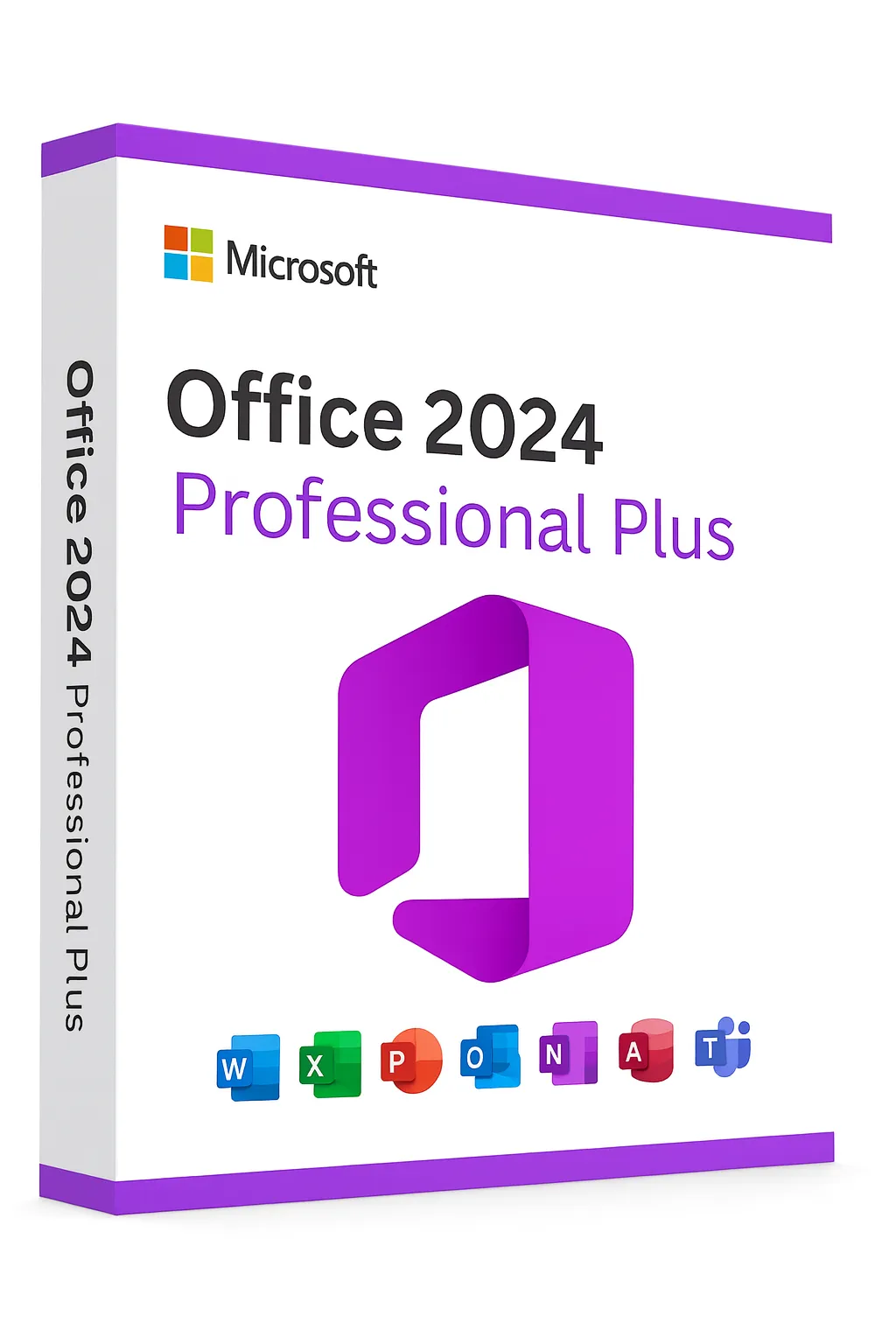
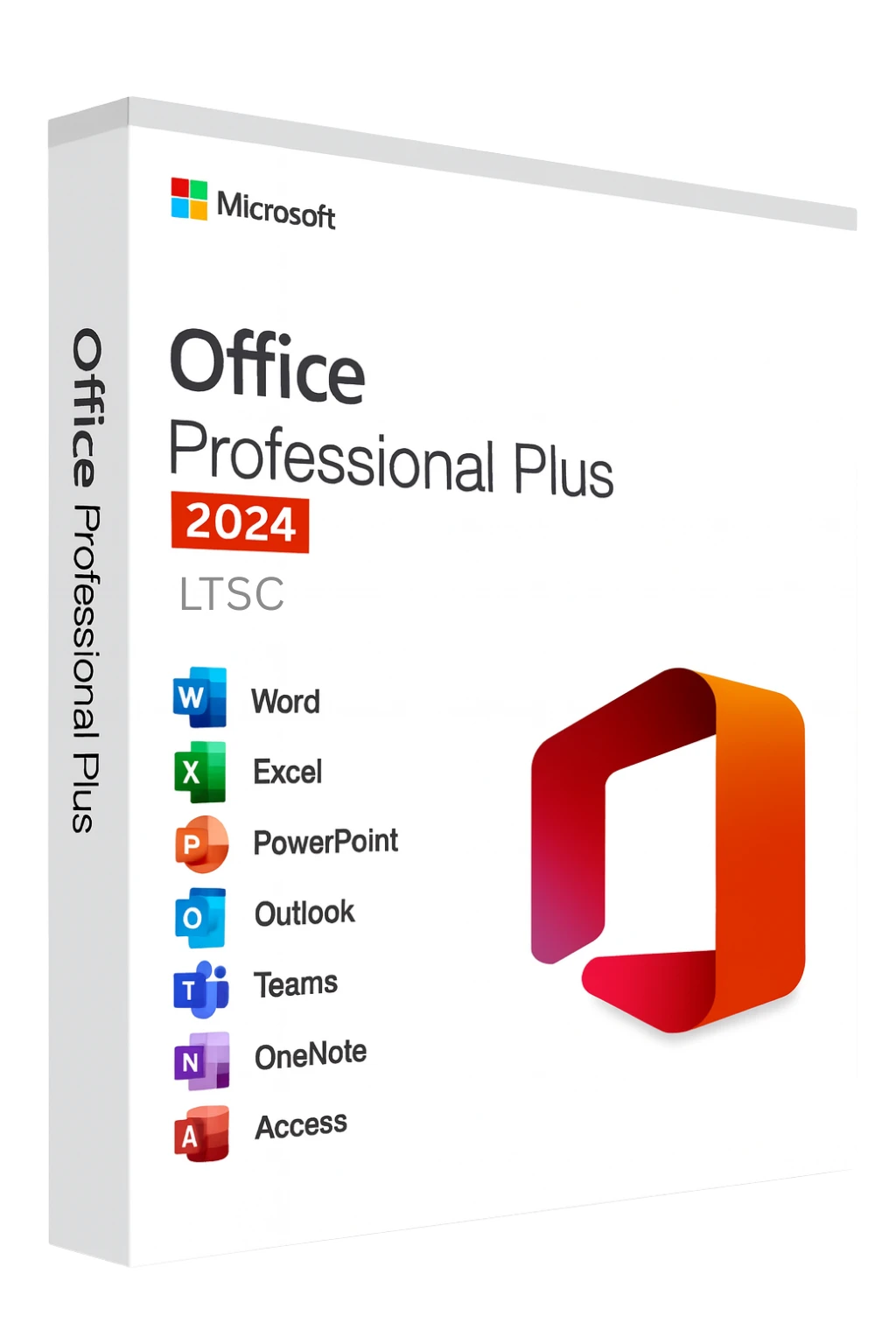
Maximize your productivity by pairing Windows 11 Pro with Microsoft Office 2024 Professional Plus — the complete suite of professional applications.
Frequently Asked Questions
Is this a genuine Microsoft product key?▼
Can I upgrade from Windows 10?▼
What's the difference between retail and OEM licenses?▼
Will I receive updates?▼
Does my PC support Windows 11?▼
Save more with our Windows 11 Pro + Office 2024 Bundle and get both products at a discounted price.