
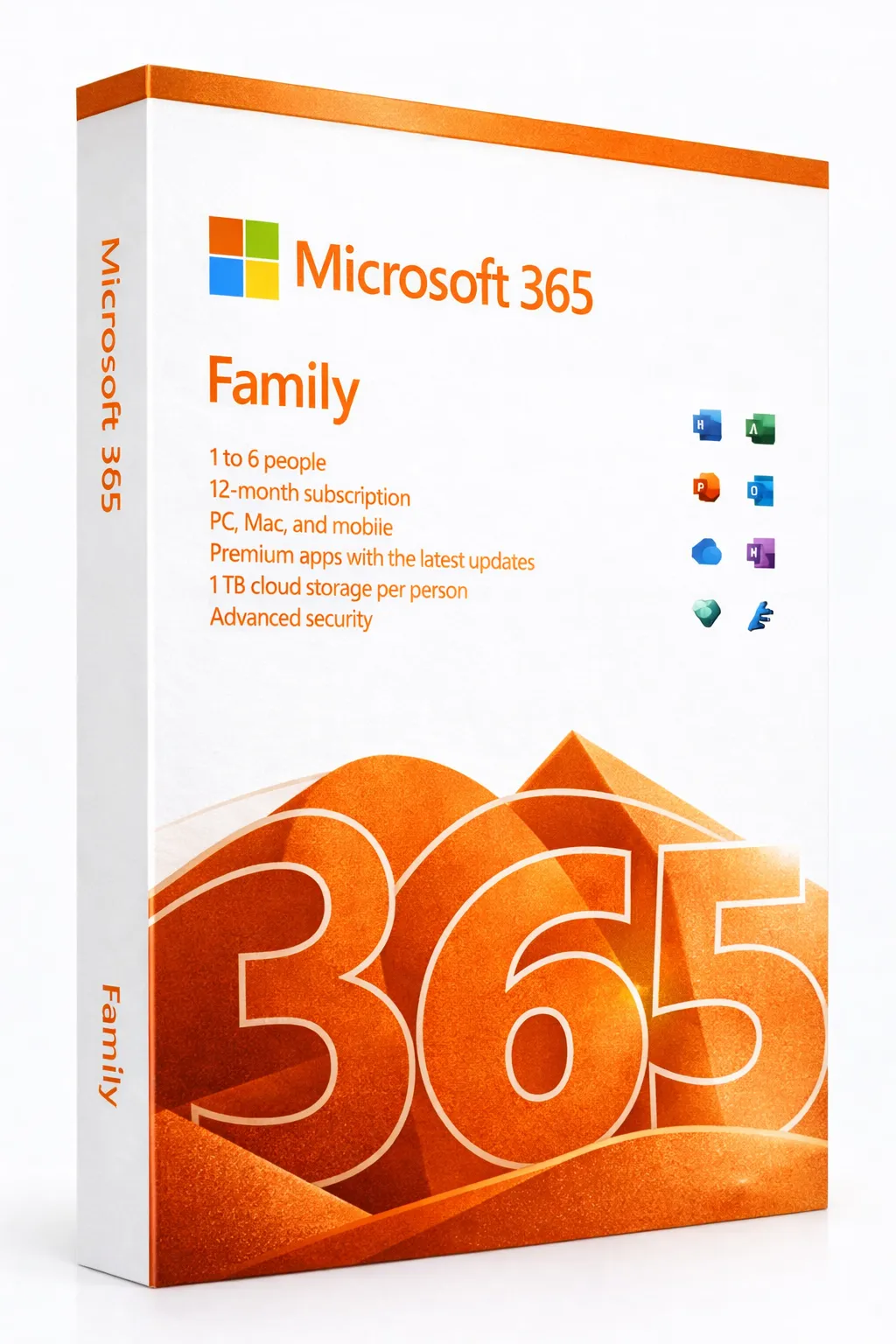


Microsoft 365 Family
6 Users • 6TB Cloud Storage • Always Updated Apps • 1 Year
The Complete Family Productivity Solution
Microsoft 365 Family is the ultimate productivity subscription for households, providing up to 6 family members with the full Microsoft Office suite, 1TB of OneDrive cloud storage each (6TB total), and premium features across all devices. With always-updated apps, advanced security, and AI-powered tools, every family member gets their own personalized workspace while sharing one affordable subscription.
Why Families Choose Microsoft 365
6 Users, 1 Subscription
Share with up to 5 other family members—each gets their own account
6TB Cloud Storage
1TB OneDrive per person—never worry about running out of space
Always Updated
Automatic updates ensure you always have the latest features and security
All Devices Covered
Use on PC, Mac, tablets, and phones—unlimited installations
Premium Apps Included
Every family member gets access to the full suite of Microsoft 365 apps:
Word
Professional documents with AI writing assistance
Excel
Powerful spreadsheets with latest functions
PowerPoint
Stunning presentations with Designer AI
Outlook
Premium email with advanced features
OneNote
Digital notebooks synced everywhere
OneDrive
1TB cloud storage per user
Premium Features Included
Microsoft Copilot Features
AI-powered writing, editing, and design assistance across apps
Microsoft Editor
Advanced spelling, grammar, and style suggestions in 20+ languages
Personal Vault
Extra-secure OneDrive folder with identity verification
Ransomware Recovery
Restore OneDrive files from ransomware attacks up to 30 days
Family Safety
Screen time limits, content filters, and location sharing for kids
Skype Minutes
60 minutes of Skype calls to mobile and landlines per month
Microsoft 365 vs One-Time Purchase
| Feature | Microsoft 365 Family | Office 2024 (One-Time) |
|---|---|---|
| Payment | $99.99/year | ~$249 once |
| Users | Up to 6 | 1 user |
| Cloud Storage | 6TB (1TB each) | Not included |
| App Updates | Always latest | No feature updates |
| Devices | Unlimited installs | 1 PC or Mac |
| AI Features | Included | Limited |
| Mobile Apps | Premium | Basic |
| Family Safety | ✓ | ✗ |
| Best For | Families, cloud users | Single user, offline |
What Each Family Member Gets
- Personal Microsoft account with own files and settings
- 1TB OneDrive cloud storage (not shared, personal)
- Office apps on unlimited devices
- 50GB Outlook.com mailbox
- Ad-free Outlook.com experience
- Access to premium mobile app features
Family Security & Safety
Microsoft 365 Family includes advanced security features:
Personal Vault
Protected OneDrive folder requiring extra identity verification
Ransomware Detection
Automatic alerts and file recovery from attacks
Family Safety App
Monitor kids' screen time, app usage, and location
Password-Free Sign-In
Secure authentication with Microsoft Authenticator
1-Year Subscription Benefits
6 Full Accounts
Each family member gets their own complete Microsoft 365
6TB Total Storage
1TB per person for documents, photos, and backups
Continuous Updates
New features added automatically throughout the year
Premium Support
Access to Microsoft support for all family members
Prefer a One-Time Purchase?
If you prefer to pay once without subscription, consider Office 2024 Professional Plus. However, you'll miss out on cloud storage, continuous updates, and multi-user benefits that make Microsoft 365 Family ideal for households.
Frequently Asked Questions
- How do I share with family members?
- After activation, visit account.microsoft.com/family to invite up to 5 family members via email. Each person creates their own Microsoft account.
- Do family members share storage?
- No, each person gets their own 1TB of OneDrive storage (6TB total). Files and storage are completely separate and private.
- Can I use it on multiple devices?
- Yes, each family member can install Microsoft 365 on unlimited devices, though only 5 devices can be signed in simultaneously.
- What happens when the year ends?
- You'll need to renew to continue using the apps and accessing OneDrive storage. Your files remain in OneDrive but become read-only until you renew.
- Is this the same as Microsoft 365 Personal?
- Microsoft 365 Family supports up to 6 users with 6TB storage. Personal is for 1 user with 1TB storage at a lower price.