
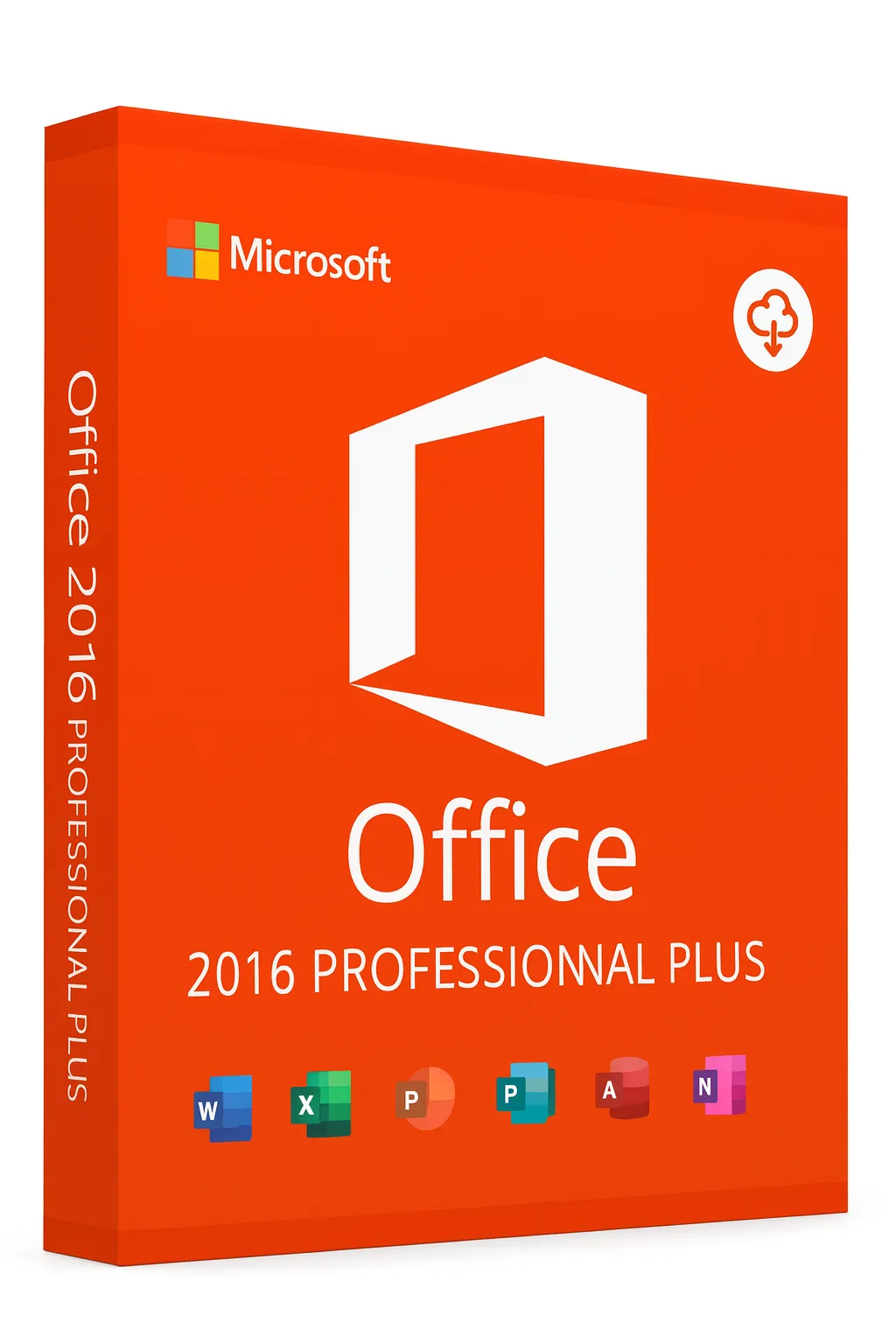


Microsoft Office 2016 Professional Plus
Classic Productivity Suite – Lowest Price, Proven Performance
The Most Affordable Professional Office Suite
Microsoft Office 2016 Professional Plus remains a reliable choice for users seeking essential productivity tools at the lowest possible price. With over a decade of proven performance, Office 2016 delivers the core Word, Excel, PowerPoint, and Outlook experience that millions still depend on daily. Perfect for older systems, basic productivity needs, and budget-conscious users who don't require the latest features.
Why Choose Office 2016 Pro Plus?
Lowest Price Available
Most affordable way to get the complete Professional Plus suite
Decade of Stability
10+ years of real-world use proving rock-solid reliability
Legacy System Compatible
Works on older PCs and Windows versions others don't support
Complete Offline Use
No cloud dependency—works entirely without internet
All 7 Professional Applications
Office 2016 Professional Plus includes the complete classic suite:
Word
Professional document creation and editing
Excel
Spreadsheets with charts and pivot tables
PowerPoint
Presentation creation and delivery
Outlook
Email, calendar, and contacts
Access
Database management
Publisher
Desktop publishing
OneNote
Digital note-taking
Key Features in Office 2016
Tell Me Feature
Natural language search to find commands and features quickly
Real-Time Co-Authoring
Collaborate with others on documents simultaneously
Smart Lookup
Research information without leaving your document
New Chart Types
Treemap, Sunburst, Waterfall, and Box & Whisker charts in Excel
One-Click Forecasting
Create forecast charts with a single click in Excel
Designer in PowerPoint
AI-powered design suggestions for better presentations
Office 2016 vs Newer Versions
| Feature | Office 2016 | Office 2019 | Office 2021 |
|---|---|---|---|
| All 7 Pro Plus Apps | ✓ | ✓ | ✓ |
| Tell Me Search | ✓ | ✓ | ✓ |
| Real-Time Co-Authoring | ✓ | ✓ | ✓ |
| Morph Transitions | ✗ | ✓ | ✓ |
| Focus Mode | ✗ | ✓ | ✓ |
| XLOOKUP | ✗ | ✗ | ✓ |
| Dynamic Arrays | ✗ | ✗ | ✓ |
| Windows 7 Support | ✓ | ✗ | ✗ |
| Price | Lowest | Low | Medium |
Perfect For
- Users with the tightest budgets seeking professional tools
- Older PCs running Windows 7, 8, or 8.1
- Basic productivity needs—documents, spreadsheets, presentations
- Organizations with legacy system requirements
- Anyone who doesn't need features introduced after 2016
Important Considerations
- Extended Support Ended: Microsoft ended support in October 2020, but the software remains fully functional
- No New Security Patches: Consider for offline use or low-risk environments
- Full Functionality: All features work exactly as they always have—nothing is disabled
Lifetime License Benefits
Absolute Lowest Price
The most affordable Professional Plus suite available
Perpetual Ownership
One-time purchase with no expiration
Complete Offline Use
Works 100% without internet connection
All 7 Applications
Full Professional Plus suite including Publisher & Access
Need More Features or Support?
If you require Morph transitions, Focus Mode, or continued security updates, consider Office 2019 Professional Plus. However, for basic productivity at the lowest price, Office 2016 remains a solid choice.
Frequently Asked Questions
- Does Office 2016 still work?
- Yes, Office 2016 is fully functional. While Microsoft ended support, all features continue to work exactly as designed.
- Is Office 2016 safe to use?
- For offline use or low-risk environments, Office 2016 works fine. For sensitive work, consider a supported version.
- Does it work on Windows 10/11?
- Yes, Office 2016 runs on Windows 10 and Windows 11, though it was designed for Windows 7/8/10.
- What's the main difference from newer versions?
- Office 2016 lacks Morph transitions, Focus Mode, XLOOKUP, and dynamic arrays. Core functionality is identical.
- Is this a subscription?
- No, this is a one-time purchase. You pay once and own it forever—no recurring fees.