
Windows 11 vs macOS Sonoma: Which Operating System Is Right for You?

Callum specializes in breaking down complex technology topics into easy-to-understand guides. He has a background in computer science and technical writing.
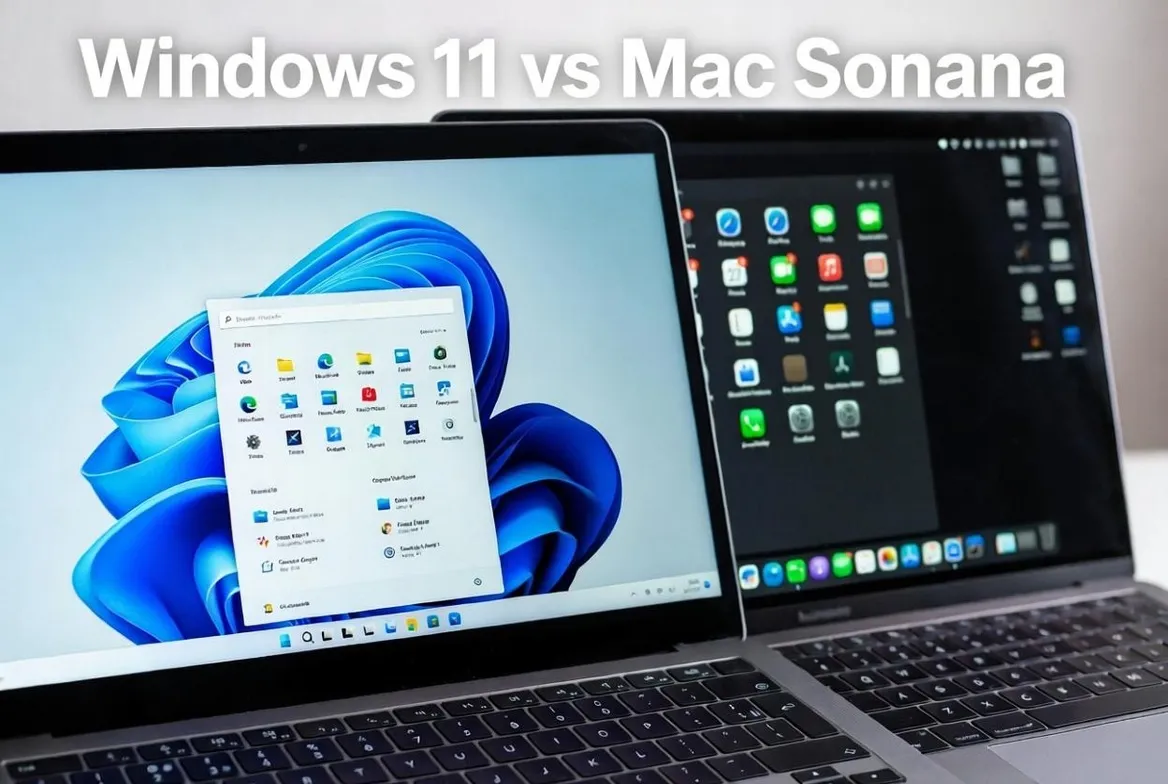
Windows 11 vs macOS Sonoma: Which Operating System Is Right for You?
Choosing between Windows 11 and macOS Sonoma is one of the most important technology decisions you can make. This comprehensive guide compares both operating systems in depth to help you make the right choice based on your specific needs in 2024.
1. Introduction to the Comparison
The rivalry between Windows and macOS has defined personal computing for decades. With Windows 11 and macOS Sonoma, Microsoft and Apple have refined their visions of what a modern operating system should be. Both offer unique experiences with distinct strengths.
2024 Market Statistics
- • Windows: ~72% of global desktop market share
- • macOS: ~16% of global desktop market share
- • User Satisfaction: macOS 87% vs Windows 82%
- • Enterprise Usage: Windows dominates at 88%
2. User Interface and Experience
Windows 11: Refreshed Design
- Centered Start Menu: New location with simplified design
- Rounded Corners: Softer, more modern aesthetic
- Widgets: Side panel with personalized information
- Snap Layouts: Advanced window organization
- Virtual Desktops: Multiple workspaces
- Dark Mode: Complete system-wide dark theme
macOS Sonoma: Refined Elegance
- Desktop Widgets: Now available outside Notification Center
- Screen Savers: Spectacular slow-motion videos
- Safari Profiles: Separate browsing for work and personal
- Video Conferencing: Presenter Overlay and improved reactions
- Game Mode: Gaming optimization
- Continuity: Seamless integration with Apple devices
🏆 Interface Verdict
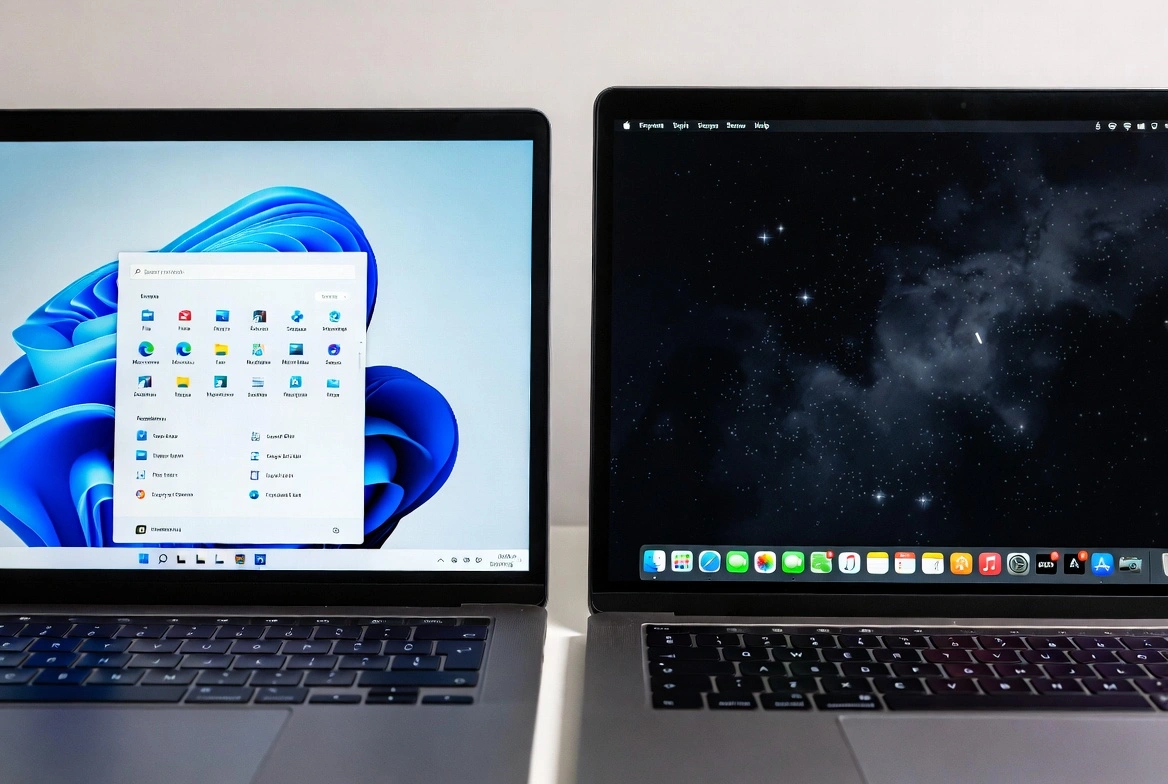
macOS Sonoma offers a more consistent and elegant experience, while Windows 11 provides more customization options. For users who value simplicity, macOS wins; for those who prefer total control, Windows is better.
3. Performance and Optimization
Windows 11 Performance
- Minimum Requirements: TPM 2.0, Secure Boot, 4GB RAM, 64GB storage
- Optimization: Improvements in memory and CPU management
- DirectStorage: Faster game loading
- Hibernation: Faster system resume
- Compatibility: Works on varied hardware
macOS Sonoma Performance
- Apple Silicon: Optimized for M1, M2, M3 chips
- Power Efficiency: Excellent battery life
- Metal 3: High-performance graphics
- Unified Memory: Efficient memory management
- Instant Wake: Immediate wake from sleep mode
| Aspect | Windows 11 | macOS Sonoma |
|---|---|---|
| System Boot | 15-30 seconds (SSD) | 10-15 seconds (Apple Silicon) |
| RAM Usage | 3-4 GB base | 2-3 GB base |
| Battery Life | Variable by hardware | Up to 22 hours (M3) |
| Updates | Monthly, can be slow | Less frequent, faster |
4. Software Compatibility
Windows-Exclusive Software
- Full Microsoft Office: Most complete version on Windows
- Enterprise Software: SAP, Oracle, specialized software
- AAA Games: Broader catalog
- Engineering Software: AutoCAD, SolidWorks, CATIA
- .NET Development: Better native support
macOS-Exclusive Software
- Final Cut Pro: Professional video editing
- Logic Pro: Professional music production
- Xcode: iOS/macOS development
- Motion & Compressor: Graphics and encoding
- Apple Apps: Free Pages, Numbers, Keynote
Software Available on Both
Adobe Creative Cloud, Microsoft 365, Slack, Zoom, Chrome, Firefox, VS Code, Spotify, Discord, and most popular applications are available on both platforms.
5. Security and Privacy
Windows 11 Security
- Windows Defender: Effective built-in antivirus
- Mandatory TPM 2.0: Hardware-based security
- Windows Hello: Biometric authentication
- BitLocker: Disk encryption
- Smart App Control: Protection against malicious apps
- Sandbox: Isolation of suspicious applications
macOS Sonoma Security
- Gatekeeper: Application verification
- XProtect: Built-in malware protection
- FileVault: Full disk encryption
- Touch ID/Face ID: Biometric authentication
- Secure Enclave: Chip-level security
- App Sandbox: Application isolation
🔒 Security Verdict
Both systems are secure, but macOS has an advantage due to less malware exposure (from lower market share) and Apple's hardware-software integration. Windows 11 has improved significantly but requires more user vigilance.
6. Ecosystem and Devices
Windows Ecosystem
- Phone Link: Connection with Android phones
- OneDrive: Integrated cloud storage
- Xbox: Console and PC integration
- Surface: Microsoft device lineup
- Hardware Variety: Thousands of options from manufacturers
Apple Ecosystem
- Handoff: Continue tasks between devices
- AirDrop: Share files instantly
- iCloud: Complete synchronization
- Universal Control: Use one keyboard/mouse across Macs
- Sidecar: Use iPad as second display
- iPhone Mirroring: New in Sonoma, control your iPhone from Mac
🌐 Ecosystem Verdict
If you have Apple devices, the macOS ecosystem is unmatched. If you use Android and Windows, the Microsoft ecosystem offers better integration. For mixed users, both work but with less fluidity.
7. Gaming and Entertainment
Windows 11 Gaming
- DirectX 12 Ultimate: Next-generation graphics
- Auto HDR: Automatic graphics enhancement
- DirectStorage: Minimal loading times
- Xbox Game Pass: Hundreds of games by subscription
- Catalog: Virtually all PC games available
- VR: Full virtual reality support
macOS Sonoma Gaming
- Game Mode: Prioritizes resources for games
- Metal 3: High-performance graphics API
- Game Porting Toolkit: Makes porting Windows games easier
- Apple Arcade: Exclusive games by subscription
- Growing Catalog: Resident Evil, Death Stranding, more coming
🎮 Gaming Verdict
Windows 11 is the clear winner for gaming. Although macOS is improving significantly, Windows' catalog is unbeatable. If games are your priority, Windows is the only serious option.

8. Professional Productivity
Windows 11 Productivity
- Snap Layouts: Organize windows efficiently
- PowerToys: Advanced productivity tools
- WSL2: Linux integrated in Windows
- Microsoft 365: Complete office suite
- Copilot: Integrated AI assistant
macOS Sonoma Productivity
- Stage Manager: Modern window management
- Spotlight: Powerful system search
- Automator/Shortcuts: Task automation
- Quick Look: Instant file preview
- Time Machine: Complete automatic backup
9. For Creative Professionals
Creative Work on Windows
- Adobe Creative Cloud: Optimized performance
- DaVinci Resolve: Professional video editing
- Touch Screens: Better stylus support
- Varied Hardware: Customizable workstations
- 3D Rendering: Better NVIDIA GPU support
Creative Work on Mac
- Final Cut Pro: Video editing optimized for Apple Silicon
- Logic Pro: Professional music production
- ProRes: Hardware-accelerated professional codec
- Retina Displays: Exceptional color accuracy
- Calibration: Precise factory color profiles
🎨 Creative Verdict
macOS is preferred by video editors and music producers for Final Cut and Logic Pro. Windows is better for 3D modeling and rendering due to NVIDIA GPU support. For graphic design and photography, both are excellent.

10. Price and Value
| Aspect | Windows 11 | macOS Sonoma |
|---|---|---|
| OS Cost | $139-199 (or free with upgrade) | Free with Mac |
| Entry Hardware | $300-500 (basic laptop) | $999 (MacBook Air M2) |
| Professional Hardware | $1,500-3,000 | $1,999-6,999 |
| Typical Longevity | 4-6 years | 6-8 years |
| Software Support | 5+ years of updates | 5-7 years of updates |
💰 Price Verdict
Windows offers more price options and better initial value. Mac has higher upfront cost but better value retention and longevity. In the long run, total cost of ownership can be similar.
11. Conclusion and Recommendations
Choose Windows 11 If:
- ✅ PC gaming is an important priority
- ✅ You need specific enterprise software
- ✅ You work with 3D modeling and need NVIDIA GPUs
- ✅ You prefer more hardware and price options
- ✅ You primarily use Android devices
- ✅ You require maximum system customization
Choose macOS Sonoma If:
- ✅ Battery life is critical for you
- ✅ You already have other Apple devices
- ✅ You work in video editing or music production
- ✅ You develop applications for iOS/macOS
- ✅ You value a polished user experience
- ✅ You prefer less system maintenance
⭐ Final Recommendation
There's no universal winner. Windows 11 is more versatile and accessible, ideal for gaming and enterprise work. macOS Sonoma offers a more refined experience and is excellent for creatives and Apple ecosystem users. Evaluate your specific needs: required software, budget, device ecosystem, and primary use cases.
Quick Comparison Summary
Windows 11 Wins In:
- 🎮 Gaming
- 💼 Enterprise software
- 🔧 Customization
- 💰 Price variety
- 🖥️ Hardware options
macOS Sonoma Wins In:
- 🔋 Battery life
- 🎬 Video editing
- 🎵 Music production
- 📱 Integrated ecosystem
- 🔒 Out-of-box security