
Microsoft Office 2024 New Features: Everything You Need to Know

Callum specializes in breaking down complex technology topics into easy-to-understand guides. He has a background in computer science and technical writing.
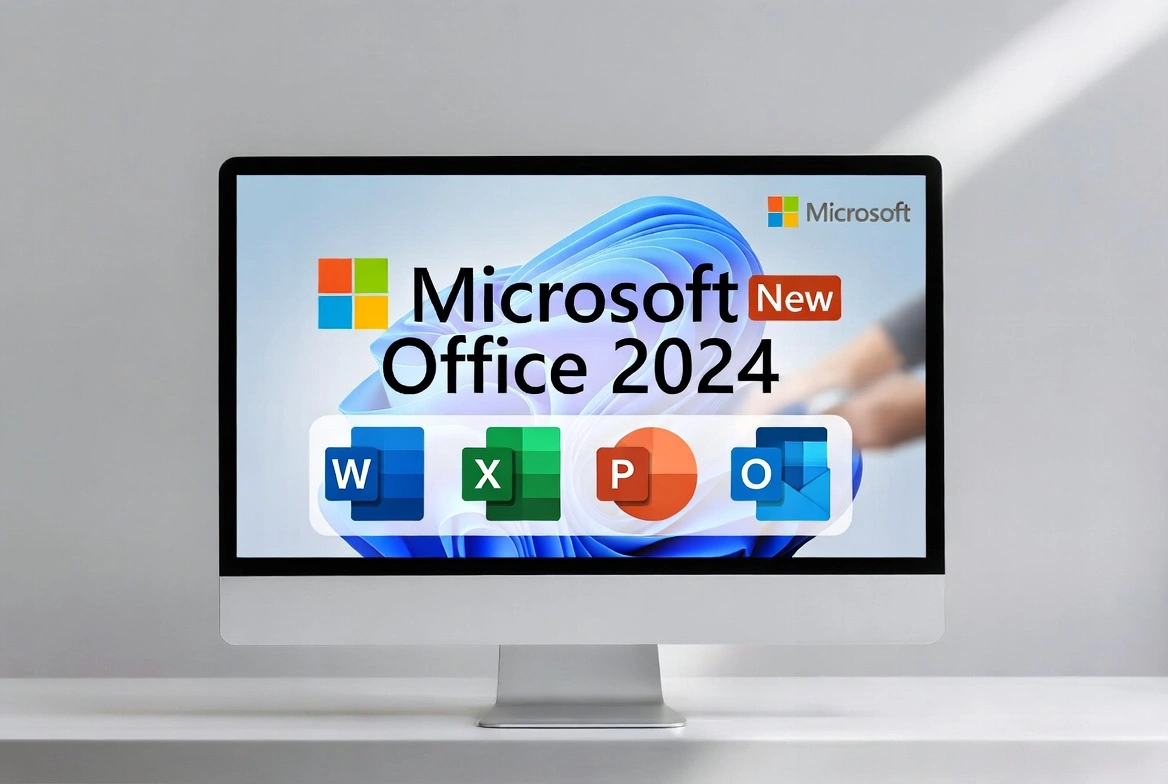
Microsoft Office 2024 has arrived with significant improvements across all core applications. From new AI-adjacent features to performance and design enhancements, this comprehensive guide covers everything you need to know about the latest version of the world's most popular productivity suite.
What Is Microsoft Office 2024?
Microsoft Office 2024 is the latest one-time purchase version of the Office suite, designed for users who prefer paying once rather than a monthly subscription like Microsoft 365. It includes Word, Excel, PowerPoint, OneNote, and Outlook with significant updates.
Available Editions
- • Office Home 2024: Word, Excel, PowerPoint, OneNote
- • Office Home & Business 2024: All above + Outlook
- • Office Professional 2024: All above + Access and Publisher
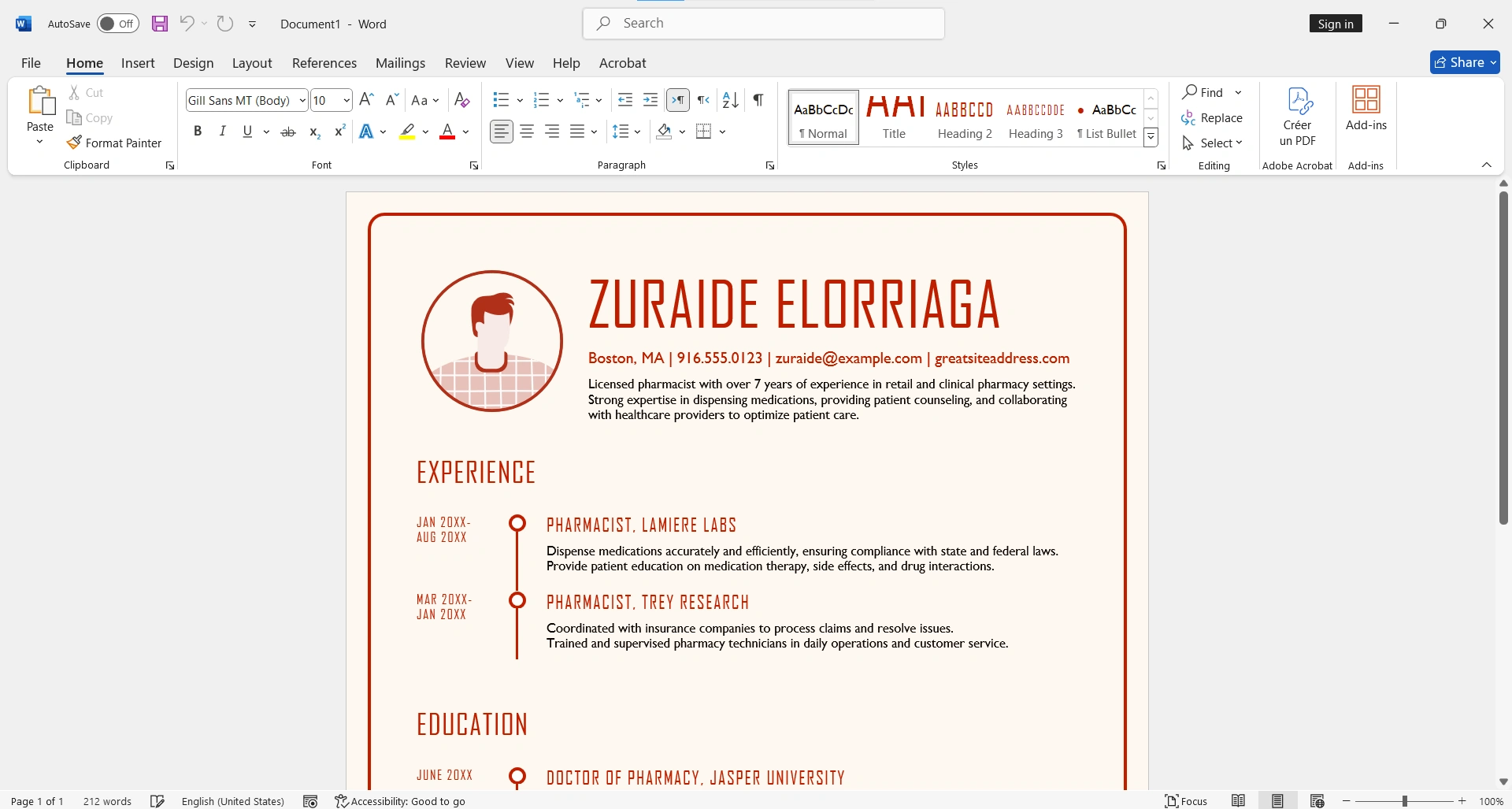
New Features in Word 2024
Word 2024 introduces improvements focused on productivity and accessibility, making document creation more efficient than ever.
Enhanced Search
The new search function in Word 2024 is smarter and faster. You can now search not just for text, but also for formats, styles, and specific content types. Predictive search suggests results as you type.
Improved Co-authoring
- Clearer real-time presence indicators
- Improved automatic conflict resolution
- More detailed version history
- Comments anchored to specific text
Advanced Accessibility
- Enhanced accessibility checker: Identifies more potential issues
- Automatic alt text: Generates descriptions for images
- Optimized keyboard navigation: More intuitive shortcuts
- Improved reading mode: More customization options
New Features in Excel 2024
Excel 2024 brings some of the most significant updates, with new functions and performance improvements that transform data analysis.
14 New Text Functions
| Function | Description |
|---|---|
| TEXTSPLIT | Splits text into columns/rows by delimiter |
| TEXTBEFORE | Extracts text before a delimiter |
| TEXTAFTER | Extracts text after a delimiter |
| VSTACK | Stacks arrays vertically |
| HSTACK | Stacks arrays horizontally |
| TOROW | Converts array to single row |
| TOCOL | Converts array to single column |
IMAGE Function
One of the most anticipated additions, the IMAGE function allows you to insert images directly from URLs into Excel cells. This is revolutionary for:
- Product catalogs with dynamic images
- Dashboards with logos and icons
- Automated visual reports
- Databases with multimedia content
💡 Syntax: =IMAGE(url, [alt_text], [sizing], [height], [width])
Enhanced Dynamic Arrays
Dynamic arrays, introduced in previous versions, are now more powerful with new complementary functions:
- WRAPROWS/WRAPCOLS: Reorganizes arrays into rows or columns
- TAKE/DROP: Extracts or removes specific elements
- EXPAND: Expands array to specific dimensions
- CHOOSECOLS/CHOOSEROWS: Selects specific columns or rows
New Features in PowerPoint 2024
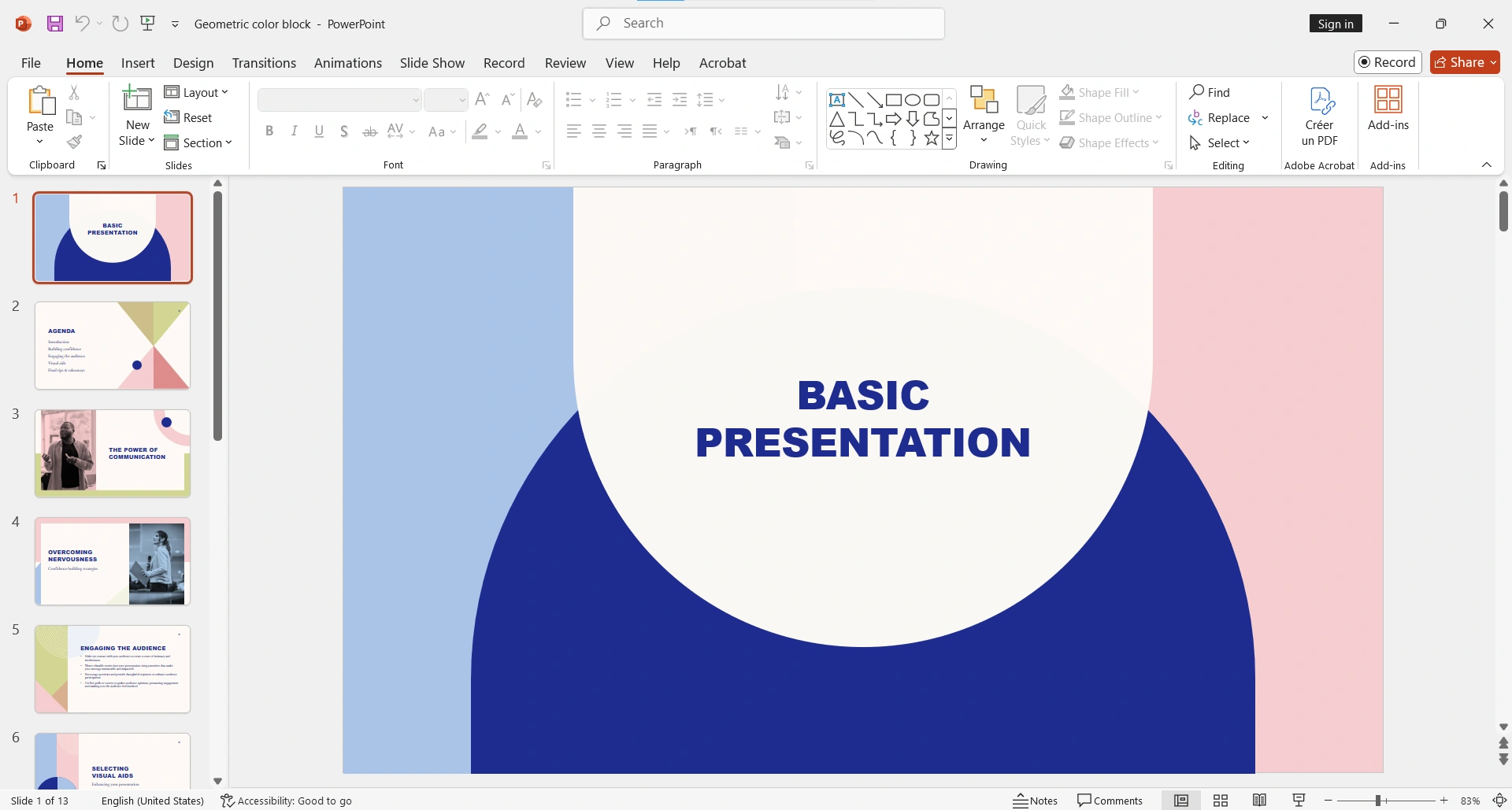
PowerPoint 2024 focuses on making presentations more engaging and professional with less effort.
Cameo - Your Camera in Slides
The Cameo feature allows you to insert a live video feed from your camera directly into slides. Perfect for:
- Hybrid presentations (in-person + remote)
- Personalized training videos
- More personal sales presentations
- Interactive educational content
Enhanced Presentation Recording
- Built-in teleprompter for reading notes while recording
- More intuitive recording controls
- Real-time preview
- Direct export to video in multiple formats
New Visual Effects
🎨 Design
- • New modern templates
- • Cinematic transitions
- • Video backgrounds
- • Enhanced 3D effects
✨ Animations
- • Improved Morph
- • Smooth motion paths
- • Dynamic zoom
- • Auto-sync timing
New Features in Outlook 2024
Outlook 2024 introduces significant improvements in productivity and email organization.
New Outlook Design
The Outlook 2024 interface has been completely redesigned with a more modern, cleaner appearance:
- Simplified navigation bar
- Integrated calendar view
- Optimized reading pane
- Customizable themes
Powered-Up Search
- Instant results: Faster search with real-time results
- Advanced filters: By date, sender, attachments, etc.
- Smart suggestions: Based on your history
- Attachment search: Find content inside documents
General Improvements in Office 2024
Optimized Performance
- ✓ Faster startup: Applications load up to 30% faster
- ✓ Lower memory usage: Optimization for resource-limited machines
- ✓ Large files: Better handling of heavy documents
- ✓ Auto-save: More frequent and reliable
Enhanced Security
- Malware protection: Blocking macros from untrusted sources
- Safe links: Automatic URL verification
- Improved encryption: Stronger protection for sensitive documents
- Sensitivity labels: Labeling confidential documents
Modern Format Support
- Native support for OpenDocument Format (ODF) 1.4
- Improved PDF import/export
- Compatibility with modern image formats (WebP, HEIF)
- Better support for variable fonts
Office 2024 vs Microsoft 365: Comparison
| Feature | Office 2024 | Microsoft 365 |
|---|---|---|
| Payment model | One-time purchase | Monthly/annual subscription |
| Updates | Security only | Continuous features |
| Copilot (AI) | Not included | Available (additional cost) |
| Cloud storage | Not included | 1TB OneDrive |
| Devices | 1 PC or Mac | 5 devices |
| Support | 5 years | While subscribed |
System Requirements
Windows
- • Windows 10 or Windows 11
- • 1.6 GHz or faster processor
- • 4 GB RAM (64-bit)
- • 4 GB available space
- • 1280 x 768 resolution
macOS
- • macOS Monterey or later
- • Intel or Apple Silicon processor
- • 4 GB RAM
- • 10 GB available space
- • 1280 x 800 resolution
Who Should Upgrade to Office 2024?
✓ Recommended If
- • You use Office 2019 or earlier
- • You prefer one-time payment vs subscription
- • You don't need cloud storage included
- • You work primarily offline
- • You have limited long-term budget
✗ Consider Microsoft 365 If
- • You need AI features (Copilot)
- • You work on multiple devices
- • You need advanced real-time collaboration
- • You want always the latest version
- • You need cloud storage included
Frequently Asked Questions
Does Office 2024 include Copilot?
No, Copilot (Microsoft's AI) is only available to Microsoft 365 subscribers at an additional cost. Office 2024 does not include generative AI features.
Can I use Office 2024 on Mac?
Yes, Office 2024 is available for both Windows and macOS with native support for Apple Silicon processors.
How long will I receive updates?
Microsoft offers 5 years of support for Office 2024, including security updates. However, you won't receive new features like Microsoft 365 subscribers.
Can I transfer my license to another computer?
It depends on the version. Retail licenses can be transferred by first deactivating on the previous computer. OEM licenses are tied to the original hardware.
Conclusion
Microsoft Office 2024 represents a solid upgrade with significant performance improvements, new Excel functions, and a more modern user experience. If you prefer the one-time purchase model and don't need the most advanced AI features, Office 2024 is an excellent investment that will serve you for years.
Key New Features Summary
- ✓ 14 new text functions in Excel
- ✓ IMAGE function for inserting images from URLs
- ✓ Cameo in PowerPoint for live video
- ✓ New modern Outlook design
- ✓ Performance up to 30% faster
- ✓ Enhanced security against threats