
Excel vs Google Sheets 2025: Complete Comparison Guide

Callum specializes in breaking down complex technology topics into easy-to-understand guides. He has a background in computer science and technical writing.
Choosing between Microsoft Excel and Google Sheets in 2025? Both spreadsheet applications have evolved significantly, each with distinct strengths. This comprehensive comparison guide covers features, pricing, collaboration, performance, and use cases to help you decide which tool is best for your needs—whether you're a student, professional, or business owner.
Table of Contents
Quick Verdict: Excel vs Google Sheets
Microsoft Excel
Choose Excel if you need advanced data analysis, complex formulas, macros/VBA, large dataset handling, or offline access.
Google Sheets
Choose Google Sheets if you prioritize real-time collaboration, cloud-native workflows, free access, or simple to moderate spreadsheet tasks.
1. Overview: Excel vs Google Sheets in 2025
Both tools are powerful spreadsheet applications, but they serve different primary purposes:
Microsoft Excel
- Industry-standard desktop spreadsheet since 1985
- Part of Microsoft 365 suite (subscription) or Office 2024 (one-time purchase)
- Available on Windows, Mac, web, iOS, and Android
- Best for: Financial modeling, data analysis, complex calculations, enterprise use
Google Sheets
- Cloud-native spreadsheet launched in 2006
- Free with Google account; premium features with Google Workspace
- Works entirely in the browser with offline mode available
- Best for: Collaboration, simple budgets, shared lists, team projects
2. Features Comparison
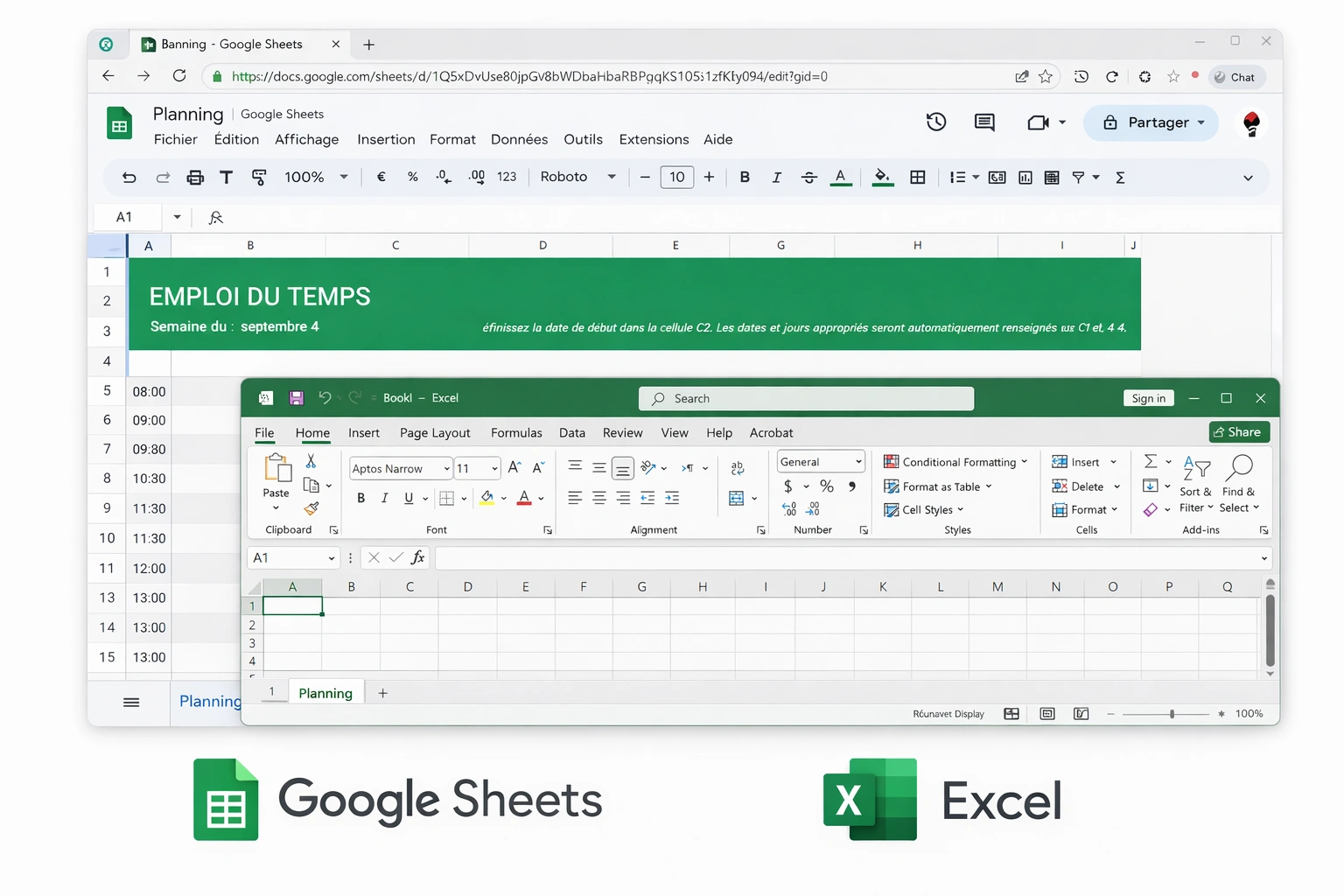
Let's compare the core features that matter most for everyday spreadsheet work:
| Feature | Excel | Google Sheets |
|---|---|---|
| Formulas & Functions | 500+ functions including advanced financial, statistical, engineering, and array formulas. XLOOKUP, LAMBDA, LET, and dynamic arrays. | 400+ functions with most common ones covered. GOOGLETRANSLATE, IMPORTDATA, QUERY functions unique to Sheets. |
| Data Analysis | Power Query, Power Pivot, advanced pivot tables, What-If Analysis, Solver, data modeling, and Power BI integration. | Basic pivot tables, Explore feature with AI suggestions, connected sheets for BigQuery (Workspace only). |
| Charts & Visualization | Extensive chart types including stock charts, 3D maps, sparklines, and advanced formatting options. | Standard chart types with clean design. Good for basic visualizations but fewer advanced options. |
| Automation | VBA macros, Power Automate integration, Office Scripts for web. Most powerful automation capabilities. | Google Apps Script (JavaScript-based), built-in macros, Zapier integrations. Easier to learn but less powerful. |
3. Collaboration Features
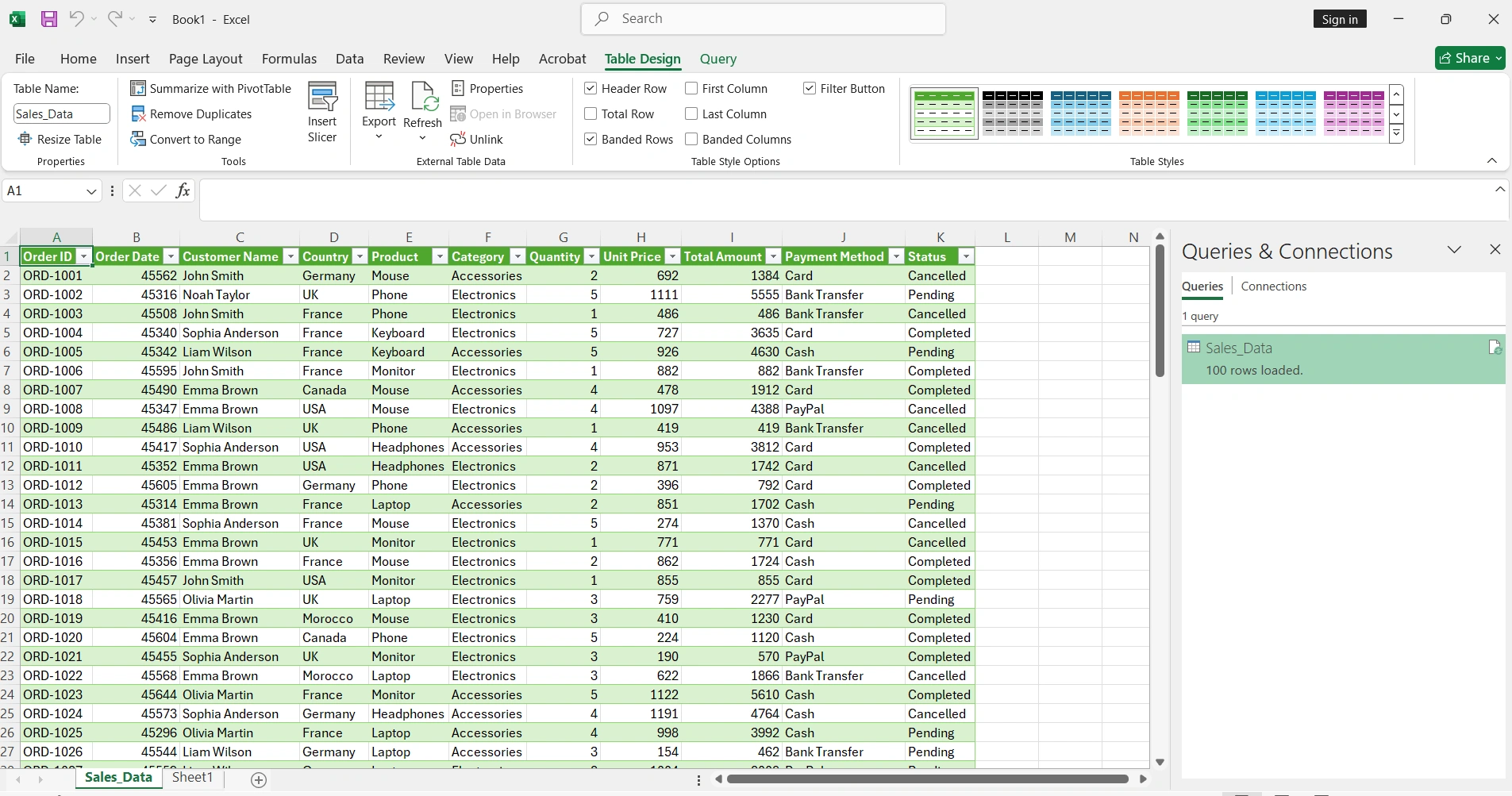
Collaboration is where these tools differ most significantly:
Real-time Collaboration
Sharing & Permissions
Version History
4. Pricing Comparison 2025
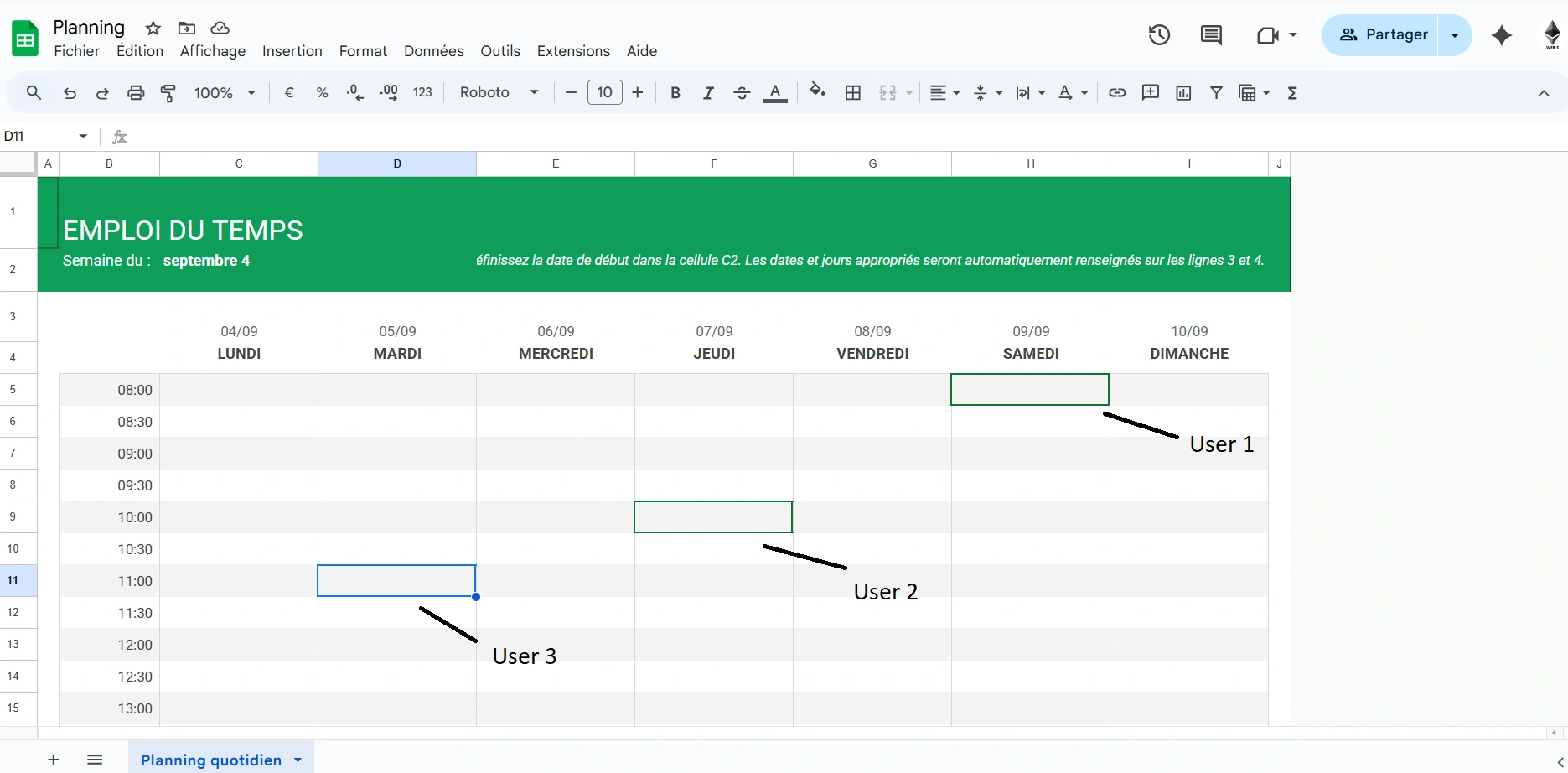
Understanding the cost is crucial for making the right choice:
| Tier | Excel / Office | Google Sheets |
|---|---|---|
| Free Options | Excel Online (limited features), mobile apps with basic editing. No desktop app in free tier. | Full Google Sheets functionality free with Google account. 15GB shared storage. |
| Personal/Home Use | Microsoft 365 Personal: $69.99/year or Office 2024 Home: $149.99 one-time | Free for personal use. Google One for extra storage starts at $1.99/month. |
| Business Use | Microsoft 365 Business Basic: $6/user/month. Business Standard: $12.50/user/month | Google Workspace Starter: $6/user/month. Business Standard: $12/user/month |
💡 Tip: For lifetime licenses at significant discounts, authorized resellers offer genuine Office 2024 keys for a fraction of the subscription cost.
5. Performance & Data Handling
How do they handle large datasets and complex calculations?
Spreadsheet Limits
Calculation Speed
Offline Access
6. Integration & Ecosystem
Consider how each tool fits into your existing workflow:
App Integrations
AI Features (2025)
7. Security & Compliance
For business users, security and compliance are critical:
Data Protection
Encryption
8. Mobile Experience
Both offer mobile apps, but the experience differs:
Excel Mobile
Full-featured mobile app for iOS/Android. Create, edit, and view spreadsheets. Works offline. Scan tables from photos.
Excel's mobile app is more powerful for complex editing and works better offline.
Sheets Mobile
Clean mobile app with good editing capabilities. Syncs instantly. Add-ons limited on mobile.
Google Sheets is better for quick collaborative edits and always having the latest version.
9. Use Case Recommendations
Choose based on your specific needs:
Financial Analysis & Modeling
Winner: ExcelPower Query, advanced pivot tables, financial functions, and What-If Analysis make Excel essential for finance professionals.
Team Collaboration & Shared Lists
Winner: Google SheetsNative real-time collaboration, easy sharing, and free access make Sheets ideal for team projects and shared documents.
Students & Personal Budgets
Winner: Google SheetsFree, accessible from any device, easy to share with classmates or family, and sufficient for most academic needs.
Enterprise & Large Datasets
Winner: ExcelSuperior data handling, compliance features, VBA automation, and Microsoft ecosystem integration.
Small Business
Tie - Depends on PrioritiesExcel for accounting/finance focus. Google Sheets for collaboration-first teams with simpler needs.
10. Verdict: Which Should You Choose in 2025?
The right choice depends on your priorities:
Choose Microsoft Excel if you:
- Work with complex financial models or data analysis
- Need powerful automation with VBA macros
- Handle large datasets (100,000+ rows)
- Require offline access regularly
- Work in an enterprise Microsoft environment
- Need advanced charting and visualization
Choose Google Sheets if you:
- Prioritize real-time collaboration
- Want a free, always-accessible solution
- Work primarily in the cloud
- Have simple to moderate spreadsheet needs
- Use other Google Workspace apps
- Need quick sharing without file attachments
Use Both
Many professionals use both tools strategically—Excel for heavy analysis and Sheets for collaborative projects. They're compatible enough to share files between them.