
How to Download Windows 11 ISO Free & Legally (Official Microsoft Link 2025)

Callum specializes in breaking down complex technology topics into easy-to-understand guides. He has a background in computer science and technical writing.
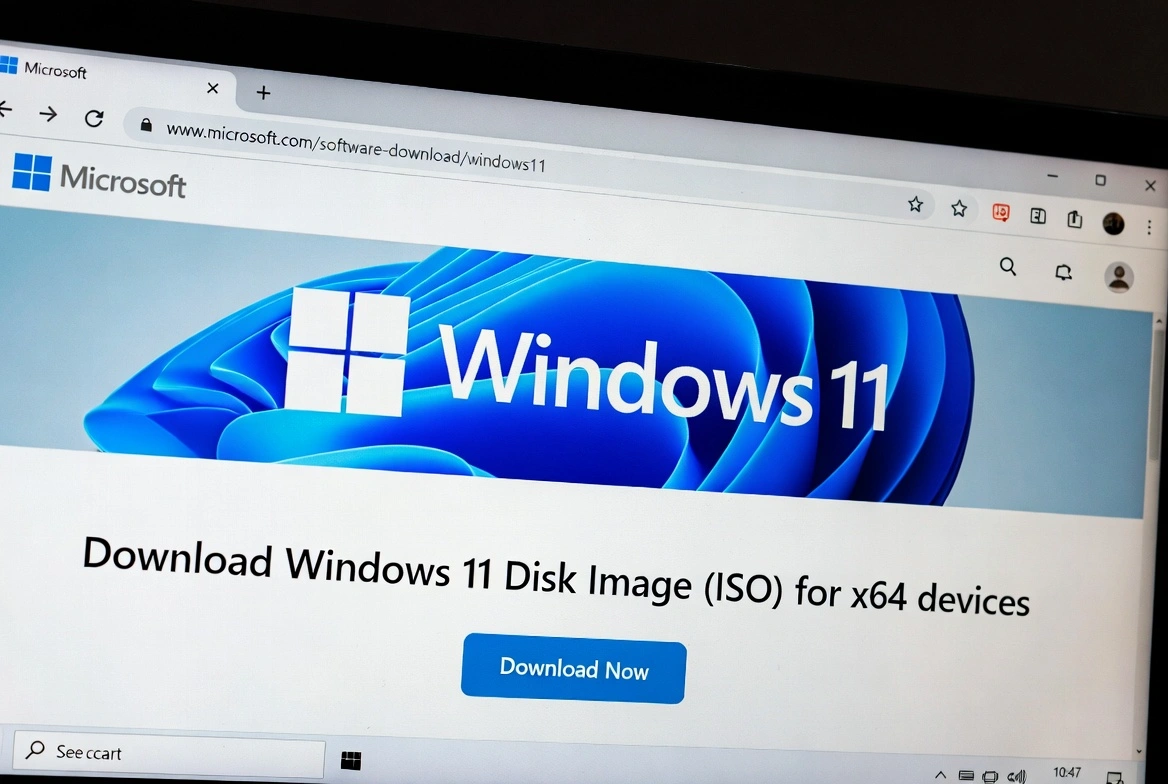
Need to download Windows 11 ISO for free directly from Microsoft? This guide shows you the 3 official methods to get the Windows 11 ISO file legally and safely. Learn how to create a bootable USB drive, avoid fake download sites, and prepare for a clean installation.
📋 Table of Contents
3 Official Methods to Download Windows 11 ISO Free
Microsoft provides three official and free ways to get Windows 11. Each method has its advantages depending on your situation:
Media Creation Tool
Creates USB or ISO automatically
RecommendedDirect ISO
Download ISO file directly
AdvancedAssistant
In-place upgrade
Upgrade only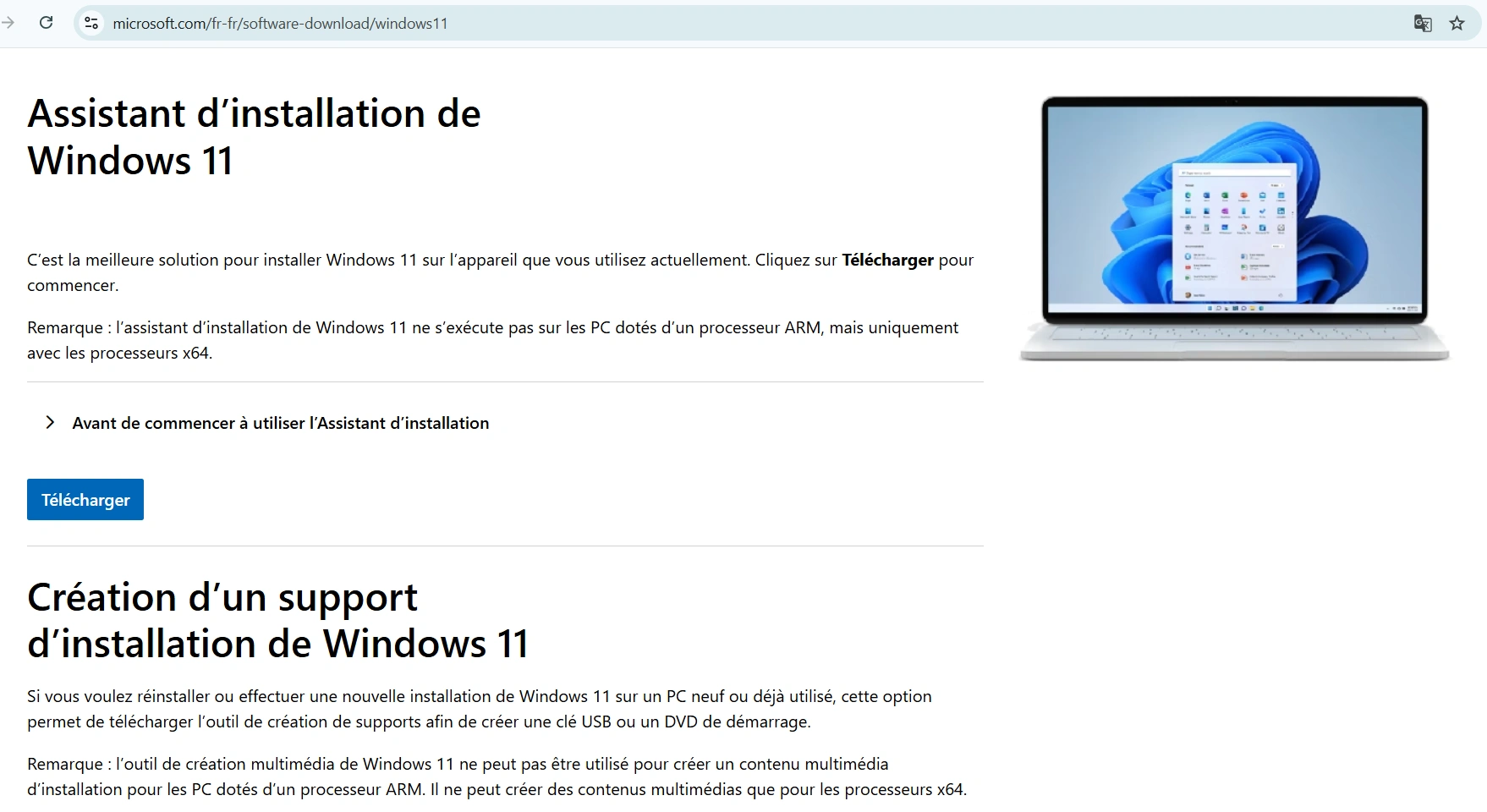
Method 1: Media Creation Tool (Recommended)
The Media Creation Tool from Microsoft is the easiest and safest way to download Windows 11. This tool can create a bootable USB drive directly or generate an ISO file.
Visit Microsoft's Official Page
Go to microsoft.com/software-download/windows11
Download Media Creation Tool
Click "Download now" under "Create Windows 11 Installation Media"
Run the Tool
Accept the license terms and select your language/edition
Choose Your Option
USB flash drive (min. 8GB) or ISO file to burn later
Wait for Download
The process takes 30-60 minutes depending on your connection
Method 2: Direct ISO Download from Microsoft
If you prefer to download the Windows 11 ISO file directly without using the Media Creation Tool:
Access the Download Page
Visit microsoft.com/software-download/windows11
Find "Download Disk Image"
Scroll down to "Download Windows 11 Disk Image (ISO)"
Select Windows 11
Choose "Windows 11 (multi-edition ISO)" from the dropdown
Choose Language and Download
Select your preferred language and click "64-bit Download"
Important Note
The direct download link expires in 24 hours. If you need to download again, repeat the process.
Method 3: Windows 11 Installation Assistant
The Installation Assistant is ideal if you just want to upgrade from Windows 10 without creating installation media:
- Direct upgrade without USB or ISO
- Keeps your files and applications
- Faster process than clean installation
Create Bootable USB with Rufus
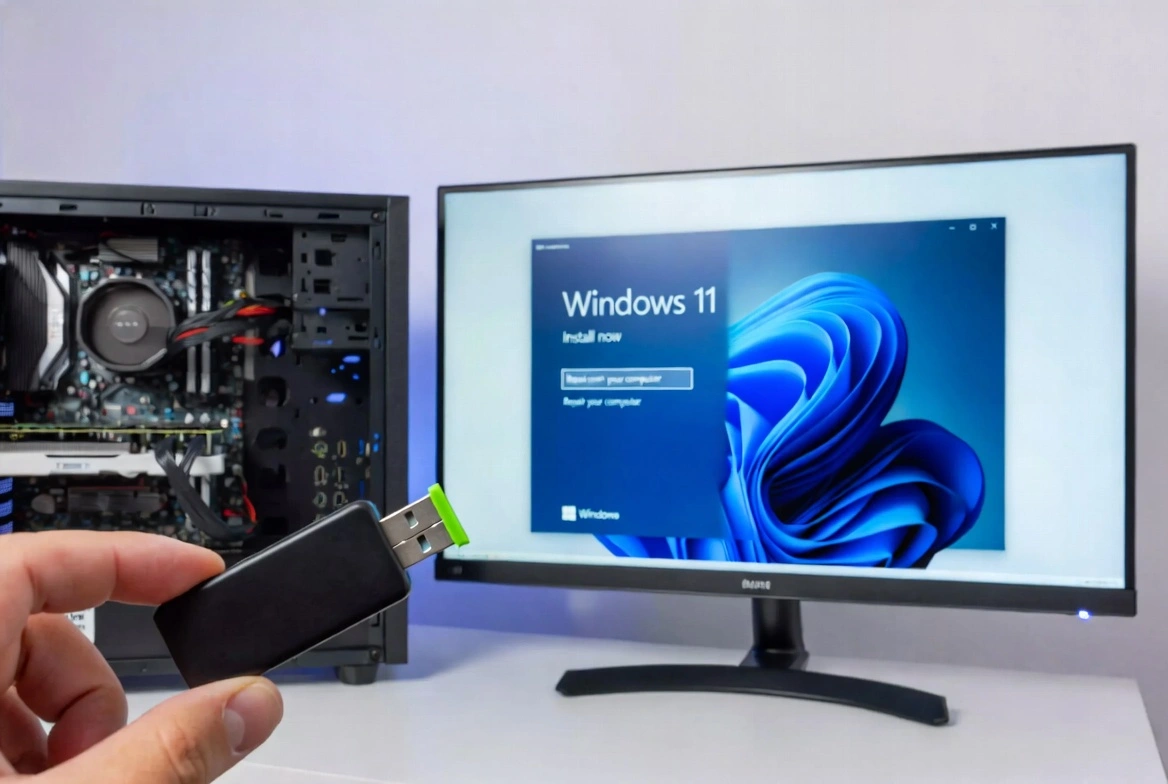
If you downloaded the ISO directly, you need to create a bootable USB drive. Rufus is the most popular free tool:
Requirements
- 8GB or larger USB drive
- Windows 11 ISO file
- Rufus (from rufus.ie)
Rufus Settings
- Partition scheme: GPT
- Target system: UEFI
- File system: NTFS
Windows 11 System Requirements
Before installing, verify your PC meets the Windows 11 minimum requirements:
| Component | Minimum Requirement |
|---|---|
| Processor | 1 GHz, 2+ cores, 64-bit compatible |
| RAM | 4 GB minimum |
| Storage | 64 GB or more |
| TPM | TPM version 2.0 |
| Secure Boot | UEFI with Secure Boot |
| Graphics | DirectX 12 compatible |
How to Avoid Fake Download Sites
Never download Windows 11 from unofficial sites. They may contain malware. Warning signs:
Red Flags
- • URLs that aren't microsoft.com
- • Promises of "free activated Windows"
- • Torrents or P2P downloads
- • Excessive pop-ups
Safe Sources
- • microsoft.com/software-download
- • Official Media Creation Tool
- • Rufus from rufus.ie
- • Verify SHA-256 hash
Frequently Asked Questions
Can I download Windows 11 without a product key?
Yes, you can download and install Windows 11 for free. However, without a valid key, you'll have personalization limitations and a watermark.
How large is the Windows 11 ISO?
The Windows 11 ISO file is approximately 5-6 GB, depending on the version and language.
Can I use the same ISO for multiple PCs?
Yes, the ISO is the same. However, each PC needs its own product key for activation.
How do I bypass TPM 2.0 requirements?
Rufus has an option to create USB drives that bypass TPM and Secure Boot checks. Use at your own risk.
Is downloading Windows 11 ISO legal?
Absolutely! Microsoft provides the ISO for free. What you need is a valid product key to activate Windows after installation.
Conclusion
Downloading Windows 11 ISO free and legally is easy using Microsoft's official methods. Whether you use the Media Creation Tool, direct ISO download, or Installation Assistant, always get Windows from official sources to avoid malware.
After installation, activate your Windows 11 with a genuine product key from Prise Keys to unlock all features and remove limitations.