Microsoft Office Free Alternatives: Complete Comparison Guide (2025)

Callum specializes in breaking down complex technology topics into easy-to-understand guides. He has a background in computer science and technical writing.
Looking for free Microsoft Office alternatives? You're not alone. Microsoft 365 costs $70-100/year, which adds up. This guide compares the best free alternatives to Microsoft Office in 2025, from Google Workspace to LibreOffice, helping you find the perfect productivity suite without the price tag.
💡 Best Overall Pick
Google Docs/Sheets/Slides for online collaboration • LibreOffice for offline work
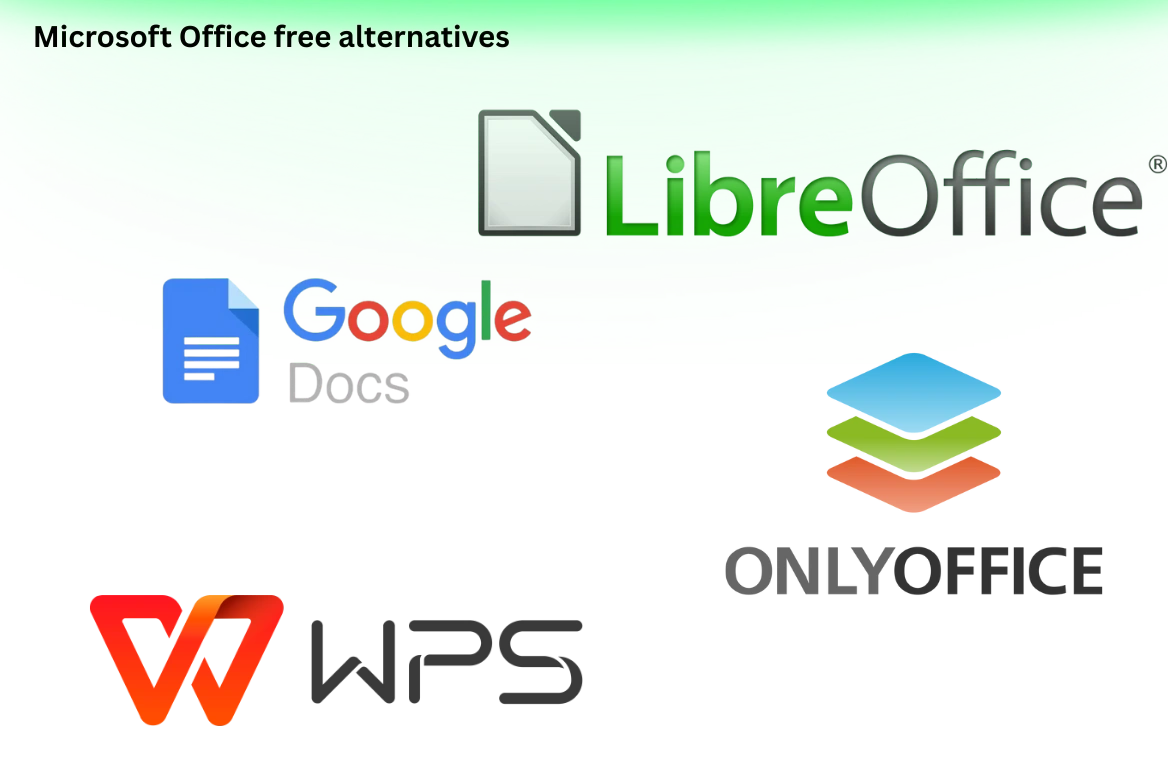
📋 Alternatives Covered
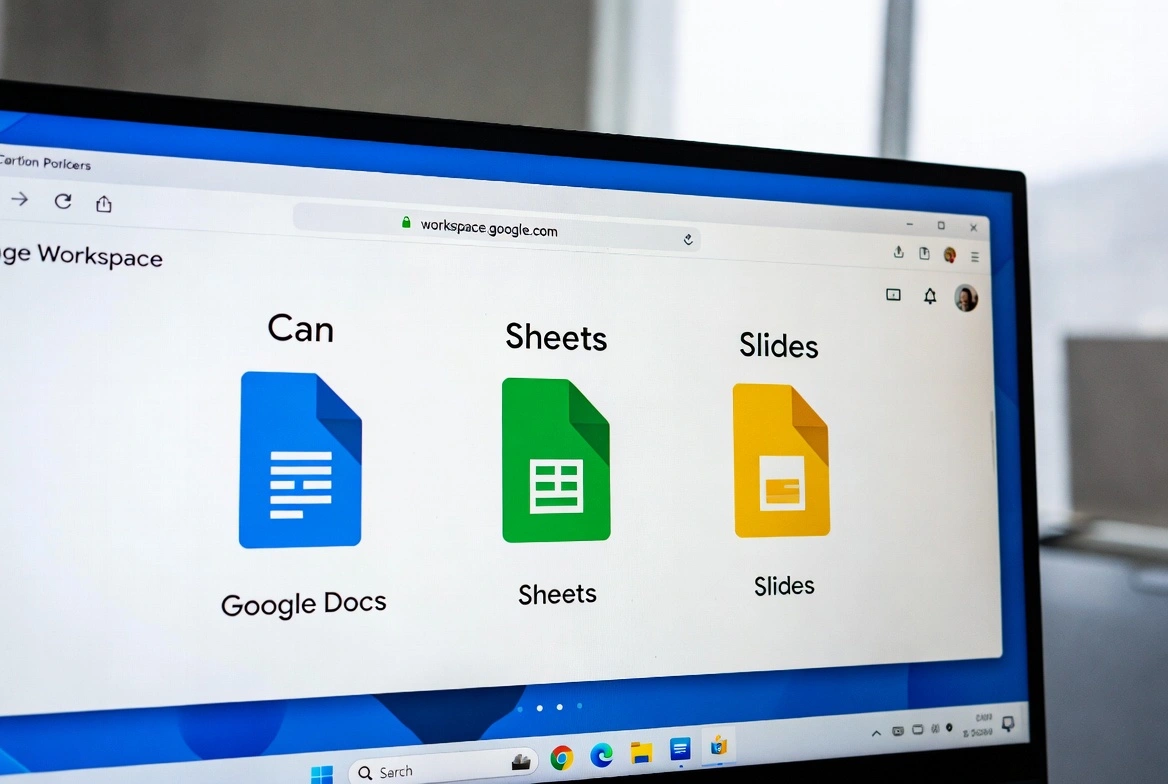
1. Google Workspace (Docs, Sheets, Slides)
Pros
- • 100% free for personal use
- • Best-in-class real-time collaboration
- • 15GB free cloud storage
- • Works on any device with a browser
- • Google AI integration (Gemini)
- • Excellent version history
Cons
- • Requires internet connection
- • Limited offline capabilities
- • Fewer advanced features than Word
- • Some formatting lost in .docx conversion
- • Data privacy concerns for some users
Best for: Students, remote teams, and anyone who prioritizes collaboration over advanced features.
2. LibreOffice
The most complete free and open-source alternative to Microsoft Office. Includes Writer (Word), Calc (Excel), Impress (PowerPoint), and more.
Pros
- • 100% free and open source
- • Full offline functionality
- • Excellent MS Office compatibility
- • Full desktop application
- • No internet required
- • Regular updates and active community
Cons
- • Outdated interface design
- • No cloud sync built-in
- • No real-time collaboration
- • Steeper learning curve
- • Some complex Excel macros may not work
Best for: Users who need offline access, want full control over their data, or prefer open-source software.
3. WPS Office
A polished, Microsoft Office-like interface with a generous free tier. Popular in Asia and growing globally.
Pros
- • Very similar to MS Office interface
- • Free tier is feature-rich
- • Excellent PDF tools included
- • Cross-platform (Windows, Mac, Linux, Mobile)
- • 1GB cloud storage free
Cons
- • Ads in free version
- • Some features require premium
- • Data privacy concerns (Chinese company)
- • Less community support
Best for: Users who want the most familiar Microsoft Office experience for free.
4. OnlyOffice
A modern, open-source office suite with excellent Microsoft format compatibility and self-hosting options.
Pros
- • Excellent OOXML compatibility
- • Modern, clean interface
- • Real-time collaboration
- • Self-hosting option
- • Open source
Cons
- • Desktop app limited in free version
- • Smaller user community
- • Fewer templates
Best for: Businesses that want to self-host their office suite or need excellent .docx/.xlsx compatibility.
5. Microsoft Office Online (Free)
Microsoft's own free web-based version of Office. Limited but official.
Pros
- • Official Microsoft product
- • 100% free
- • 5GB OneDrive storage
- • Real-time collaboration
- • Perfect format compatibility
Cons
- • Requires internet connection
- • Missing many desktop features
- • Limited storage (5GB)
- • Basic functionality only
Best for: Users who occasionally need Word/Excel and want guaranteed compatibility.
Full Comparison Table
| Feature | Google Docs | LibreOffice | WPS Office | OnlyOffice |
|---|---|---|---|---|
| Price | Free | Free | Free/Paid | Free/Paid |
| Offline Mode | Limited | Full | Full | Full |
| Collaboration | Excellent | No | Limited | Yes |
| MS Office Compat. | Good | Good | Excellent | Excellent |
| AI Features | Gemini | No | Paid | No |
| Open Source | No | Yes | No | Yes |
When to Just Buy Microsoft Office
While free alternatives work for most people, you might want the real thing if:
- Your workplace requires Microsoft Office specifically
- You need advanced Excel features (Power Query, macros)
- You create complex documents with specific formatting
- You want access to Microsoft Copilot AI