
Microsoft 365 Family vs Personal vs Business: Which Plan Should You Actually Buy?

Callum specializes in breaking down complex technology topics into easy-to-understand guides. He has a background in computer science and technical writing.
Choosing the right Microsoft 365 plan can save you hundreds of dollars while ensuring you get exactly the features you need. With Personal, Family, and Business options all competing for your subscription dollars, making the wrong choice means either paying for features you'll never use or missing out on capabilities you actually need.
This comprehensive guide breaks down every Microsoft 365 plan in 2025, comparing real-world value, hidden features, and which plan actually makes sense for different users. Whether you're a solo professional, a family of six, or a small business owner, you'll know exactly which plan to choose by the end.
Quick Comparison: All Microsoft 365 Plans at a Glance
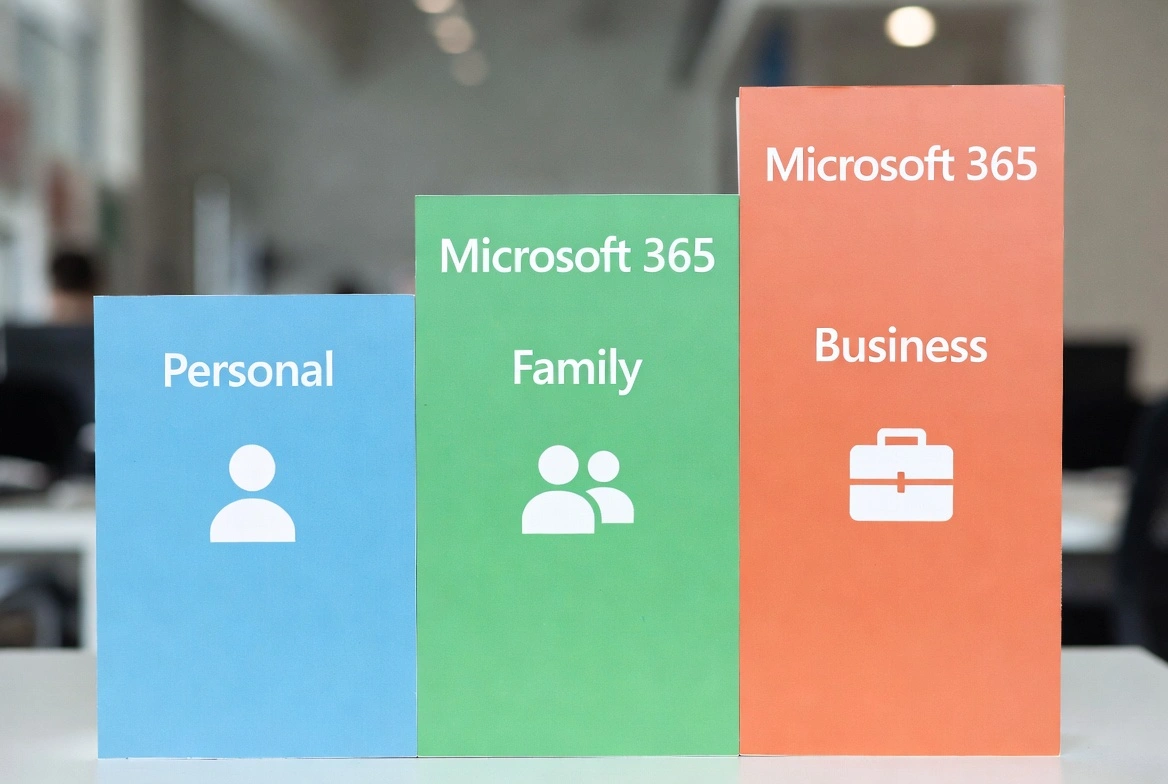
Before diving into details, here's what you're choosing between:
Microsoft 365 Personal
Best for individuals who need premium Office apps and cloud storage for themselves only.
Microsoft 365 Family
Best value for households with 2-6 users who want to share costs and storage.
Microsoft 365 Business Standard
Full desktop apps plus collaboration tools for growing businesses.
Microsoft 365 Personal: Deep Dive
Microsoft 365 Personal is designed for individuals who need the full Microsoft Office experience without sharing access with anyone else.
What's Included:
- Word, Excel, PowerPoint, Outlook (desktop, web, mobile)
- 1TB OneDrive cloud storage
- Microsoft Editor (advanced grammar/style)
- Clipchamp video editor
- Microsoft Designer AI image tool
- 60 minutes Skype calling per month
- Ad-free Outlook.com
Best For:
- Freelancers and solo professionals
- Students who don't qualify for education discounts
- Remote workers needing personal productivity tools
- Anyone who works alone and doesn't share devices
Hidden Value:
Many overlook Clipchamp and Designer, which are worth $10-15/month standalone. If you create any video or graphic content, these alone can justify the subscription cost.
Microsoft 365 Family: The Value Champion
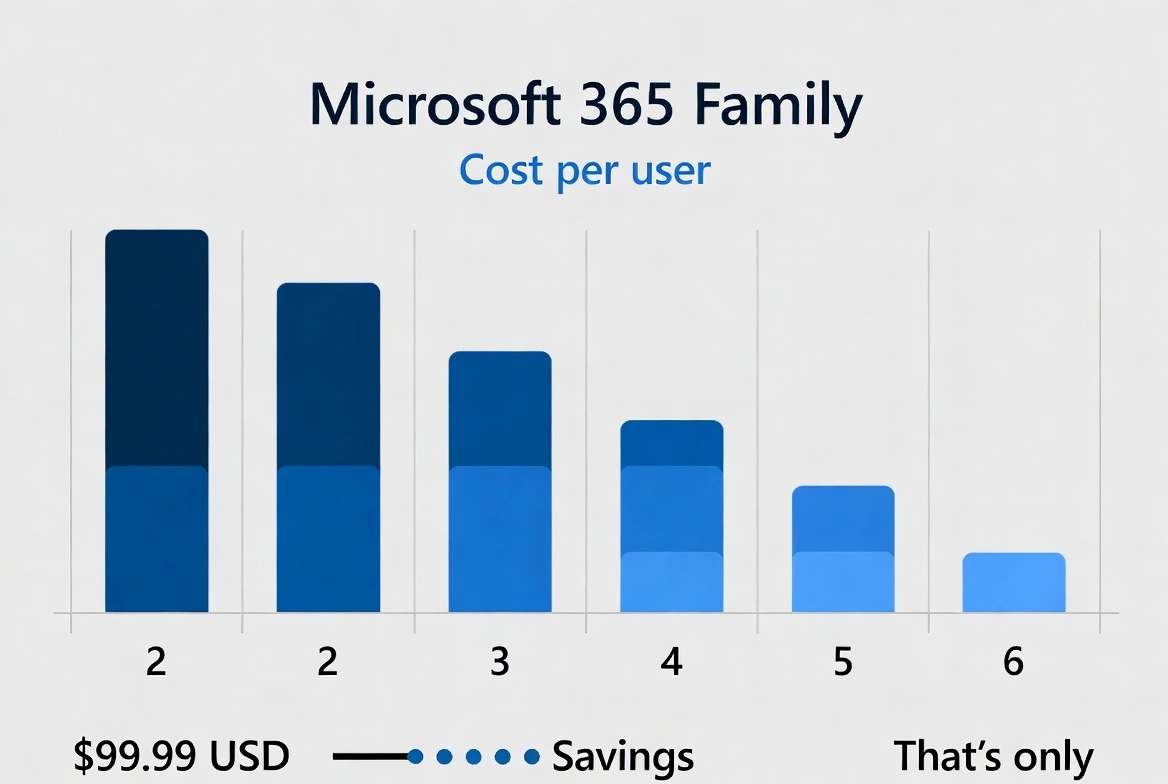
At just $16.67 per person annually (with 6 users), Microsoft 365 Family offers the best per-user value in Microsoft's entire lineup.
The Math That Makes Family Unbeatable:
| Users | Cost Per Person | Savings |
|---|---|---|
| 2 users | $50/person/year | 28% savings vs Personal |
| 3 users | $33.33/person/year | 52% savings vs Personal |
| 4 users | $25/person/year | 64% savings vs Personal |
| 5 users | $20/person/year | 71% savings vs Personal |
| 6 users | $16.67/person/year | 76% savings vs Personal |
Everything in Personal, Plus:
- Up to 6 user accounts (each with separate 1TB storage)
- Family Safety features (screen time, content filters, location sharing)
- Each user gets their own private OneDrive
- Individual Microsoft accounts for each member
Who Counts as 'Family'?
Microsoft doesn't verify relationships. Your 'family' can include roommates, close friends, or anyone you trust. The only requirement is that each person needs their own Microsoft account.
Microsoft 365 Business Plans: When Personal Isn't Enough
Business plans unlock features that Personal and Family simply can't offer, even if you're a solo entrepreneur.
Business Basic ($6/user/month)
The entry-level business option focuses on cloud collaboration:
- Web and mobile Office apps only (no desktop installations)
- Microsoft Teams with full features
- SharePoint and OneDrive for Business
- Exchange email with custom domain (yourname@yourbusiness.com)
- 1TB cloud storage per user
The catch: No desktop apps. You must use web versions of Word, Excel, and PowerPoint.
Business Standard ($12.50/user/month)
The sweet spot for most small businesses:
- Everything in Basic
- Full desktop apps for PC and Mac
- Webinar hosting (up to 300 attendees)
- Bookings for appointment scheduling
- Loop for collaborative workspaces
Best for: Businesses needing full Office apps plus professional email and collaboration.
Business Premium ($22/user/month)
Enterprise-grade security for small businesses:
- Everything in Standard
- Intune for device management
- Azure Information Protection
- Advanced threat protection
- Conditional access policies
- Windows Autopilot deployment
Best for: Businesses handling sensitive data, HIPAA compliance needs, or managing employee devices.
Complete Feature Comparison Table
Here's every major feature across all Microsoft 365 plans:
| Feature | Personal | Family | Bus. Basic | Bus. Std | Bus. Prem |
|---|---|---|---|---|---|
| Word, Excel, PowerPoint (Desktop) | |||||
| Word, Excel, PowerPoint (Web/Mobile) | |||||
| Outlook Desktop | |||||
| OneDrive Storage | 1TB | 1TB each | 1TB | 1TB | 1TB |
| Microsoft Teams | Basic | Basic | Full | Full | Full |
| Custom Email Domain | |||||
| SharePoint | |||||
| Copilot Pro Add-on Available | |||||
| Bookings | |||||
| Advanced Security | |||||
| Device Management |
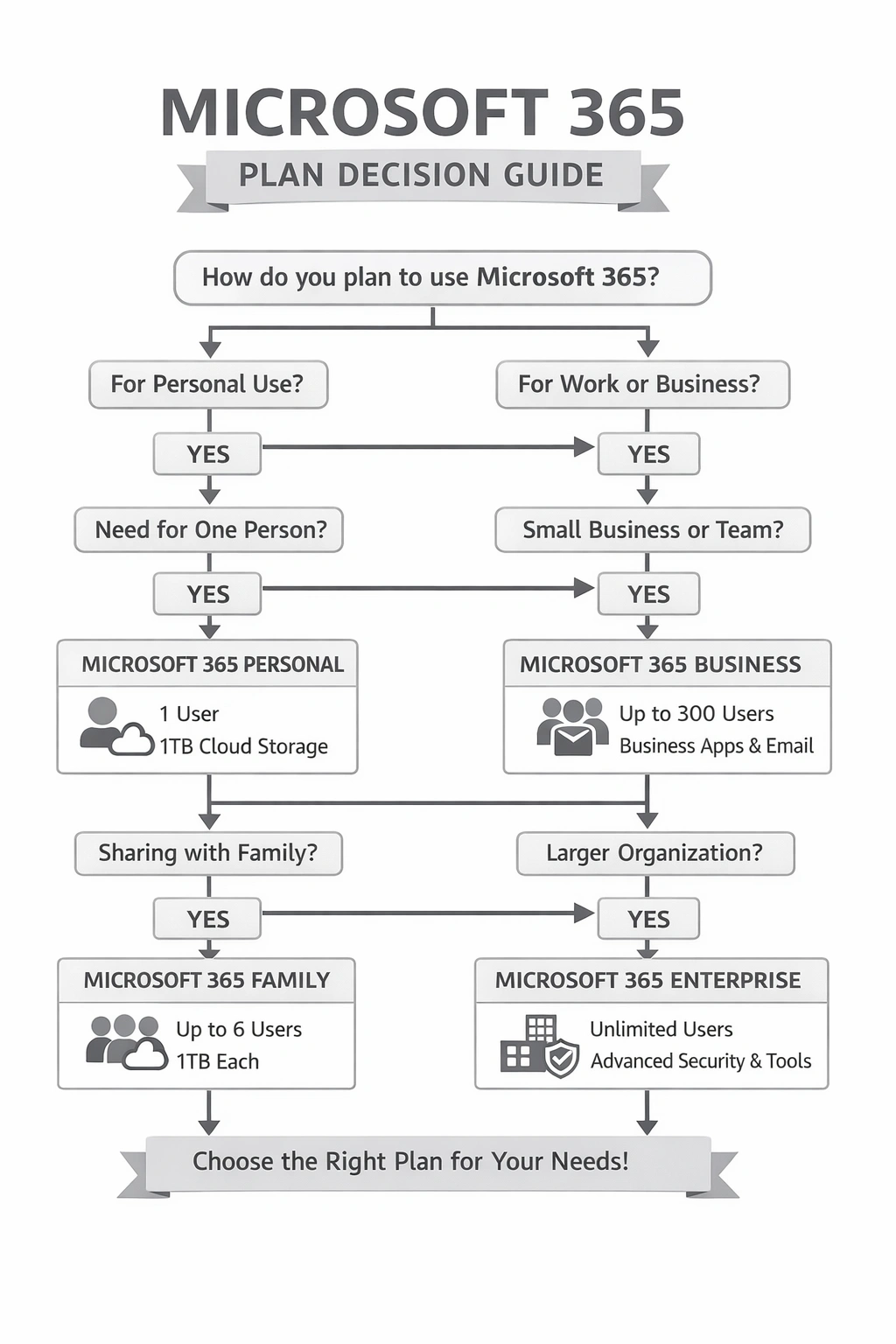
Decision Tree: Which Plan Should You Choose?
Answer these questions to find your perfect plan:
Are you a business that needs custom email domains or centralized administration?
→ Choose a Business plan (Basic, Standard, or Premium)
→ Continue to next question
Do you have 2 or more people who need Microsoft 365?
→ Microsoft 365 Family is almost always the best value
→ Microsoft 365 Personal
Do you need desktop apps (not just web versions)?
→ Business Standard or Premium
→ Business Basic may be enough
Do you handle sensitive data or need advanced security?
→ Business Premium
→ Business Standard
5-Year Cost Analysis
Long-term costs help reveal true value. Here's what you'll spend over 5 years:
| Plan | Annual Cost | 5-Year Total | Per User (5yr) |
|---|---|---|---|
| Personal | $69.99 | $349.95 | $349.95 |
| Family (6 users) | $99.99 | $499.95 | $83.33 |
| Business Basic (1 user) | $72 | $360 | $360 |
| Business Standard (1 user) | $150 | $750 | $750 |
| Business Premium (1 user) | $264 | $1,320 | $1,320 |
Key insight: Family plan users pay less over 5 years than a single Business Basic user, while getting desktop apps that Business Basic lacks.
The Lifetime License Alternative
If you don't need cloud storage or constant updates, a one-time purchase of Microsoft Office might save you significantly:
| Option | Price | 5-Year Cost | Notes |
|---|---|---|---|
| Office 2024 Professional Plus | ~$79 one-time | $79 | No subscription, no cloud features |
| Microsoft 365 Personal (5 years) | $69.99/year | $349.95 | Cloud storage, updates, mobile apps |
A lifetime Office license makes sense if you primarily need Word, Excel, and PowerPoint without cloud sync or AI features.
Ready to Save on Microsoft 365?
We offer discounted Microsoft 365 Family subscriptions and Office 2024 lifetime licenses at up to 50% off retail prices. All keys are guaranteed genuine with instant delivery.
Frequently Asked Questions
Can I switch from Personal to Family mid-subscription?
Yes, you can upgrade anytime. Microsoft will prorate the remaining time on your Personal subscription toward the Family plan.
Do Business plans require a minimum number of users?
No, you can purchase Business plans for just one user. However, Personal or Family offers better value for individuals without business email needs.
Can students use Family plan instead of education pricing?
Yes, and sometimes Family is actually cheaper than education plans, especially if the student can share with roommates.
What happens to my files if I cancel Microsoft 365?
You keep files stored locally. OneDrive files remain accessible in read-only mode for 90 days, then you have 12 months to download them before deletion.
Is Copilot Pro included in any plan?
No, Copilot Pro is a $20/month add-on for Personal, Family, and Business Standard/Premium. Business Basic doesn't support it.
The Bottom Line
For most individuals, Microsoft 365 Family offers the best value—even if you only have two users. For businesses needing professional email and collaboration, Business Standard hits the sweet spot between features and cost. Only choose Business Premium if you genuinely need advanced security features.
And remember: if you don't need cloud features, a one-time Office 2024 purchase can save you hundreds over a 5-year period compared to any subscription.