Google Docs vs Microsoft Word (2025): Which Should You Actually Use?

Callum specializes in breaking down complex technology topics into easy-to-understand guides. He has a background in computer science and technical writing.
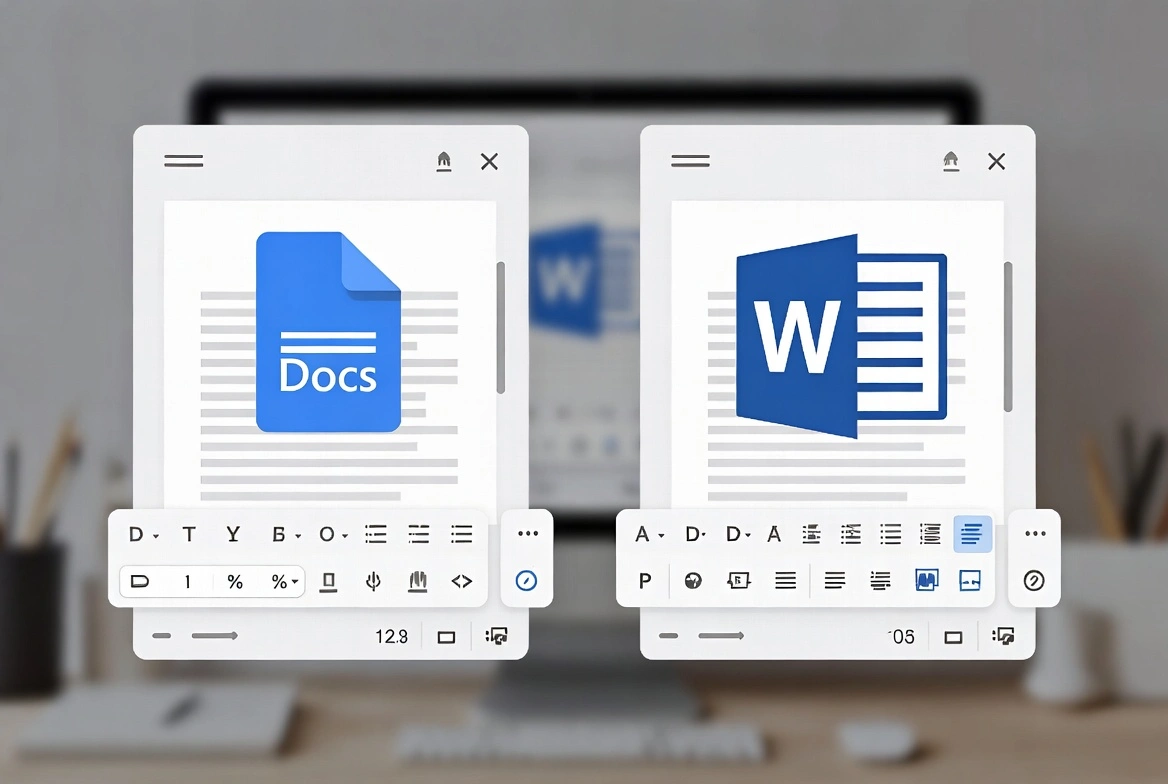
The Google Docs vs Microsoft Word debate is more relevant than ever in 2025. Both tools have evolved significantly, with AI integration, real-time collaboration, and cloud features. This comprehensive comparison will help you decide which word processor is right for your needs—whether you're a student, professional, or business owner.
💡 Quick Verdict
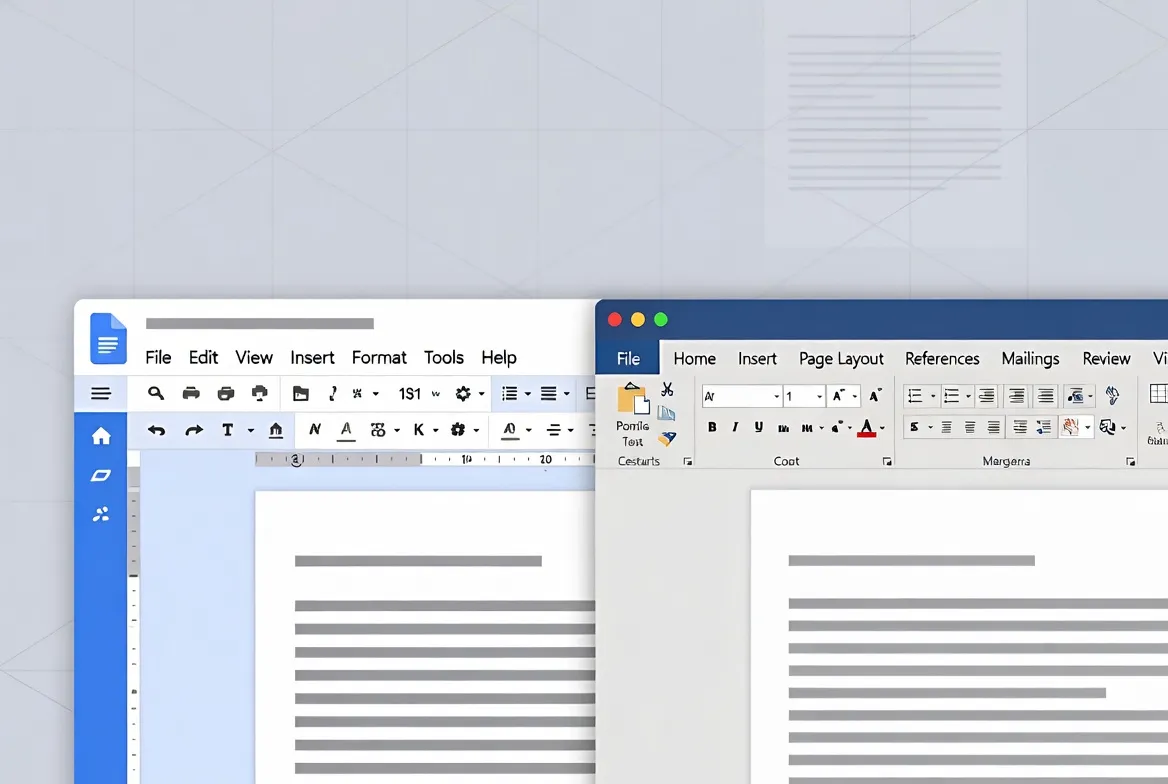
Google Docs wins for collaboration & simplicity. Microsoft Word wins for advanced features & offline work.
📋 Table of Contents
Quick Comparison: Google Docs vs Word
| Feature | Google Docs | Microsoft Word |
|---|---|---|
| Price | Free | $6.99/mo or one-time purchase |
| Real-time Collaboration | ★★★★★ Excellent | ★★★★☆ Good |
| Offline Access | ★★★☆☆ Limited | ★★★★★ Excellent |
| Advanced Formatting | ★★★☆☆ Basic | ★★★★★ Extensive |
| AI Features | Gemini AI | Copilot AI |
| Template Library | ★★★☆☆ Good | ★★★★★ Extensive |
| Mobile Apps | Free | Requires subscription |
| Storage | 15GB free (Google Drive) | 5GB free (OneDrive) |
| File Formats | .gdoc, exports to .docx | .docx, .doc native |
| Ecosystem Integration | Google Workspace | Microsoft 365 |
Feature-by-Feature Breakdown
1. Real-Time Collaboration
Winner: Google Docs
Google Docs was built for collaboration from day one. Multiple users can edit simultaneously with zero lag, see cursor positions in real-time, and use built-in chat. Microsoft Word has caught up significantly with its web version, but Google Docs still feels more seamless for team editing.
- Google Docs: Up to 100 simultaneous editors, suggestion mode, unlimited version history
- Microsoft Word: Co-authoring in web version, @mention comments, version history (last 25)
2. Offline Capabilities
Winner: Microsoft Word
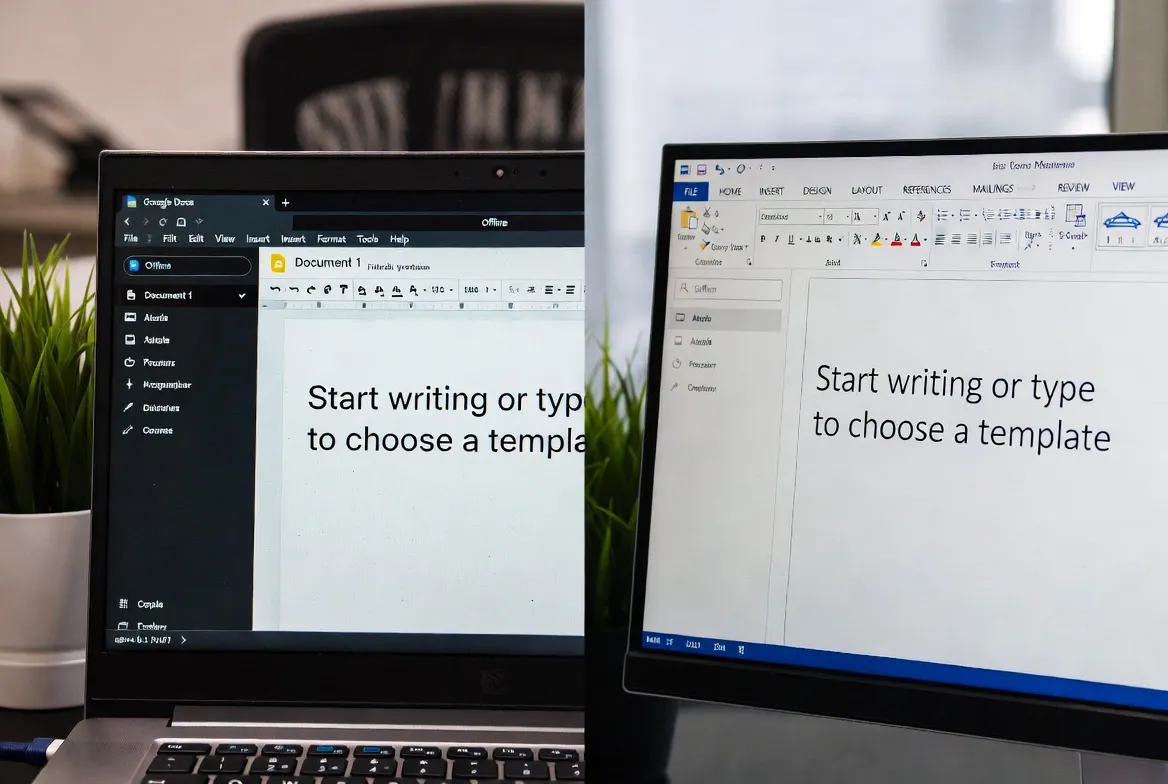
Word's desktop application provides full functionality offline with automatic syncing when you reconnect. Google Docs requires enabling offline mode through Chrome extension and has more limitations.
3. Advanced Document Features
Winner: Microsoft Word
For complex documents with mail merge, advanced headers/footers, reference management, or complex tables, Word remains superior. Academic users especially appreciate Word's citation tools and outline view.
- Mail Merge: Word offers full functionality; Docs requires add-ons
- Reference Management: Word's native integration with Mendeley/Zotero
- Table Formatting: Word has pixel-perfect control
AI Comparison: Gemini vs Copilot (2025)
Both platforms have integrated powerful AI assistants, but with different strengths:
🔵 Google Gemini
- Excellent research & summarization
- Free tier available
- Integrated with Google Search
- Better at creative tasks
- Limited advanced formatting
🟣 Microsoft Copilot
- Better at formatting & styling
- Document creation from scratch
- Integrated with Microsoft 365 data
- Advanced review & editing
- Requires subscription ($20/mo extra)

Collaboration Tools
Comments and Suggestions
Both platforms offer robust commenting systems:
- Google Docs: @mention comments, suggestion mode, real-time chat, task assignment
- Microsoft Word: Anchored comments, track changes, @mentions in web version
Sharing and Permissions
| Feature | Google Docs | Microsoft Word |
|---|---|---|
| Link sharing | ✓ Easy | ✓ Available |
| Granular access control | ✓ View/Comment/Edit | ✓ Similar |
| Link expiration date | Workspace only | ✓ Available |
| Password protection | ✗ Not available | ✓ Available |
Pricing Comparison 2025
Google Docs
- Free for personal use
- Google Workspace: $6/user/mo
- 15GB free storage
- Gemini AI included
Microsoft Word
- Microsoft 365: $6.99/mo
- One-time: $77.99 (Office 2024)
- 1TB OneDrive storage
- Copilot AI: $20/mo extra
💰 Money-Saving Tip
If you prefer Microsoft Word without monthly payments, consider a perpetual Office 2024 license. One-time payment from $77.99 gives you lifetime access.
Who Should Use What?
Choose Google Docs If:
- • You collaborate frequently with others
- • You work primarily online
- • You want a free solution
- • You use other Google services
- • You create simple to medium complexity documents
- • You work in education (Google Classroom)
Choose Microsoft Word If:
- • You need advanced formatting features
- • You work offline frequently
- • You're in an enterprise environment
- • You create long, complex documents
- • You need extensive template options
- • You write academic papers with citations
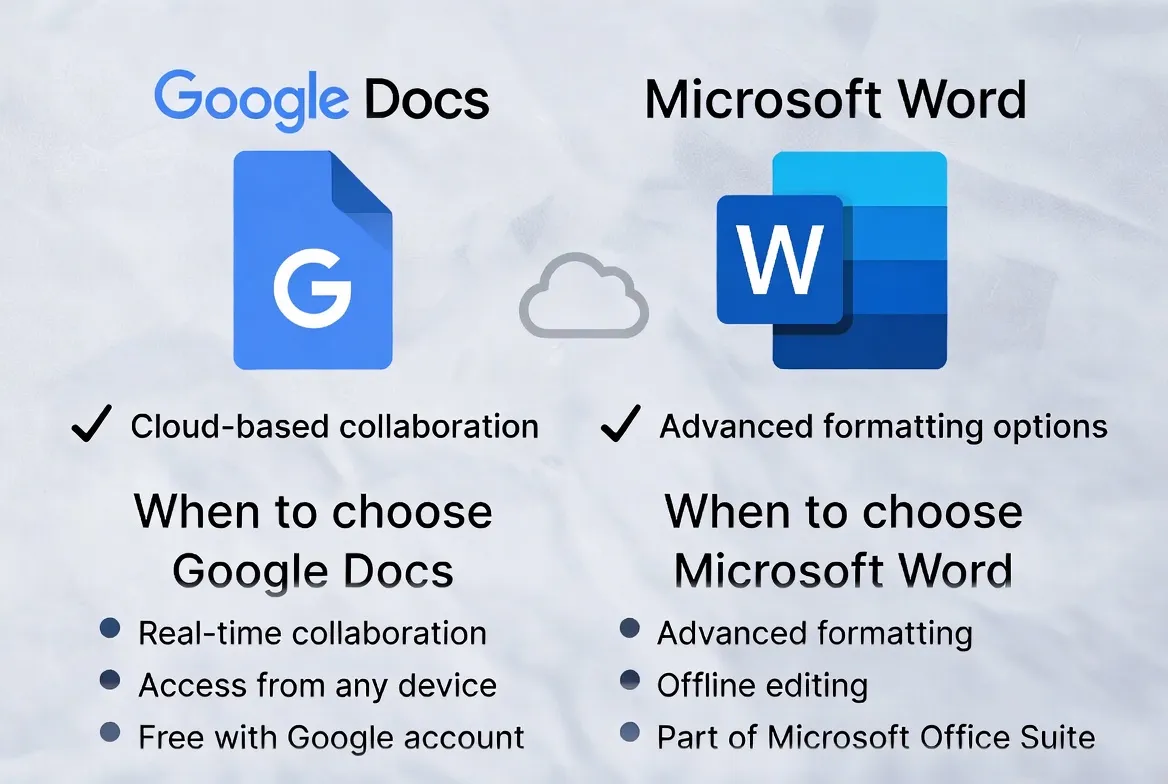
Final Verdict for 2025
For most casual users and small teams, Google Docs is the better choice—it's free, collaborative, and continuously improving. For power users, enterprises, and anyone who needs robust offline access or advanced features, Microsoft Word remains the gold standard.
The best part? You can use both! Many professionals use Google Docs for quick collaboration and Word for final document production.
Recommendation by User Profile
- Students: Google Docs (free, easy collaboration, Google Classroom)
- Freelancers: Google Docs for collaborative projects, Word for final deliverables
- Small Businesses: Google Workspace or Microsoft 365 depending on existing ecosystem
- Corporations: Microsoft 365 (enterprise integration, compliance)
- Academics: Microsoft Word (citation management, complex formatting)