
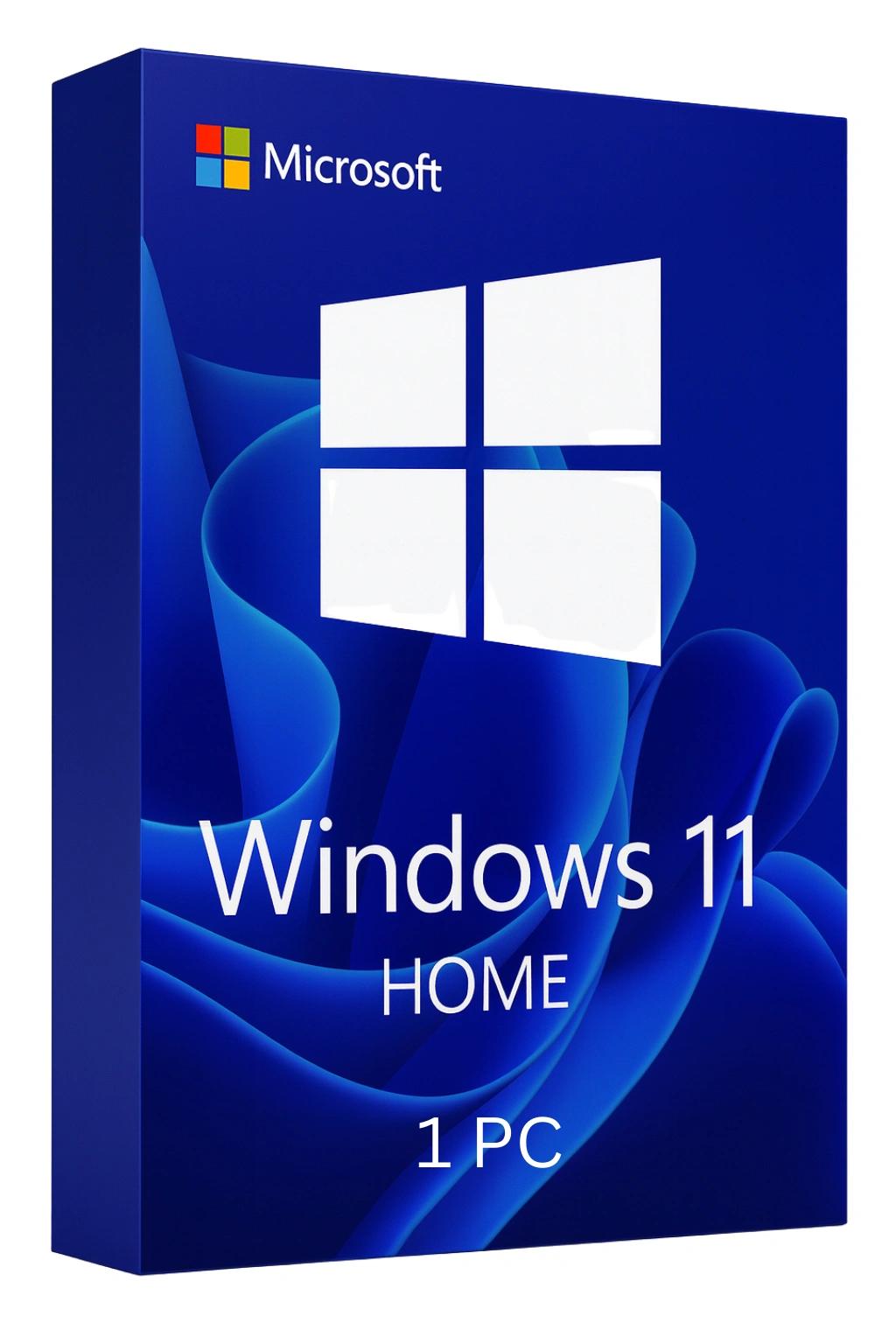

Windows 11 Home
The Modern Windows Experience for Everyone
Welcome to Windows 11 Home
Windows 11 Home brings a fresh, modern design to your PC with a centered Start menu, rounded corners, and beautiful visuals. Built for the way you work and play today, Windows 11 Home offers seamless integration with Microsoft services, enhanced gaming performance with DirectX 12 Ultimate and Auto HDR, and productivity features like Snap Layouts and virtual desktops. Perfect for home users, students, and casual gamers.
What Makes Windows 11 Home Special
Beautiful New Design
Centered taskbar, rounded corners, and calming visuals create a modern, focused experience
Snap Layouts
Organize windows effortlessly with predefined layouts—boost productivity instantly
Gaming Excellence
DirectX 12 Ultimate, Auto HDR, and DirectStorage for next-gen gaming performance
Widgets Dashboard
Personalized news, weather, calendar, and more at a glance
Key Features
Microsoft Teams Integration
Connect with friends, family, and colleagues directly from the taskbar
Android App Support
Run Android apps from the Amazon Appstore on your PC
Virtual Desktops
Create separate desktops for work, gaming, and personal use
Voice Typing
Dictate text anywhere with improved voice recognition
Focus Sessions
Minimize distractions with integrated focus timer and Do Not Disturb
Enhanced Touch
Improved touch gestures and tablet mode for 2-in-1 devices
Windows 11 Home: Built for Gaming
Windows 11 Home delivers the best gaming experience on any Windows:
- DirectX 12 Ultimate for stunning graphics
- Auto HDR automatically enhances compatible games
- DirectStorage reduces load times dramatically
- Xbox Game Pass integration built-in
- Game Mode optimizes system resources
Windows 11 Home vs Pro
Home edition includes everything most users need:
| Feature | Home | Pro |
|---|---|---|
| Snap Layouts & Virtual Desktops | ✓ | ✓ |
| Microsoft Teams Chat | ✓ | ✓ |
| DirectX 12 Ultimate & Auto HDR | ✓ | ✓ |
| Android Apps | ✓ | ✓ |
| Windows Hello | ✓ | ✓ |
| Device Encryption | ✓ | ✓ |
| BitLocker Full Encryption | ✗ | ✓ |
| Remote Desktop Host | ✗ | ✓ |
| Hyper-V Virtualization | ✗ | ✓ |
| Group Policy Editor | ✗ | ✓ |
Need business features? Consider Windows 11 Pro.
Lifetime License Benefits
Permanent Activation
One-time purchase—yours forever
Hardware-Linked
Reinstall anytime on the same PC
Free Updates
All Windows 11 feature updates included
Microsoft Support
Full eligibility for Microsoft support
Frequently Asked Questions
- What's the difference between Home and Pro?
- Home includes all consumer features. Pro adds BitLocker encryption, Remote Desktop hosting, Hyper-V virtualization, and Group Policy for business use.
- Can I upgrade from Home to Pro later?
- Yes, you can purchase a Pro upgrade key anytime through Microsoft Store or from us.
- Does Windows 11 Home support gaming?
- Absolutely! Windows 11 Home includes all gaming features: DirectX 12 Ultimate, Auto HDR, DirectStorage, Game Mode, and Xbox integration.
- Will my programs work on Windows 11 Home?
- Most Windows 10 compatible programs work on Windows 11 Home. Check with specific software vendors for compatibility.
- Can I run Android apps on Windows 11 Home?
- Yes, Windows 11 Home supports Android apps through the Amazon Appstore.