
Windows 11 OEM vs Retail Key: Which to Buy? (Price Breakdown)

Callum specializes in breaking down complex technology topics into easy-to-understand guides. He has a background in computer science and technical writing.
"What's the difference between OEM and Retail?" It's the question I get most often when people are buying Windows 11 keys. The short answer: both activate Windows identically, but one costs $150+ more than the other. Here's exactly what you're paying for with each type and which makes more sense for your situation.
⚡ Quick Summary
OEM ($12-25)
Tied to one PC, no Microsoft support, lowest price
Retail ($139-199)
Transferable between PCs, full Microsoft support
What Is an OEM Key?
OEM stands for "Original Equipment Manufacturer." These keys were designed for PC makers like Dell, HP, and Lenovo who pre-install Windows on new computers.
OEM Key Characteristics
- ✓Activates Windows permanently — Exactly like retail
- ✓Receives all updates — Security and feature updates included
- ✓Significantly lower price — 80-90% less than retail
- !Tied to motherboard — Cannot transfer to another PC
- !No Microsoft support — Seller provides support
What Is a Retail Key?
Retail keys are what Microsoft sells directly to consumers. They're the "premium" product with all the support and flexibility options.
Retail Key Characteristics
- ✓Transferable between PCs — Deactivate on one, activate on another
- ✓Full Microsoft support — Chat, phone, forums
- ✓Linkable to Microsoft account — Easier recovery
- ✗Significantly higher price — $139-199
Real Price Comparison
| License Type | Windows 11 Home | Windows 11 Pro |
|---|---|---|
| Retail (Microsoft Store) | $139 | $199 |
| Retail (Amazon) | $129-139 | $179-199 |
| OEM (Authorized sellers) | $10-15 | $12-25 |
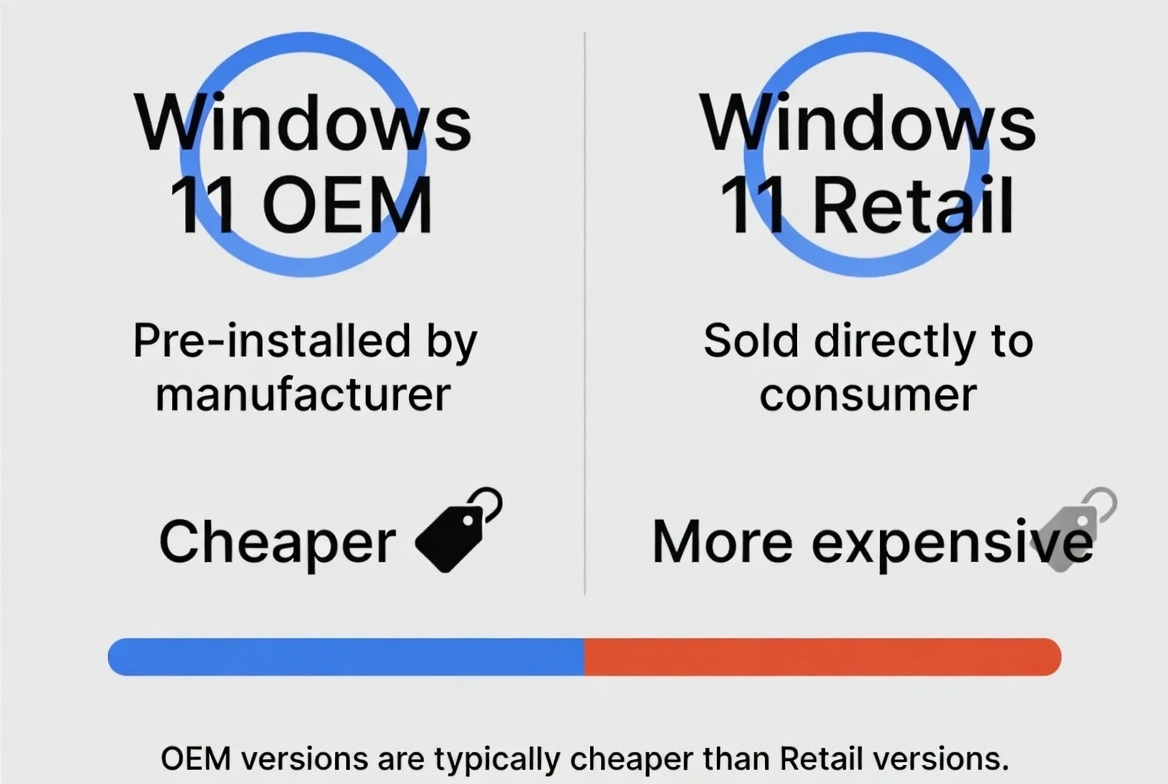
That's a $125-175 difference for the same Windows activation. The only question is whether the extra features are worth that price to you.
Which Should You Buy?
✅ Buy OEM If:
- • You're installing on a PC you plan to use for several years
- • You don't need to transfer the license to future computers
- • You're comfortable with seller support instead of Microsoft
- • You want the lowest possible price
- • You're building a desktop PC (not a laptop)
🔄 Buy Retail If:
- • You upgrade your PC frequently (every 2-3 years)
- • You need the option to transfer to a new computer
- • You want direct Microsoft support
- • Your company requires retail licenses by policy
- • Budget isn't a concern
Common Myths Debunked
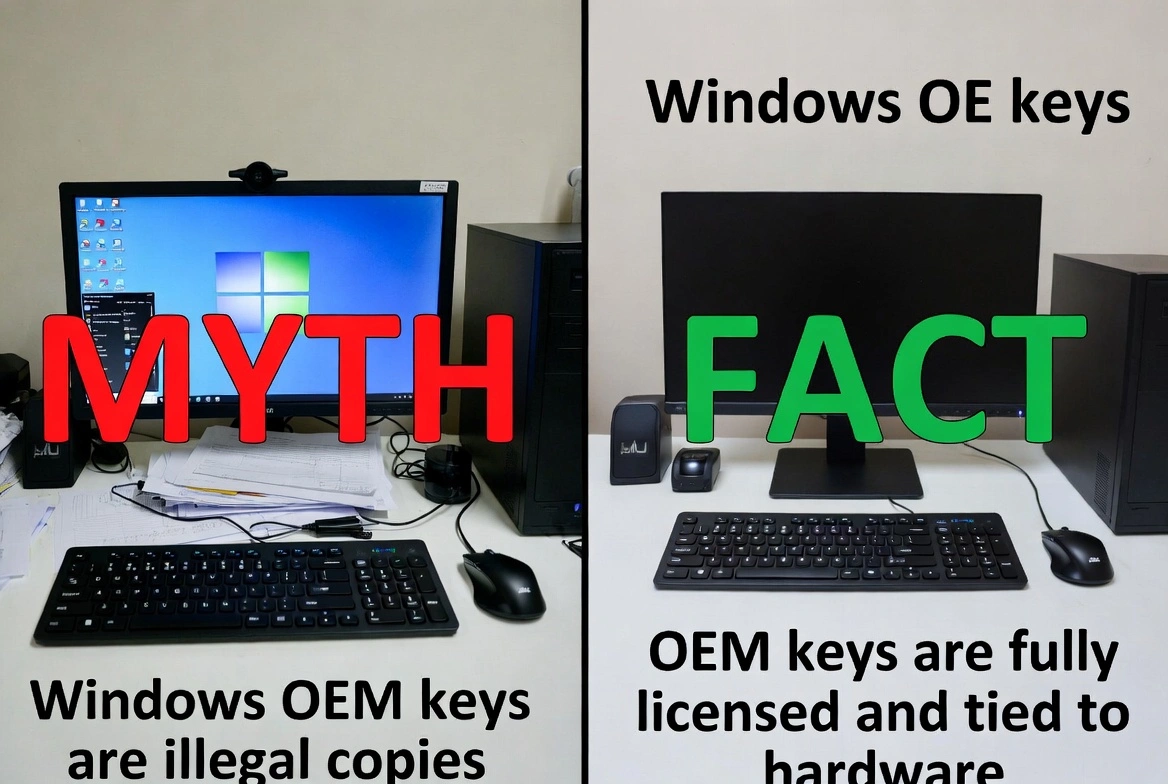
❌ "OEM keys are illegal"
False. OEM keys are genuine Microsoft products. They're 100% legal for personal use. Microsoft sells them to manufacturers, and resellers distribute them individually.
❌ "OEM keys stop working after a while"
False. A legitimate OEM key activates Windows permanently. It doesn't expire. It will work as long as you use that motherboard.
❌ "You can't reinstall Windows with an OEM key"
False. You can reinstall Windows as many times as you want on the same PC. The key is tied to hardware, not the installation.
❌ "Changing components invalidates OEM keys"
Partially true. Changing the motherboard may require a new key. Other changes (RAM, GPU, drives) are fine.
How to Buy OEM Keys Safely
- Choose established sellers
Look for sellers with years of operation, clear refund policies, and actual customer support.
- Avoid ridiculously low prices
If a key costs less than $10, there's probably something wrong. The sweet spot is $12-25 for Pro.
- Use payment methods with protection
PayPal or credit card gives you recourse if something goes wrong.
- Save your key and receipt
You'll need the key if you ever reinstall Windows.
Activation Process
Both key types activate exactly the same way:
- 1. Settings → System → Activation
- 2. Click "Change product key"
- 3. Enter your 25-character key
- 4. Click Next — instant activation
My Recommendation
For 95% of users, an OEM key is the smart choice. You get the exact same Windows experience at a fraction of the price. The only reason to buy retail is if you specifically need to transfer the license to future PCs or require direct Microsoft support. Save the $150+ and spend it on better hardware.