
Is Microsoft Copilot Pro Worth $20/Month? Honest Review After 30 Days

Callum specializes in breaking down complex technology topics into easy-to-understand guides. He has a background in computer science and technical writing.
Let me be upfront: I was skeptical. Another $20/month on top of my Microsoft 365 subscription? For AI features I might not even use? But after 30 days of genuinely trying to integrate Copilot Pro into my daily workflow, I have a nuanced take that goes beyond the typical "it's amazing" or "it's overpriced" reviews.
This isn't a feature list regurgitation. This is what actually happened when I used Copilot Pro every single day for a month—the wins, the frustrations, and the moments that genuinely surprised me.
Quick Verdict
Copilot Pro is worth it for power users who write extensively or analyze data daily. It's NOT worth it for casual Office users or anyone expecting magic.
8/10
For Writers
7/10
For Excel Users
5/10
For Casual Users
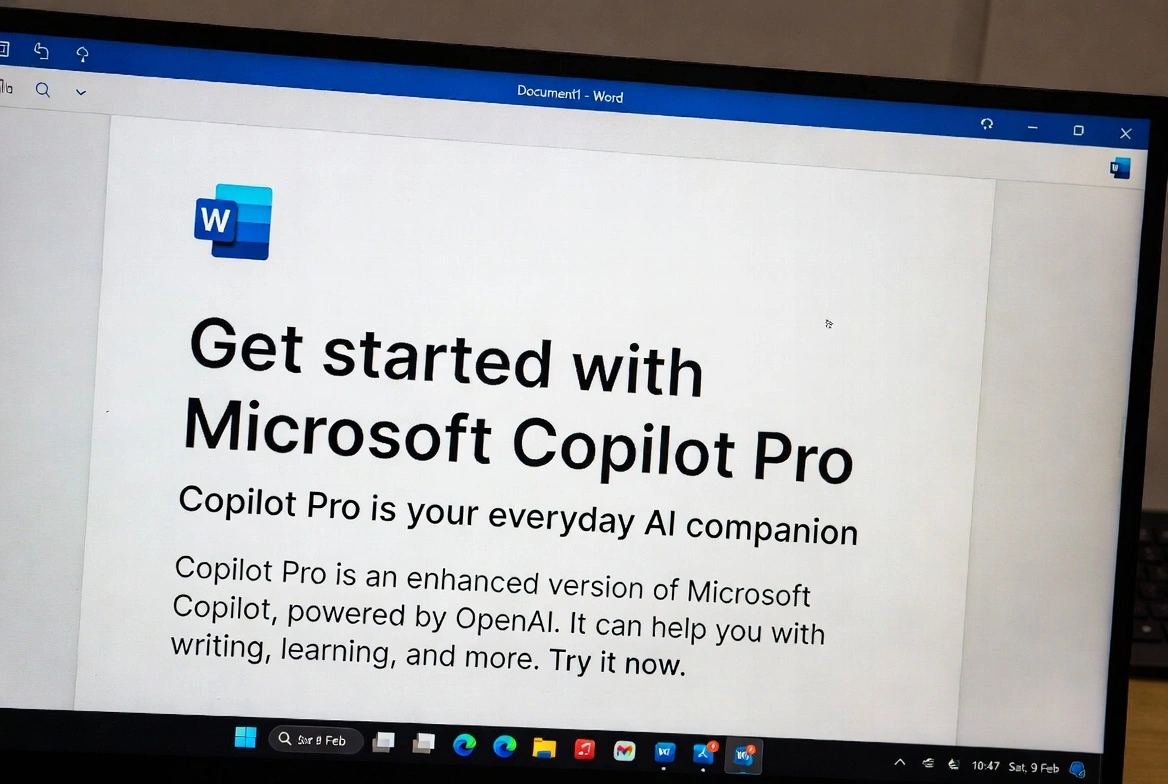
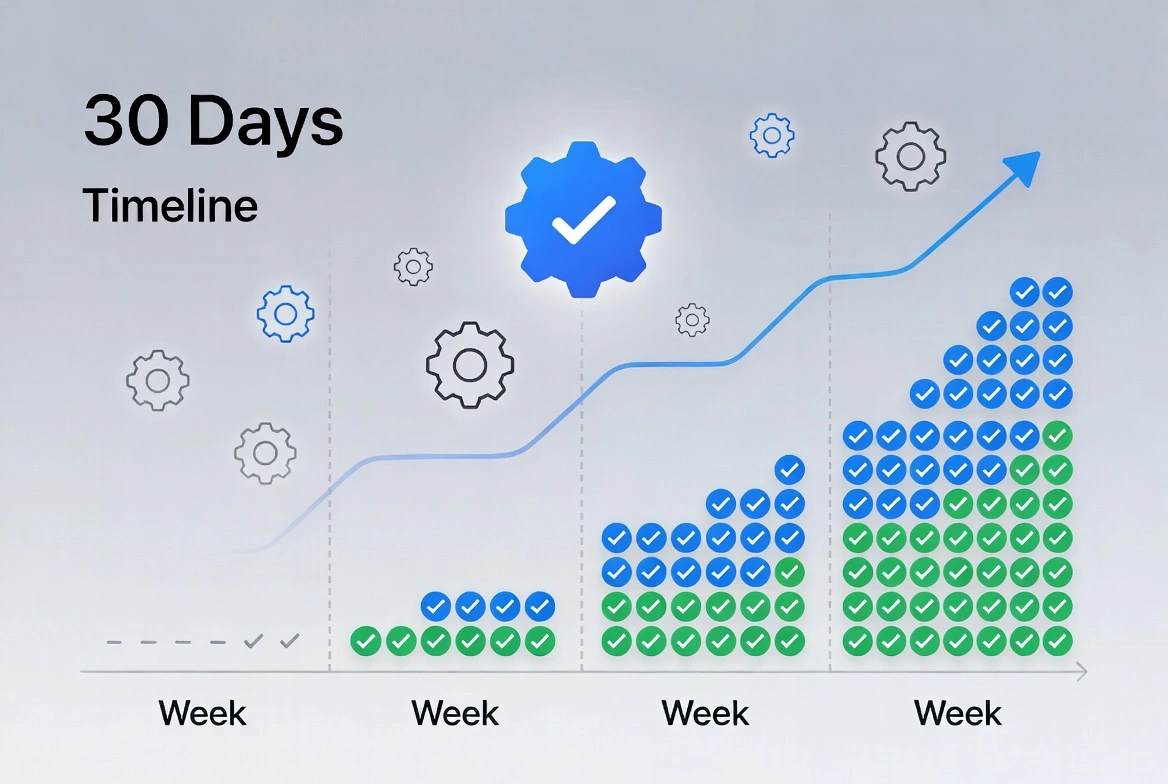
My 30-Day Journey: Week by Week
Week 1: The Honeymoon Phase
The first few days felt like magic. I asked Copilot to draft a project proposal in Word, and within 30 seconds I had a coherent 500-word document. Was it perfect? No. But it gave me a structure I could work with instead of staring at a blank page.
Highlight: Day 3 breakthrough: I asked Copilot to analyze a spreadsheet of 2,000 customer records and identify trends. It spotted a seasonal buying pattern I'd missed after months of manual analysis. That single insight was worth more than the monthly subscription.
Frustration: Day 5 reality check: Tried to get Copilot to create a PowerPoint presentation. The result? Generic slides with placeholder-quality text. I spent more time fixing it than I would have creating from scratch.
Week 2: Learning the Prompting Game
I realized my results were only as good as my prompts. "Write me an email" gave me garbage. "Write a professional but warm email declining a meeting request, acknowledging their time, and suggesting an alternative next week" gave me something I could actually send.
Pro Tip: Pro tip I learned: Be specific about tone, length, and audience. Copilot responds dramatically better to detailed instructions.
Real Example: Real example from Day 10: Instead of "summarize this document," I wrote "Summarize this 40-page contract into 5 bullet points focusing on payment terms, liability clauses, and termination conditions." The result was actually useful for my legal review.
Week 3: The Productivity Plateau
By week three, I'd found my groove—but also hit limitations. Copilot became genuinely useful for first drafts and data analysis, but I stopped expecting it to replace my thinking.
The honest truth: I used Copilot heavily in Word (daily) and Excel (3-4 times per week), occasionally in Outlook, and almost never in PowerPoint after my initial disappointment.
Time saved this week: Approximately 4-5 hours on writing tasks, 2-3 hours on Excel analysis. That's real value for a $20 subscription.
Week 4: The Final Assessment
Entering the final week, I had a clear picture. Copilot Pro isn't a revolution—it's a solid productivity boost for specific use cases. It won't replace your expertise, but it can accelerate your output.
Best Moment: Best moment of the month: Copilot helped me rewrite a poorly-worded client email in three different tones so I could pick the best approach. What would have taken me 20 minutes of deliberation took 2 minutes.
Worst Moment: Worst moment: Asked Copilot to help with a complex nested Excel formula. It confidently gave me something that looked right but produced completely wrong results. I wasted 30 minutes debugging AI-generated code.
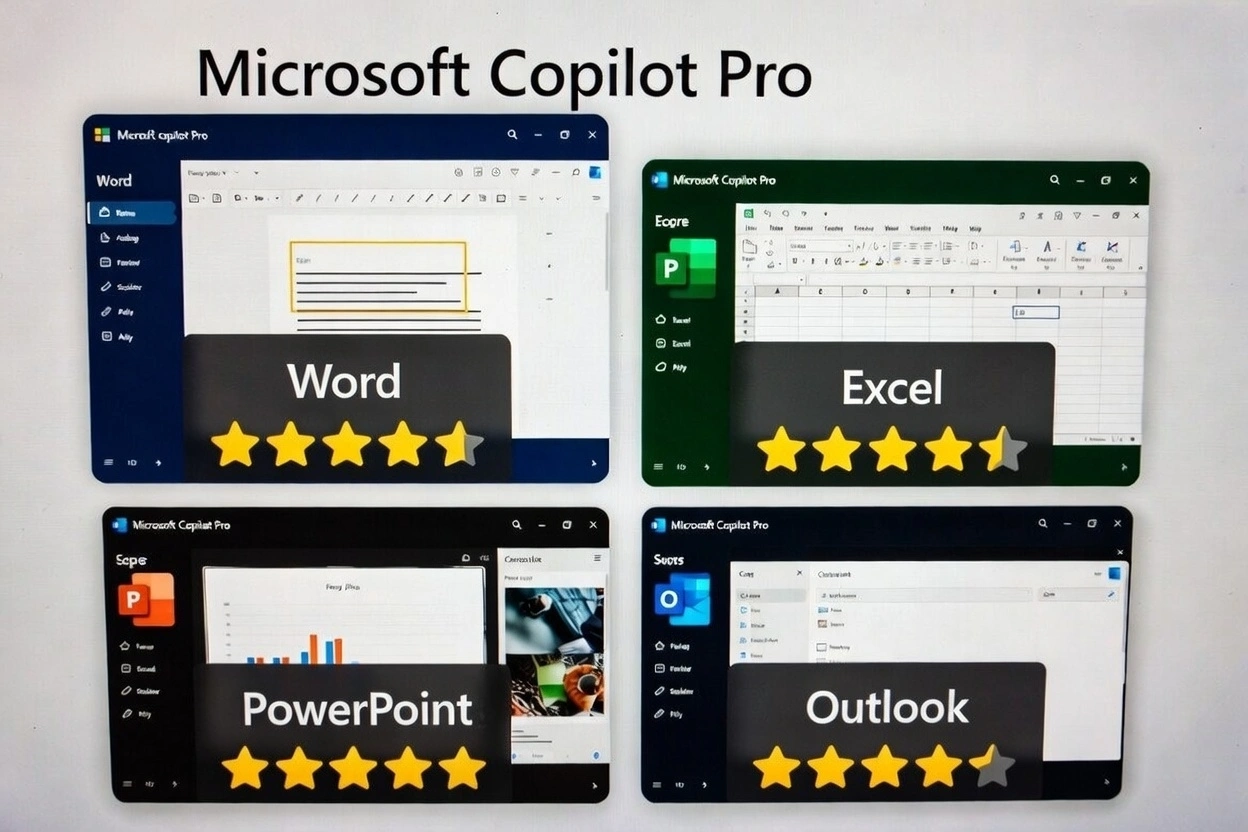
App-by-App Breakdown: Where Copilot Shines (and Fails)
Microsoft Word: The Star Performer
This is where Copilot Pro earns its subscription. If you write regularly, the time savings are substantial.
What Works:
- • First drafts of documents, proposals, and reports
- • Rewriting paragraphs in different tones or styles
- • Summarizing long documents into key points
- • Generating outlines for complex topics
- • Catching inconsistencies in writing style
What Fails:
- • Technical or specialized content (often inaccurate)
- • Creative writing that needs a unique voice
- • Content requiring recent information (knowledge cutoff)
If you write more than 5 documents per week, Word Copilot alone can justify the $20/month subscription.
Microsoft Excel: The Hidden Gem
Excel Copilot surprised me. It's not just about formulas—it's about data understanding.
What Works:
- • Generating complex formulas from natural language
- • Creating PivotTables with simple requests
- • Identifying patterns in large datasets
- • Explaining existing formulas in plain English
- • Suggesting visualizations for your data
What Fails:
- • Very complex nested formulas (sometimes wrong)
- • Understanding context across multiple sheets
- • Real-time data connections and updates
For data analysts and business users who aren't Excel experts, this is genuinely valuable. For Excel power users, it's a nice-to-have.
Microsoft PowerPoint: The Disappointment
I wanted to love PowerPoint Copilot. I really did. But after a month, I barely use it.
What Works:
- • Creating quick outline slides from documents
- • Suggesting design improvements
- • Adding speaker notes
What Fails:
- • Generated slides look generic and template-like
- • Images and graphics are basic or irrelevant
- • Requires significant manual editing
- • Doesn't understand brand guidelines
Save your time. Create slides manually or use dedicated presentation tools. PowerPoint Copilot isn't there yet.
Microsoft Outlook: The Quiet Helper
Outlook Copilot grew on me. It's not flashy, but it handles email grunt work well.
What Works:
- • Drafting quick replies to common emails
- • Summarizing long email threads
- • Adjusting email tone (more formal, more friendly)
- • Catching emails that need follow-up
What Fails:
- • Sometimes misses context from previous conversations
- • Replies can feel generic without customization
- • Doesn't integrate calendar context well
If you process 50+ emails daily, the time savings add up. For light email users, the free Copilot handles basics.
The Real Numbers: Is It Worth $240/Year?
Let's do the math on whether Copilot Pro makes financial sense:
Cost Breakdown:
- Copilot Pro subscription$20/month = $240/year
- Microsoft 365 Personal (required)$70/year
- Total annual cost$310/year
Time Saved (My Actual Experience):
- Document drafting3-5 hours/week
- Email composition1-2 hours/week
- Data analysis1-2 hours/week
- Total weekly savings5-9 hours
At even minimum wage ($15/hour), saving 5 hours weekly = $300/month in time value. The math clearly favors Copilot Pro IF you actually use it consistently for work that matters.
Copilot Pro vs. The Competition
How does Copilot Pro stack up against alternatives I've tried?
ChatGPT Plus ($20/month)
Pros: More powerful for general tasks, better at creative writing, works everywhere
Cons: No Office integration, copy-paste workflow
Better for general AI use; worse for Office-specific work
Google Gemini in Workspace ($20/month)
Pros: Excellent Gmail/Docs integration, strong summarization
Cons: Less powerful for spreadsheets, smaller ecosystem
Equal for email; Copilot wins for Excel/Word
Free Copilot (Microsoft's free tier)
Pros: Free! Handles basic queries well
Cons: No deep Office integration, slower, lower priority
Good for testing; Pro needed for real productivity gains

Who Should (and Shouldn't) Subscribe
Worth It For:
- ✓ Content writers, marketers, and communications professionals
- ✓ Business analysts who work with data regularly
- ✓ Executives and managers handling heavy email loads
- ✓ Consultants who produce lots of documents and proposals
- ✓ Anyone whose time is worth more than $30/hour
Skip It If:
- ✗ You use Microsoft Office casually (once or twice a week)
- ✗ You're on a tight budget and need to prioritize
- ✗ You primarily use creative tools (design, video, etc.)
- ✗ The free Copilot already meets your needs
- ✗ You're comfortable with ChatGPT + copy-paste workflow
7 Tips to Get Maximum Value from Copilot Pro
Write detailed prompts
Include context, tone, audience, and length. 'Write a professional email' fails. 'Write a 3-paragraph professional email to a client explaining a project delay, apologizing, and proposing a new timeline' succeeds.
Use it for first drafts only
Never send Copilot output directly. Always review, edit, and add your voice.
Learn the keyboard shortcuts
Alt+I opens Copilot in most Office apps. Speed matters for productivity.
Feed it context
Reference existing documents: 'Based on the project brief in my OneDrive, draft a status update.' Context improves output dramatically.
Iterate, don't restart
If the first result isn't right, say 'Make it more formal' or 'Focus on the budget section.' Refinement is faster than starting over.
Use Copilot for analysis, not creation in Excel
It's better at explaining data patterns than creating complex formulas from scratch.
Skip PowerPoint Copilot
Seriously. Create your slides manually. The time you'll spend fixing Copilot's output isn't worth it.
Final Verdict: Should You Subscribe?
After 30 days, I'm keeping my Copilot Pro subscription—but with clear expectations. It's not magic. It's not replacing my skills. It's a productivity tool that saves me 5-8 hours per week when used correctly.
For writers and data workers who live in Microsoft Office, the $20/month is easily justified. For casual users, stick with the free tier or invest in ChatGPT Plus for broader AI capabilities.
My recommendation: Try the Microsoft 365 Copilot trial if available, or commit to using Copilot Pro intensively for one month. If you're not saving significant time by week 3, cancel before renewal.
Not Ready for $20/Month? Consider These Alternatives
If Copilot Pro's ongoing cost concerns you, a one-time Office license might be a better investment:
Get Microsoft 365 or Office 2024
Whether you choose the subscription route with Copilot Pro potential, or prefer a one-time purchase, we offer genuine licenses at discounted prices: