Windows 10 End of Support: Should You Worry? 7 Expert Tips to Stay Protected

Callum specializes in breaking down complex technology topics into easy-to-understand guides. He has a background in computer science and technical writing.
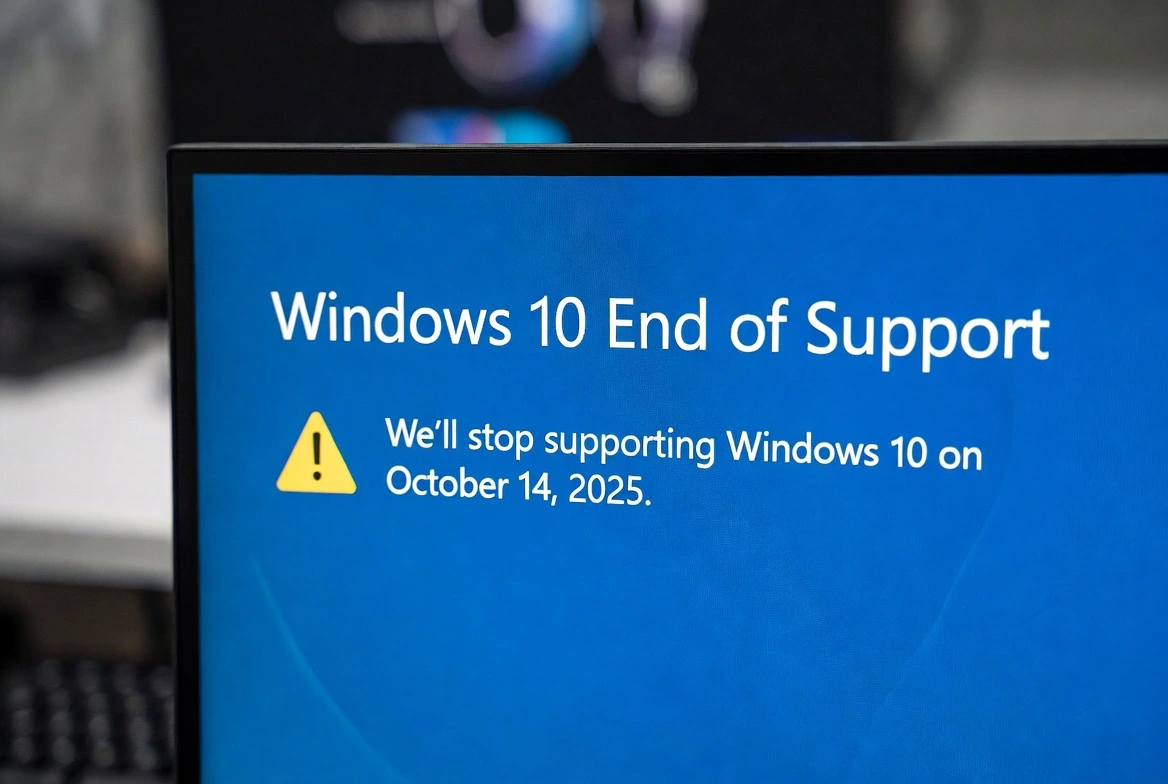
Windows 10 end of support is approaching fast—October 14, 2025 marks the official Windows 10 end of life date when Microsoft will stop providing security updates, bug fixes, and technical support. If you're wondering "Is Windows 10 still safe after end of support?" or "Should I upgrade from Windows 10?", this comprehensive guide will help you understand the Windows 10 security risks and provide 7 expert tips to stay protected.
⚠️ Important Date: October 14, 2025
After this date, your Windows 10 PC will still work, but it will become increasingly vulnerable to security threats. Microsoft will no longer release patches for newly discovered vulnerabilities.
📋 Table of Contents
What Happens When Windows 10 Support Ends?
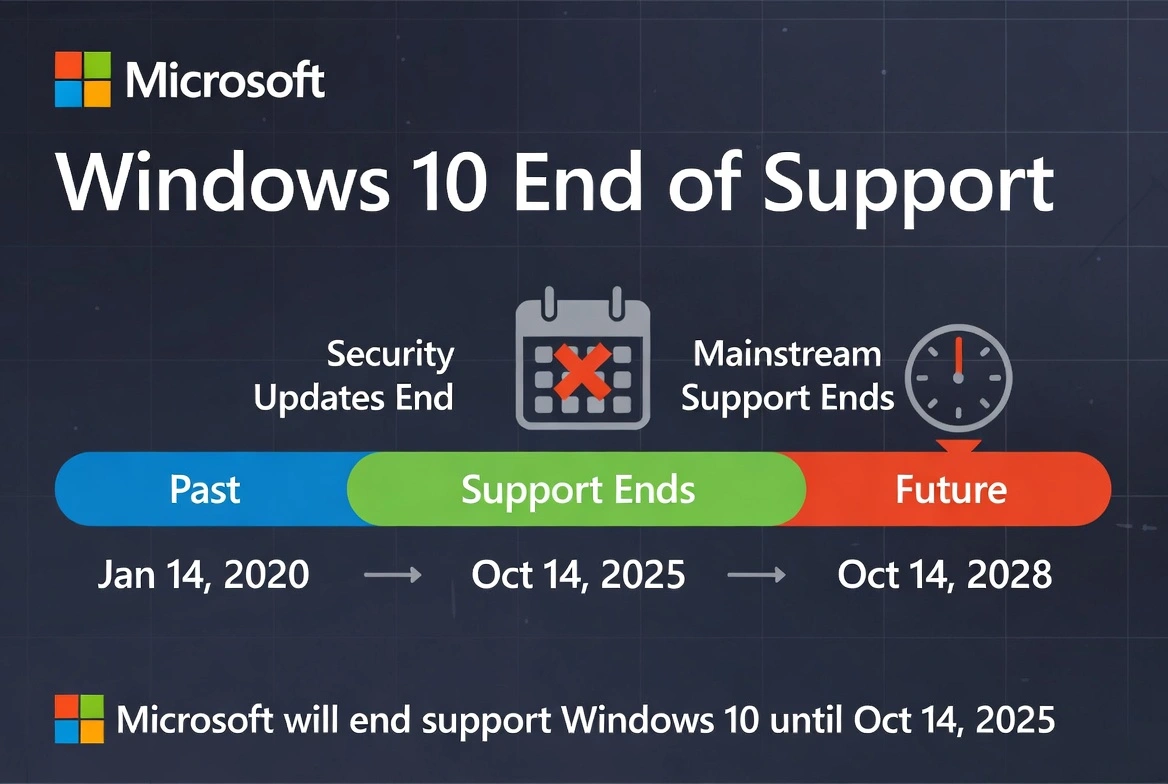
Many users ask "How long will Windows 10 be supported?" The answer is clear: October 14, 2025 is the final date. But what happens when Windows 10 support ends? Here's what to expect:
- No more security patches: Newly discovered vulnerabilities won't be fixed
- No bug fixes: Existing issues will remain unresolved
- No technical support: Microsoft won't help with Windows 10 issues
- Software compatibility: New apps may stop supporting Windows 10
According to Microsoft's official lifecycle documentation, Windows 10 Home and Pro editions will reach end of support on October 14, 2025.
Is Windows 10 Still Safe After End of Support?
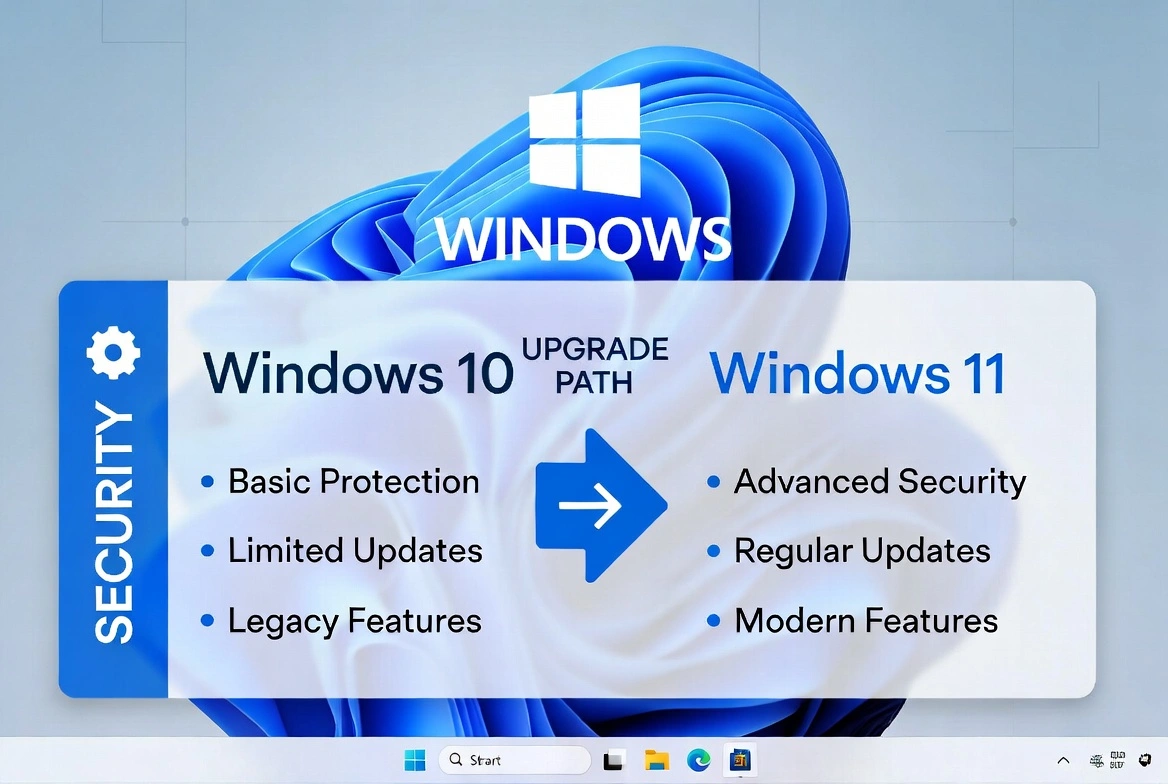
The short answer: Yes, you should worry—but don't panic. When comparing Windows 10 vs Windows 11 security, Windows 11 offers significantly better protection with built-in security features. Here's what you need to understand about the risks:
High Risk Users
- • Online banking users
- • Businesses handling customer data
- • Anyone storing sensitive documents
- • Users who frequently browse the web
Lower Risk (But Still Vulnerable)
- • Offline-only computers
- • Computers used for basic tasks
- • Secondary/backup machines
- • Isolated network devices
According to CISA (Cybersecurity and Infrastructure Security Agency), unpatched systems are one of the top attack vectors for cybercriminals.
How to Protect a Windows 10 PC After Support Ends: 7 Expert Tips
If you're wondering what to do when Windows 10 support ends or how to stay safe after Windows 10 support ends, follow these proven strategies:
Upgrade from Windows 10 to Windows 11 (Best Option)
Is upgrading to Windows 11 worth it? Absolutely. The cheapest way to upgrade from Windows 10 to Windows 11 is with a genuine Windows 11 Pro lifetime key. If your PC meets the Windows 11 system requirements, upgrading ensures you continue receiving security updates until at least 2027 and enjoy Windows 11 Pro benefits for security.
Buy Windows 11 Pro Key from $33.99Install a Premium Antivirus Solution
If you can't upgrade immediately, a robust third-party antivirus is essential. Look for solutions that offer real-time protection, ransomware defense, and behavioral analysis. ESET Smart Security Premium provides comprehensive protection against emerging threats.
Get ESET Smart Security Premium from $44.00Keep All Software Updated
Even without Windows updates, keeping your browsers (Chrome, Firefox, Edge), applications, and drivers updated is crucial. Most cyberattacks exploit known vulnerabilities in outdated software—not just the operating system.
Enable Windows Defender (At Minimum)
While Windows Defender won't receive signature updates after end-of-support, keeping it enabled provides a basic layer of protection. Ensure real-time protection is turned on and run regular scans.
Back Up Your Data Regularly
With increased vulnerability comes increased risk of data loss from ransomware or malware. Implement a 3-2-1 backup strategy: 3 copies of your data, on 2 different media types, with 1 stored offsite or in the cloud.
Use a Hardware Firewall
A hardware firewall (like those built into most modern routers) adds an extra layer of protection. Ensure your router's firmware is updated and configure it to block unwanted incoming connections.
Consider Windows 10 Extended Security Updates (ESU)
Microsoft will offer Windows 10 extended security updates as a paid subscription. This provides critical security patches for up to 3 years after end-of-support—ideal for businesses that need more time to migrate. However, for most users, purchasing a cheap Windows 11 Pro license is more cost-effective than paying $61/year for ESU.
Windows 10 to Windows 11 Upgrade Key: Your Options
Looking for the cheapest way to upgrade from Windows 10 to Windows 11? Here's a comparison of your options using a Windows 10 to Windows 11 upgrade key:
| Option | Cost | Security Level | Recommended For |
|---|---|---|---|
| Upgrade to Windows 11 ⭐ | $33.99 | Excellent | Everyone |
| ESU Subscription | $61/year | Good | Businesses needing time |
| Premium Antivirus Only | $44.00/year | Moderate | Low-risk users |
| Do Nothing | $0 | Poor | Not recommended |
Frequently Asked Questions
Will Windows 10 stop working after October 2025?
No, Windows 10 will continue to work after the Windows 10 end of life date. However, it won't receive security updates, making it increasingly vulnerable to new threats and cyberattacks.
Is upgrading to Windows 11 worth it?
Absolutely! The Windows 11 Pro benefits for security include TPM 2.0, Secure Boot, and enhanced ransomware protection. Buy Windows 11 Pro key from Prise Keys for just $33.99 for a genuine lifetime license.
What if my PC doesn't support Windows 11?
You can either purchase new hardware, use Windows 10 extended security updates, or implement robust security measures while planning your upgrade to stay protected.
Is Windows 10 still safe after end of support?
Using an unsupported OS carries significant Windows 10 security risks. If you must continue using Windows 10, follow all 7 security tips above to minimize your exposure to threats.
Where can I buy a cheap Windows 11 Pro license?
You can buy Windows 11 Pro key from Prise Keys for just $33.99—a Windows 11 Pro lifetime key with instant delivery and 24/7 support. It's the cheapest way to upgrade from Windows 10 to Windows 11.
Conclusion: Microsoft Ending Windows 10 Support—Protect Your PC Now
Windows 10 end of support is a significant milestone that shouldn't be ignored. Windows 10 no longer supported means your computer will become increasingly vulnerable to cyberattacks. Cybercriminals actively target unsupported systems because they know vulnerabilities will never be patched.
The best protection is to upgrade from Windows 10 to Windows 11—and with a cheap Windows 11 Pro license at just $33.99 from Prise Keys, it's an affordable investment in your digital security. Get a Windows activation key legitimate and protect your PC before it's too late.