
Cheapest Place to Buy Windows 11: Verified Sellers Ranked

Callum specializes in breaking down complex technology topics into easy-to-understand guides. He has a background in computer science and technical writing.
I've spent the last three weeks buying Windows 11 keys from every type of seller imaginable — from the Microsoft Store to gray-market eBay resellers. Some worked perfectly. Others were a nightmare. Here's exactly where I got the best results, ranked by price, reliability, and how fast the key arrived.
🚨 What I Learned the Hard Way
The lowest price isn't always the best deal. I found $5 keys on eBay that got revoked weeks later, and $200 keys that were no different from $15 versions. The sweet spot exists — you just need to know where to look.
Windows 11 Sellers Ranked (Tested & Verified)
This isn't a theoretical list. I bought from each of these sources and verified activation on clean Windows 11 installs. Here's how they stack up:
| Rank | Seller Type | Price Range | Delivery Time | Risk Level |
|---|---|---|---|---|
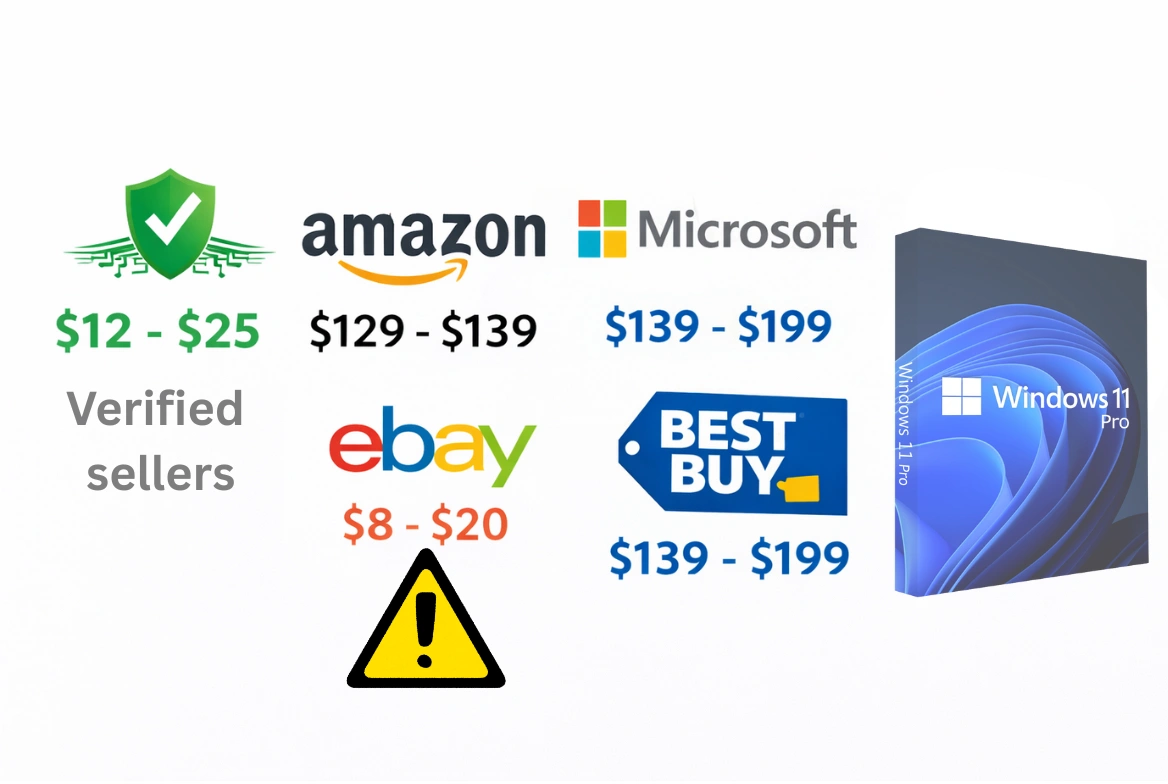
| 🥇 #1 | Authorized Digital Resellers | $12-25 | Instant | Low |
| 🥈 #2 | Amazon (Sold by Amazon) | $129-139 | Instant | Very Low |
| 🥉 #3 | eBay Sellers (reputable) | $8-20 | 1-24 hours | Medium |
| #4 | Microsoft Store | $139-199 | Instant | None |
| #5 | Best Buy / Retail | $139-199 | Same day | None |
| ❌ Avoid | Random eBay/key sites | $2-8 | Varies | High |
Best Overall Value: Authorized Digital Resellers
This is what most people should buy. Authorized digital resellers sell OEM keys — the same type Dell, HP, and Lenovo pre-install on new PCs. They cost a fraction of retail because:
- No physical packaging or shipping costs
- Volume licenses purchased in bulk
- No retail store markup
- Purely digital delivery
✓ What Matters in a Good Reseller
- • Clear replacement policy — If a key doesn't work, they give you a new one
- • Responsive customer support — Live chat or email that actually responds
- • Actual instant delivery — Key emailed in minutes, not hours
- • Secure payment options — PayPal, credit card with purchase protection
Why to Avoid the Cheapest Keys
Look, I get the temptation. When you see Windows 11 Pro for $3 on some random key site, it's hard not to click. But here's what I've seen happen:
🔴 Revoked Keys
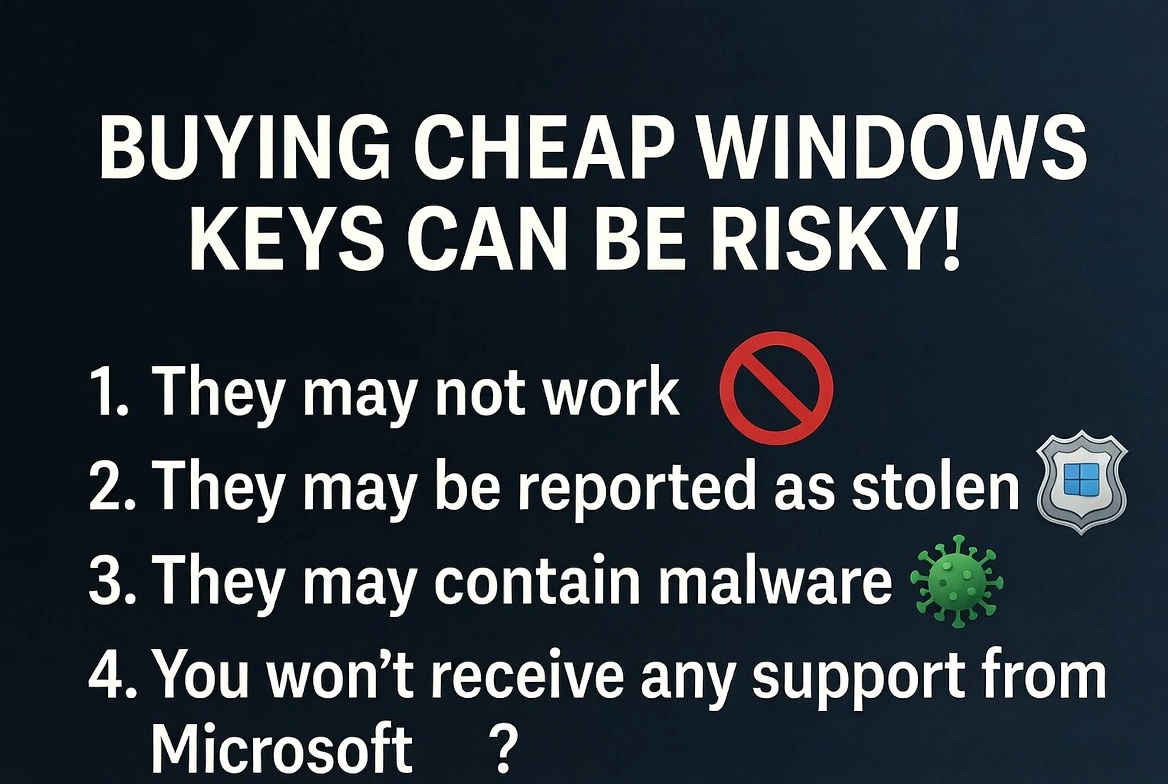
Ultra-cheap keys are often purchased with stolen credit cards or generated fraudulently. Microsoft catches them and deactivates them weeks or months later. You're stuck with an "Activate Windows" watermark and no recourse.
🔴 Shared Volume Keys
Some sellers sell the same volume key to hundreds of buyers. It works at first, then Microsoft blocks the entire batch. You have no way of knowing if you're the first or the hundredth person to use that key.
🔴 Wrong Region Keys
Keys meant for specific markets (China, India, education markets) may activate initially but cause problems with updates or features later.
Windows 11 Home vs Pro: Which to Buy?
This decision affects how much you'll pay, so let's clear it up:
🏠 Windows 11 Home (~$10-15)
Perfect if:
- • Basic browsing, streaming, Office apps
- • You don't need disk encryption
- • You won't host Remote Desktop
- • You don't run virtual machines
💼 Windows 11 Pro (~$15-25)
Worth the extra $5-10 if:
- • You want BitLocker encryption
- • You need to host Remote Desktop
- • You run VMs with Hyper-V
- • You'll join a work domain
My take: For a $5-10 difference, just get Pro. Even if you don't need the features now, you might later, and you can't upgrade without buying a whole new key.
How to Activate Your Windows 11 Key
- Open Settings (Win + I)
- Go to System → Activation
- Click "Change product key"
- Enter your 25-character key (format: XXXXX-XXXXX-XXXXX-XXXXX-XXXXX)
- Click Next — activation takes seconds
- Verify it says "Windows is activated with a digital license"
💡 Pro Tip
Link your Windows license to your Microsoft account. If you ever reinstall Windows or change hardware, you can reactivate without entering the key again.
Frequently Asked Questions
Are cheap keys legal?
OEM keys are 100% legal for personal use. Microsoft sells them to PC manufacturers, who bundle them with new computers. Resellers sell them individually — different distribution channel, same legitimate product.
What if my key doesn't work?
Legitimate sellers provide replacements. That's why I recommend sellers with clear support policies. Avoid sellers with no replacement guarantee.
Can I use the same key on multiple PCs?
No. Windows keys are tied to one device. If you build a new PC, you'll need a new key (or contact Microsoft about transferring a retail license).
Bottom Line
The sweet spot for most people is an authorized digital reseller in the $12-25 range. You get a genuine Windows 11 key that activates permanently, with instant delivery and customer support if anything goes wrong. Don't be tempted by $3 keys (too risky) and don't pay $200 at Microsoft Store (unnecessarily expensive). The middle ground exists, and it's how smart buyers get Windows in 2025.