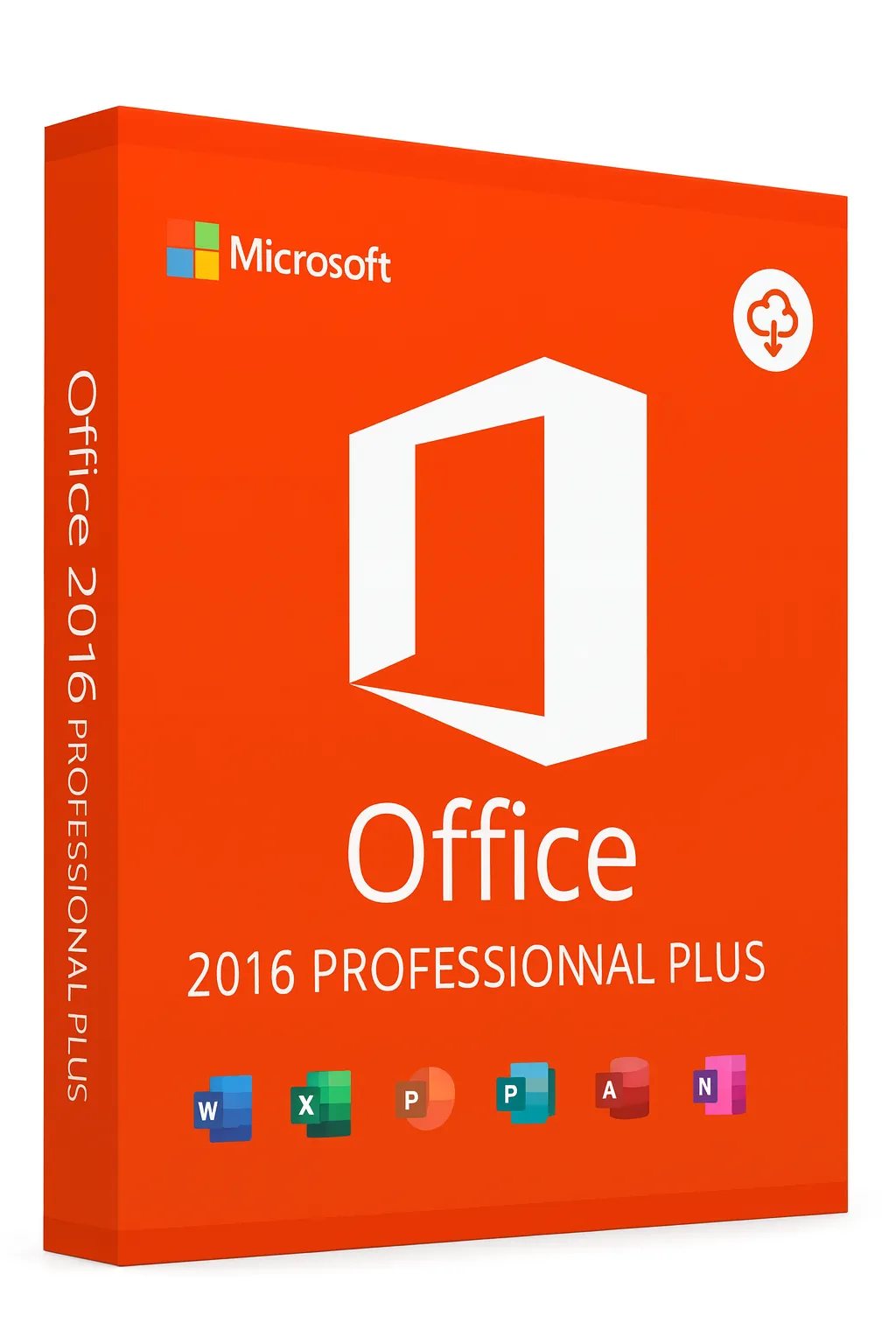
Retail vs Volume License for Office 2016
Choose the right Office 2016 license type for your needs
When purchasing Microsoft Office 2016, understanding the difference between Retail and Volume licenses is crucial. Each license type has distinct features, limitations, and use cases. This guide explains everything you need to know to make an informed decision.
Quick Comparison
| Feature | Retail | Volume |
|---|---|---|
| Intended For | Individual users | Organizations (5+ PCs) |
| Purchase Source | Retail stores, Microsoft | Microsoft partners only |
| Transferable | Yes (to another PC) | No (tied to organization) |
| Activation Method | Online or phone | KMS or MAK |
| Support Included | Consumer support | Enterprise support |
| Price Per License | Higher per unit | Discounted bulk pricing |
| Minimum Purchase | 1 license | 5 licenses minimum |
Understanding Retail Licenses
Retail licenses are designed for individual consumers and small businesses that need Office on one or a few computers.
Fully Transferable
You can move your license to a new computer when you upgrade, as long as you deactivate it on the old PC first.
One Installation
Each retail key activates Office on a single PC. You need multiple licenses for multiple computers.
Lifetime Ownership
Once purchased, you own the license permanently with no recurring fees or subscriptions.
Easy Activation
Activate online instantly or via phone if needed. No IT infrastructure required.
Consumer Support
Access to Microsoft's standard consumer support channels for activation and basic issues.
Understanding Volume Licenses
Volume licenses are designed for organizations that need to deploy Office on multiple computers with centralized management.
Bulk Pricing
Significant discounts when purchasing 5 or more licenses, making it cost-effective for organizations.
Non-Transferable
Licenses are tied to the purchasing organization and cannot be transferred to individuals or other companies.
Centralized Activation
Use KMS (Key Management Service) or MAK (Multiple Activation Key) for enterprise deployment.
Requires Agreement
Must sign a Volume Licensing agreement with Microsoft through an authorized reseller.
Enterprise Support
Access to dedicated enterprise support with priority assistance and extended options.
Activation Methods Explained
Online Activation (Retail)
The simplest method. Enter your product key and Office connects to Microsoft servers to validate and activate instantly.
Best for: Individual users with internet connection
Phone Activation (Retail)
Call Microsoft's automated system, provide installation ID, and receive confirmation ID to activate offline.
Best for: Users without reliable internet access
KMS Activation (Volume)
Organization hosts a KMS server that activates Office installations on the local network. Requires periodic re-activation.
Best for: Large organizations with IT infrastructure
MAK Activation (Volume)
Multiple Activation Key allows a set number of one-time activations. Doesn't require ongoing server connection.
Best for: Organizations with remote or disconnected computers
Legal Considerations
Using the wrong license type can have serious legal and practical consequences.
Volume Keys for Personal Use
Using a volume license key as an individual is a violation of Microsoft's licensing terms. These keys are only valid within the purchasing organization's infrastructure.
Reselling Volume Licenses
Volume licenses cannot be legally resold to individuals. If a seller offers 'volume' keys at low prices for personal use, they are likely not legitimate.
License Audits
Microsoft conducts license compliance audits. Organizations using licenses improperly may face penalties and required true-ups.
Activation Failures
Improperly obtained keys may work initially but can be blocked by Microsoft, leaving you without a working Office installation.
Which License Should You Choose?
Choose Retail If:
- You're an individual or home user
- You need Office on 1-4 computers
- You want to transfer the license to a new PC later
- You don't have an IT department
- You want simple, straightforward activation
Choose Volume If:
- You're a business with 5+ computers
- You have IT staff to manage deployments
- You need centralized license management
- You want enterprise-level support
- You're willing to sign a volume licensing agreement
Tips for Buying Genuine Licenses
- Purchase from Microsoft directly or authorized retailers only
- Be wary of prices significantly below market rate
- Avoid sellers offering 'volume' keys for individual use
- Request proof of authorization from the seller
- Keep your purchase receipt and product key in a safe place
- Verify the seller's reputation through reviews and ratings
Need a Genuine Retail License?
Get an authentic Office 2016 retail license with full transfer rights and lifetime ownership.
Buy Office 2016 RetailRelated Guides
Related Office 2016 Guides