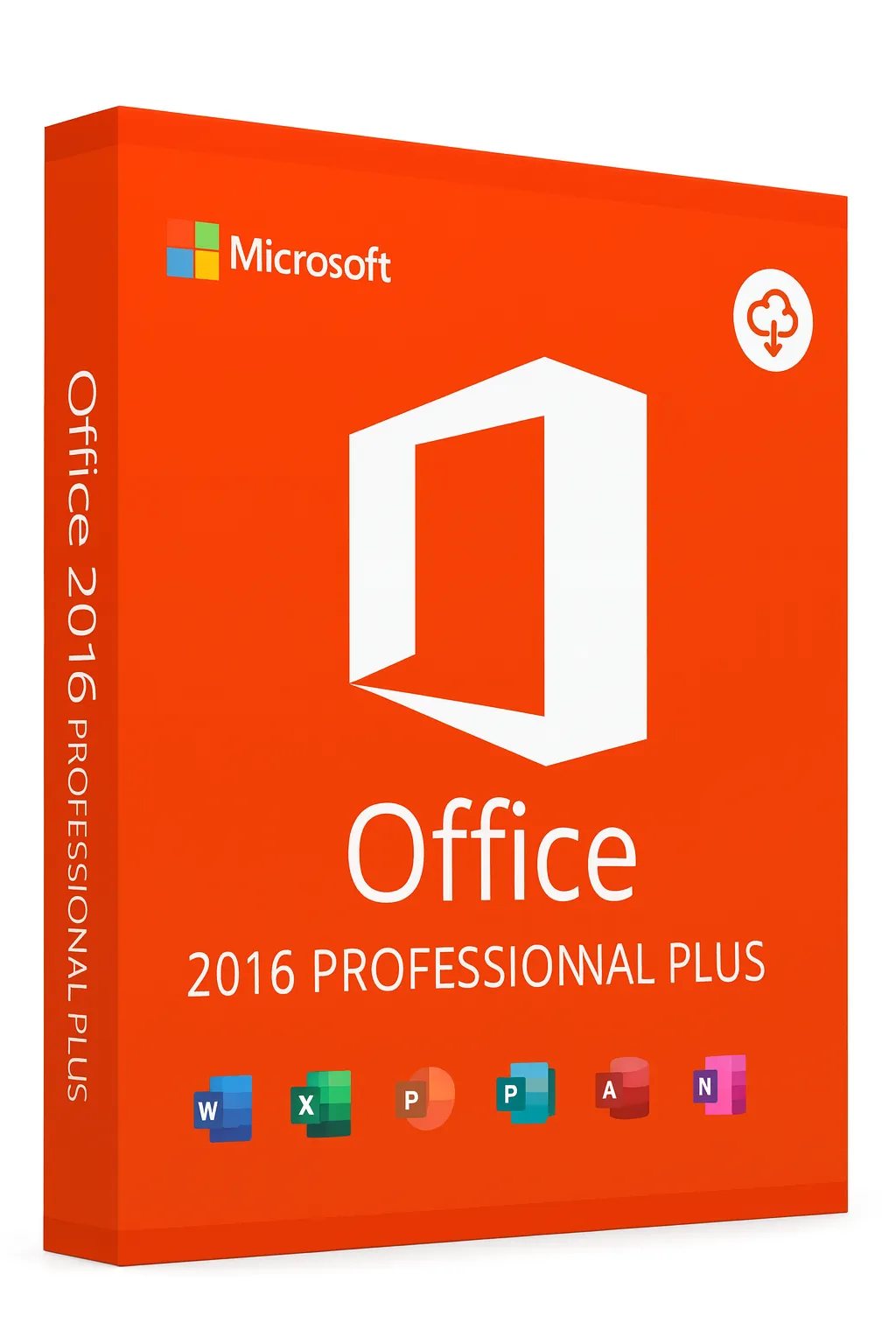
Office 2016 Editions Comparison
Find the perfect Office 2016 edition for your needs and budget
Microsoft Office 2016 comes in several editions, each designed for different users and use cases. This comprehensive comparison will help you understand what each edition includes and which one is right for you.
Available Editions
Home & Student
Most AffordablePerfect for students and home users who need essential Office applications.
Best for: Students, families, and home users
Included apps:
Limitations:
- No Outlook
- No Publisher
- No Access
- Non-commercial use only
Home & Business
Mid-RangeIdeal for home offices and small businesses that need email management.
Best for: Small businesses, freelancers, home offices
Included apps:
Limitations:
- No Publisher
- No Access
- Single PC license
Professional
PremiumComplete suite for professionals who need desktop publishing and database tools.
Best for: Professionals, medium businesses
Included apps:
Limitations:
- Retail purchase only
- Single PC license
Professional Plus
EnterpriseFull-featured edition with enterprise tools for large organizations.
Best for: Large enterprises, IT departments
Included apps:
Limitations:
- Volume licensing only
- Requires IT infrastructure
Feature Comparison Table
| Feature | Home & Student | Home & Business | Professional | Pro Plus |
|---|---|---|---|---|
| Microsoft Word | ||||
| Microsoft Excel | ||||
| Microsoft PowerPoint | ||||
| Microsoft OneNote | ||||
| Microsoft Outlook | ||||
| Microsoft Publisher | ||||
| Microsoft Access | ||||
| Skype for Business | ||||
| Commercial Use Rights | ||||
| Transferable License | ||||
| Volume Licensing |
Which Edition Should You Choose?
Student or Home User
Home & Student
Get Word, Excel, PowerPoint, and OneNote at the best price. Perfect for homework, personal projects, and home use.
Freelancer or Small Business
Home & Business
Includes Outlook for professional email management. Great for solo entrepreneurs and small teams.
Marketing or Creative Professional
Professional
Publisher and Access enable desktop publishing and database management. Full commercial use rights.
Enterprise or Large Organization
Professional Plus
Includes Skype for Business and is available through volume licensing for easy deployment.
Application Details
Microsoft Word
Industry-standard word processing for documents, reports, and letters.
Microsoft Excel
Powerful spreadsheet software for data analysis, calculations, and charts.
Microsoft PowerPoint
Create stunning presentations with animations and multimedia.
Microsoft Outlook
Professional email client with calendar, contacts, and task management.
Microsoft OneNote
Digital notebook for organizing notes, ideas, and information.
Microsoft Publisher
Desktop publishing for creating professional marketing materials.
Microsoft Access
Database management for creating custom database applications.
Tips for Choosing the Right Edition
- List the applications you actually need before deciding
- Consider if you need commercial use rights for business purposes
- Remember that you can't upgrade editions - you'd need to buy new
- Check if your employer or school offers free Office licenses
- Home & Student is sufficient for most personal users
- Only get Publisher/Access if you specifically need them
Office 2016 vs Microsoft 365
Wondering whether to get Office 2016 or Microsoft 365? Here's a quick comparison:
| Feature | Office 2016 | Microsoft 365 |
|---|---|---|
| Payment | One-time purchase | Monthly/yearly subscription |
| Updates | Security updates only | Continuous feature updates |
| Cloud Storage | Not included | 1TB OneDrive included |
| Multi-device | 1 PC per license | 5 devices per user |
| Latest Features | 2016 features only | Always latest version |
Ready to Buy Office 2016?
Get genuine Office 2016 licenses at competitive prices with instant delivery.
View Office 2016 ProductsRelated Guides
Related Office 2016 Guides