
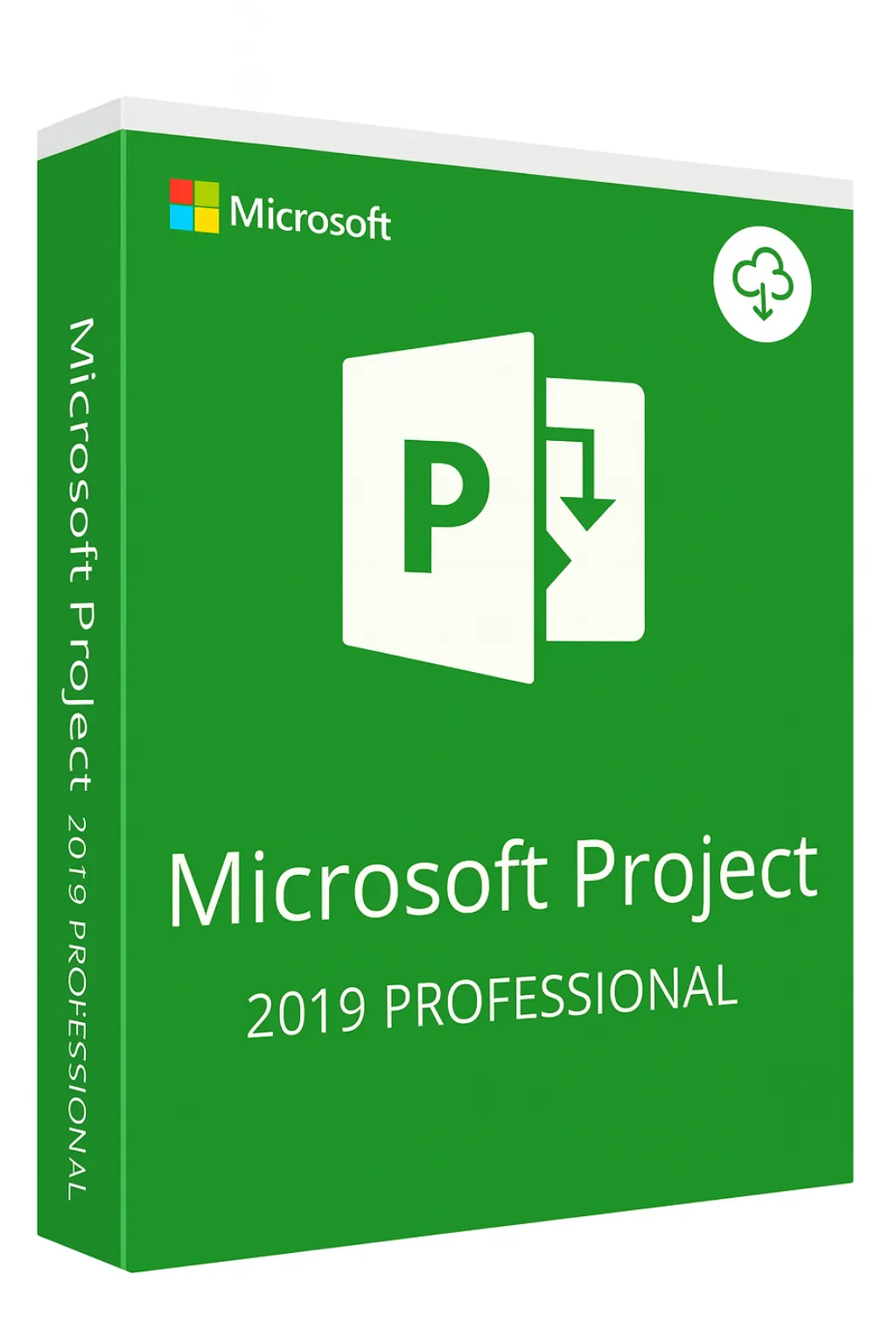


Microsoft Project 2019 Professional
Proven Project Management • Gantt Charts • Resource Planning • Lifetime License
Enterprise Project Management at the Best Price
Microsoft Project 2019 Professional delivers the same trusted project management capabilities that organizations have relied on for decades—at the most affordable price point in the Project lineup. With comprehensive scheduling, resource management, and reporting tools, Project 2019 provides everything project managers need without paying for incremental updates. This lifetime license offers maximum value for budget-conscious professionals and organizations.
Why Choose Project 2019 Professional
Best Price Available
Lowest cost for full professional project management capabilities
Lifetime License
Pay once, own forever—no recurring subscription costs
Battle-Tested Stability
Years of enterprise use have perfected this release
Full Compatibility
Opens and saves files compatible with all Project versions
Complete Project Management Suite
All essential tools for professional project delivery:
Gantt Charts
Visual timeline view with task dependencies and milestones
Task Scheduling
Auto-scheduling with predecessors, constraints, and deadlines
Resource Management
Assign team members, track workloads, and balance capacity
Critical Path Analysis
Identify tasks that directly impact project completion
Timeline View
Executive-ready visual summaries for stakeholders
Baseline Tracking
Compare actual progress against original plan
Professional Edition Capabilities
Advanced features included in the Professional version:
Resource Pool Sharing
Share resources across multiple projects and track availability throughout your portfolio. Essential for organizations managing concurrent projects with shared team members.
Team Planner View
Visualize team assignments with intuitive drag-and-drop task management. Instantly identify overallocations and redistribute work to optimize team productivity.
Project Server Connectivity
Connect to Project Online or Project Server for enterprise portfolio management, centralized reporting, and organization-wide project visibility.
Project 2019 vs Newer Versions
All versions share the same core functionality. Choose based on your budget and feature priorities:
| Feature | Project 2019 | Project 2021 | Project 2024 |
|---|---|---|---|
| Gantt Charts & Scheduling | ✓ | ✓ | ✓ |
| Resource Management | ✓ | ✓ | ✓ |
| Team Planner View | ✓ | ✓ | ✓ |
| Project Server Support | ✓ | ✓ | ✓ |
| Critical Path Analysis | ✓ | ✓ | ✓ |
| Timeline Customization | Basic | Enhanced | Advanced |
| Accessibility Features | Standard | Improved | Best |
| Visual Interface | Classic | Refined | Fluent Design |
| Price | $ | $$ | $$$ |
| Best For | Maximum savings | Balanced choice | Latest features |
Perfect For
Budget-Conscious PMs
Full professional features at the lowest possible investment
Small Businesses
Enterprise capabilities without enterprise pricing
Educational Institutions
Teach industry-standard project management affordably
Startups
Professional tools while conserving capital for growth
Freelance Consultants
Deliver professional project plans without overhead
Legacy System Users
Consistent experience for existing Project infrastructure
Why Project 2019 Remains Powerful
Complete Feature Set
Includes all core and advanced PM capabilities—nothing essential is missing
Extended Support
Microsoft extended support continues through 2028 with security updates
Universal Compatibility
Standard .mpp format works with all Project versions worldwide
Proven Reliability
Five years of enterprise deployment have eliminated bugs and issues
Lower Resource Usage
Optimized performance on older hardware and limited systems
Extensive Documentation
Massive library of tutorials, courses, and community resources
Full Compatibility Guaranteed
Project 2019 integrates seamlessly with your existing tools:
Windows 11 & 10
Fully supported on current Windows operating systems
Microsoft 365
Works alongside Office apps and SharePoint
All Project Versions
Open files from Project 2021, 2024, and older versions
Project Online
Connect to cloud-based enterprise project management
Lifetime License Benefits
Permanent Ownership
Use Project 2019 forever with no expiration
Maximum Savings
Lowest cost for professional project management
Offline Access
Full functionality without internet connection
Commercial Use
Licensed for business and professional use
Consider Upgrading If You Need...
- Enhanced accessibility features for compliance requirements
- The latest visual interface improvements
- Improved timeline customization options
- Newer co-authoring capabilities
Complement with Professional Diagramming
Combine project management with Visio 2019 for professional flowcharts, org charts, and process maps at the same excellent value.
View Visio Professional 2019Frequently Asked Questions
Is Project 2019 still supported by Microsoft?
Yes, Microsoft provides extended support for Project 2019 through October 2028, including security updates. This ensures the software remains secure and functional for years to come.
Can I open files from Project 2021 or 2024 in Project 2019?
Yes, Project 2019 can open files created in newer versions. Some advanced formatting features may not display identically, but all scheduling data and project information remains fully intact and functional.
What is missing compared to Project 2021 or 2024?
Project 2019 has the same core functionality. Newer versions add incremental improvements like enhanced accessibility, refined visual interface, and improved timeline features—but no essential project management capabilities are missing from 2019.
Does Project 2019 work with Windows 11?
Yes, Project 2019 is fully compatible with Windows 11 and Windows 10. Microsoft maintains compatibility with current Windows versions throughout the extended support period.
Can I collaborate with colleagues using newer Project versions?
Absolutely. Project uses the universal .mpp file format. Files can be shared freely between Project 2019, 2021, 2024, and Project Online users without compatibility issues.
Is this suitable for enterprise use?
Yes, Project 2019 Professional includes enterprise features like Project Server connectivity, resource pool sharing, and team planner—the same capabilities available in newer versions at a lower cost.