
Microsoft Word vs Apple Pages: Which Word Processor Is Better for You?

Callum specializes in breaking down complex technology topics into easy-to-understand guides. He has a background in computer science and technical writing.
Microsoft Word or Apple Pages? It's the question many Mac users ask when choosing a word processor. This detailed comparison analyzes Word vs Pages on features, compatibility, price, and performance to help you decide which is the best word processor for your needs.
📋 Table of Contents
Quick Summary: Word vs Pages
| Feature | Microsoft Word | Apple Pages |
|---|---|---|
| Price | From $29.99 (perpetual) or subscription | Free on Apple devices |
| Platforms | Windows, Mac, iOS, Android, Web | Mac, iOS, iPadOS, Web (iCloud) |
| Advanced Features | Complete and professional | Basic to intermediate |
| Compatibility | Universal standard (.docx) | Can export to .docx |
| Best For | Professionals, businesses, academics | Personal use, visual design |
User Interface
Microsoft Word
- Complete Ribbon interface
- Advanced toolbar customization
- Focus mode for writing
- Can seem complex for beginners
Apple Pages
- Minimalist, clean interface
- Contextual sidebar panel
- Easy to learn
- Fewer options directly visible
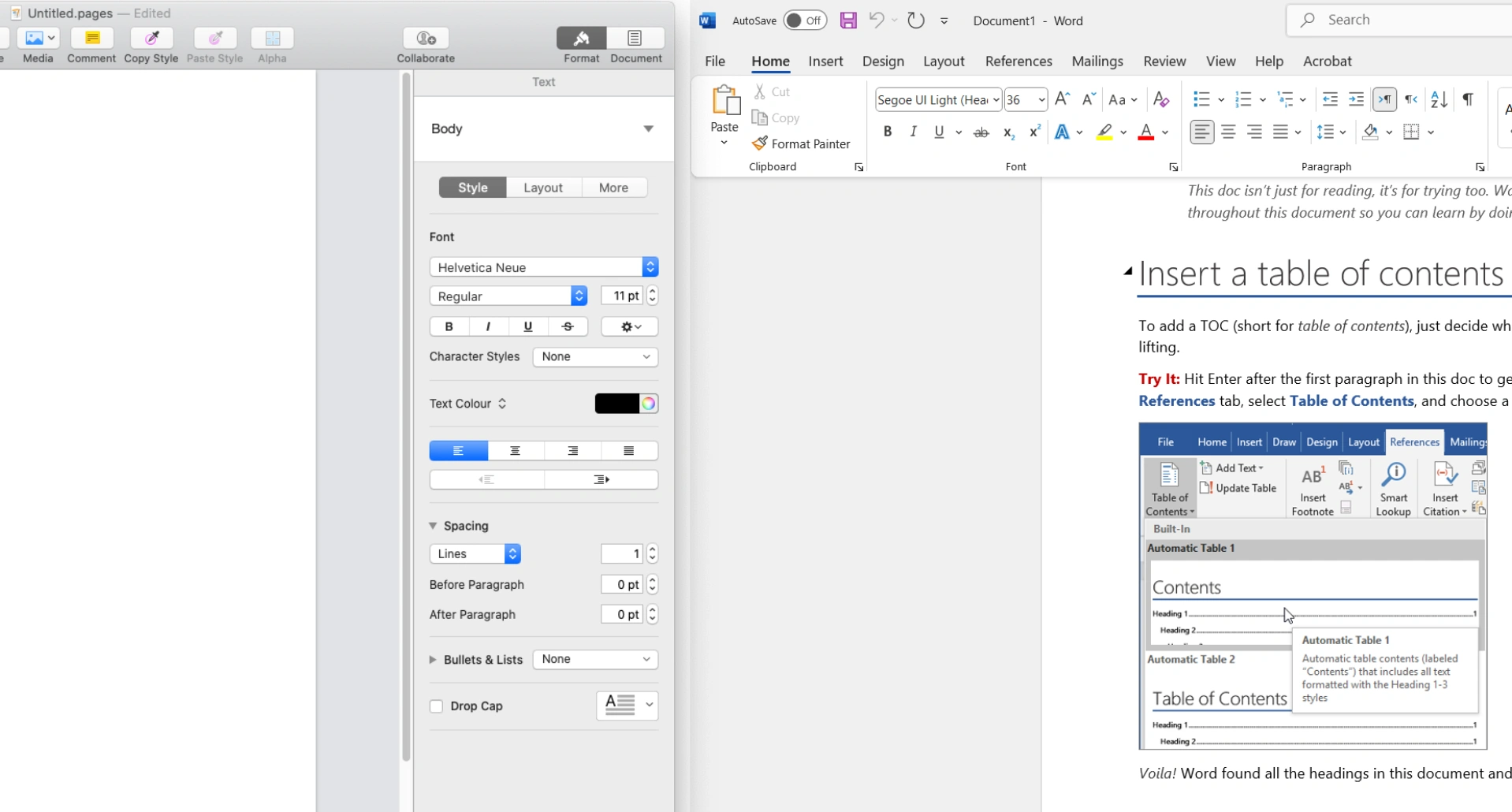
Microsoft Word offers a denser interface with all tools accessible from the Ribbon. Apple Pages prioritizes simplicity with Apple's typical minimalist design, hiding options in sidebars.
Editing and Formatting Features
This is where Word clearly surpasses Pages in professional functionality:
Styles & Formatting
Word: Complete style system, conditional formatting, customizable themes. Pages: Basic styles, fewer customization options.
References & Citations
Word: Integrated citation manager, automatic table of contents, indexes. Pages: Basic reference features, no citation manager.
Automation
Word: Macros, mail merge fields, VBA for advanced automation. Pages: Limited AppleScript, no traditional macros.
Track Changes
Word: Robust review and comment system. Pages: Basic track changes, fewer review options.
Templates and Visual Design
This is where Pages shines with its focus on design:
- Apple Pages: Visually stunning templates, perfect for resumes, newsletters, and creative documents. Design is its strong point.
- Microsoft Word: Greater quantity of templates, especially for professional and business documents. Less focused on pure visual design.
Real-Time Collaboration
Word
- • Real-time co-authoring via OneDrive
- • Microsoft Teams integration
- • Comments and @ mentions
- • Complete version history
Pages
- • Collaboration via iCloud
- • Works in real-time
- • Basic comments
- • Limited outside Apple ecosystem
File Compatibility
This is perhaps the most important factor for many users:
Microsoft Word (.docx)
The .docx format is the universal standard in documents. Companies, universities, governments, and virtually all organizations use and expect Word files. Compatibility is perfect.
Apple Pages (.pages)
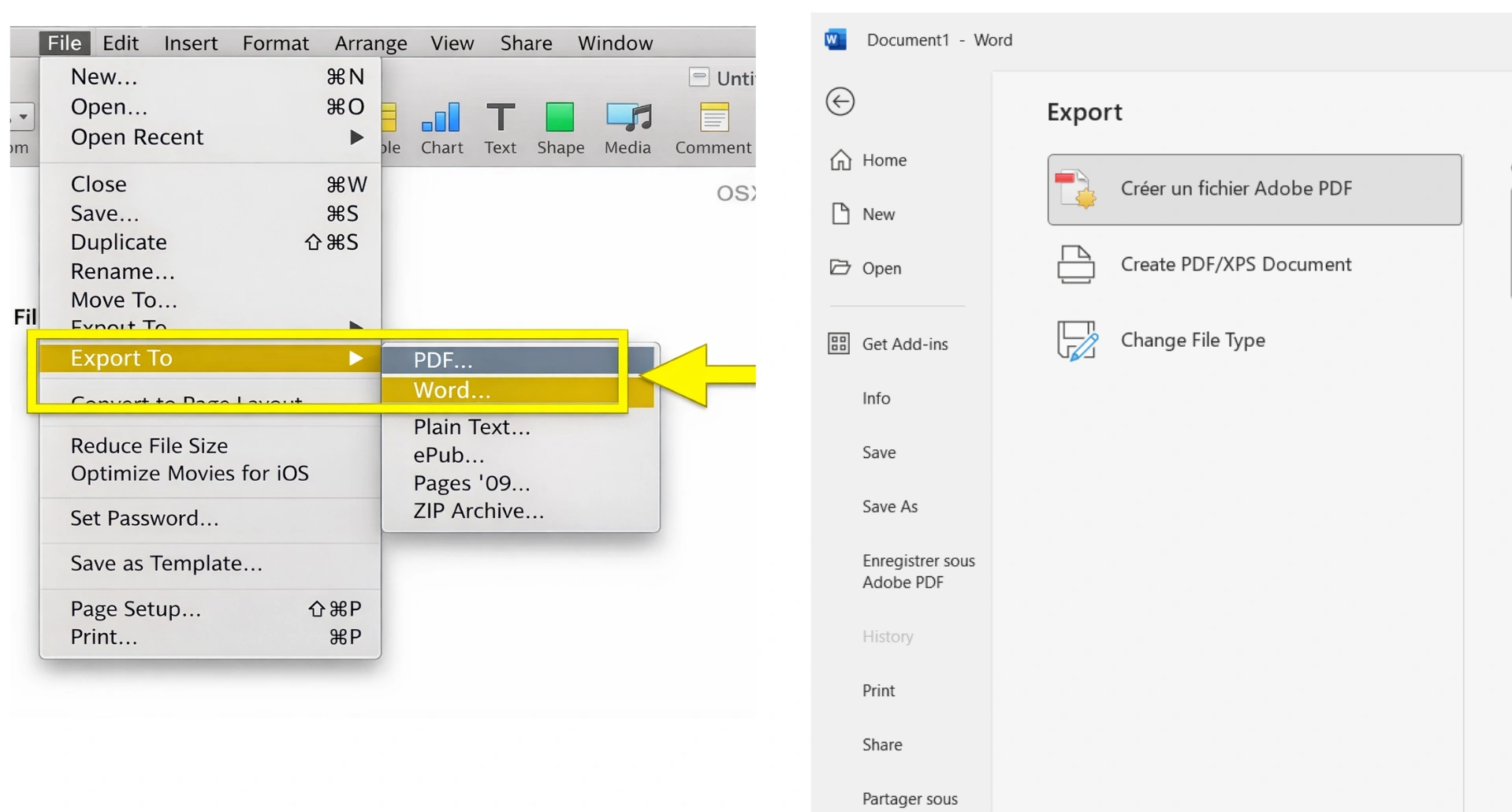
Pages can export to .docx, but formatting may be lost, especially in complex documents. The native .pages format only opens on Apple devices.
Pricing and Licensing
Microsoft Word
- Perpetual Office: From $29.99 (one-time)
- Microsoft 365: Monthly/annual subscription
- Word Online: Free with limited features
Apple Pages
- Mac/iOS: Completely free
- iCloud.com: Free with Apple account
- No subscription: No paid version
Final Verdict: Which Should You Choose?
Choose Microsoft Word if:
- • You work in a professional or business environment
- • You need universal document compatibility
- • You require advanced features (citations, macros, review)
- • You collaborate with Windows users
- • You write academic or technical documents
Choose Apple Pages if:
- • You only use Apple devices
- • You prioritize visual design over features
- • You write simple personal documents
- • You want a free solution
- • You don't need to share with Windows users
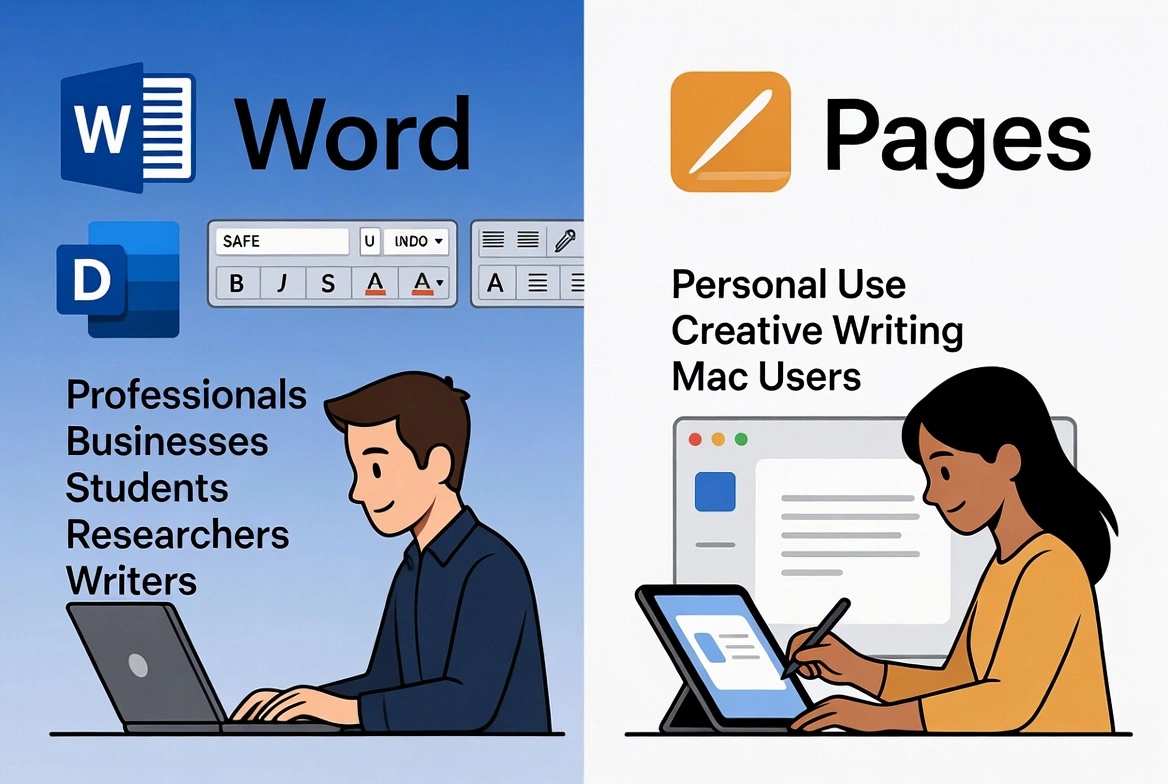
Our recommendation: For most users, Microsoft Word remains the best choice due to its universal compatibility and professional features. However, Pages is an excellent free alternative for personal use exclusively within the Apple ecosystem.