
Microsoft Office Mobile Apps: Free Features You Didn't Know About

Callum specializes in breaking down complex technology topics into easy-to-understand guides. He has a background in computer science and technical writing.
Microsoft Office mobile apps offer an impressive suite of free features that most users never discover. While Microsoft 365 subscriptions unlock premium capabilities, the free tier provides surprisingly robust functionality for everyday productivity. This comprehensive guide reveals hidden gems in Word, Excel, and PowerPoint mobile apps that can transform your smartphone into a powerful productivity tool.
Microsoft Office Mobile: More Than You Think
The Microsoft Office mobile suite—available for both iOS and Android—includes Word, Excel, PowerPoint, and the unified Microsoft 365 app. While many assume these apps require a paid subscription to be useful, Microsoft actually provides substantial free functionality that handles most common tasks.
Word Mobile: Free Document Editing Power
Microsoft Word mobile offers comprehensive document creation and editing capabilities without requiring a subscription for devices with screens 10.1 inches or smaller.
Full Document Editing
Create, edit, and format Word documents with fonts, styles, and paragraph options
Voice Dictation
Speak to type your documents hands-free with accurate speech recognition
Read Mode
Comfortable reading experience with adjustable text size and column width
Track Changes Viewing
Review document changes and comments from collaborators
PDF Export
Convert any Word document to PDF format instantly
Template Access
Start with professional templates for resumes, letters, and reports
💡 Pro Tip: Use the mobile app's voice typing feature while commuting to draft documents—it's faster than typing on a small screen.
Excel Mobile: Spreadsheet Power in Your Pocket
Excel mobile brings powerful spreadsheet capabilities to your phone, letting you work with data, formulas, and charts anywhere.
Formula Support
Use hundreds of Excel formulas including VLOOKUP, IF statements, and SUM functions
Data Entry Cards
Fill in spreadsheet data using an easy card-based interface
Chart Creation
Build and customize charts directly from your mobile data
Sort & Filter
Organize large datasets with sorting and filtering options
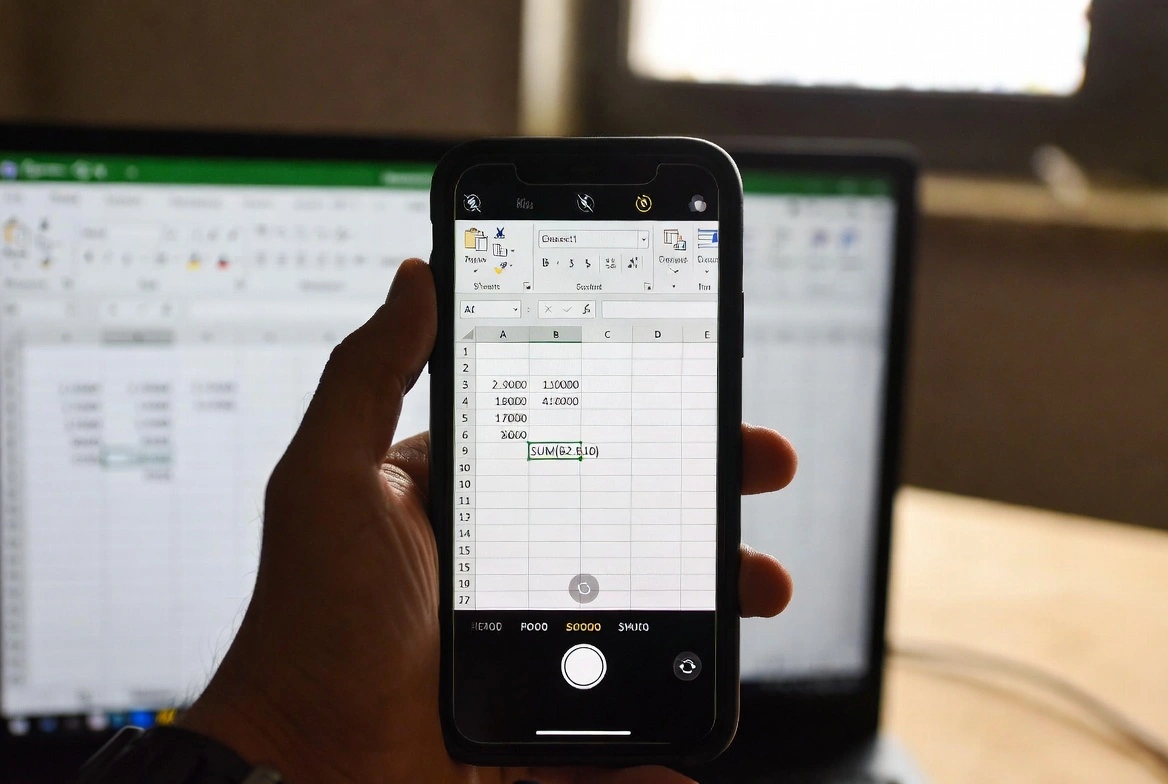
Camera Data Capture
Take a photo of printed data and convert it to an editable spreadsheet
Shared Workbook Access
View and edit shared workbooks with real-time sync
💡 Pro Tip: The 'Insert Data from Picture' feature can digitize printed tables, receipts, or handwritten data in seconds.
PowerPoint Mobile: Create Presentations On-the-Go
PowerPoint mobile enables you to create, edit, and present slideshows from your smartphone or tablet.
Slide Creation
Build new presentations with text, images, and shapes
Design Ideas
Get AI-powered design suggestions to improve your slides
Presenter View
See notes and upcoming slides while presenting
Ink to Shape
Draw rough shapes that automatically convert to perfect graphics
Animation Preview
Test and preview slide animations and transitions
Rehearse Timing
Practice your presentation with timing tools
💡 Pro Tip: Connect your phone to a display using screen mirroring for impromptu presentations anywhere.
Microsoft 365 App: All-in-One Productivity
The unified Microsoft 365 app combines Word, Excel, and PowerPoint with powerful additional tools that are completely free.
Lens Document Scanner
Scan documents, whiteboards, and receipts to PDF or editable formats
PDF Tools
Sign PDFs, convert images to PDF, and extract text from documents
QR Code Scanner
Scan QR codes directly within the app
Transfer Files
Share files between your phone and nearby computers wirelessly
Sticky Notes Sync
Access and create sticky notes that sync across all your devices
Voice Recording
Record audio notes and meetings directly in the app
💡 Pro Tip: The document scanner produces professional-quality scans with automatic edge detection and enhancement.

Hidden Free Features Most Users Miss
Offline Editing
Download files for offline access and edit without internet—changes sync when reconnected
Cross-Platform Sync
Start work on your phone and continue seamlessly on tablet or desktop
Guest Sharing
Share documents with anyone via link—they don't need Microsoft accounts
5GB Free OneDrive
Every Microsoft account includes 5GB of free cloud storage
Real-Time Collaboration
Work simultaneously with others on the same document
Accessibility Features
Screen reader support, dictation, and Immersive Reader for all users
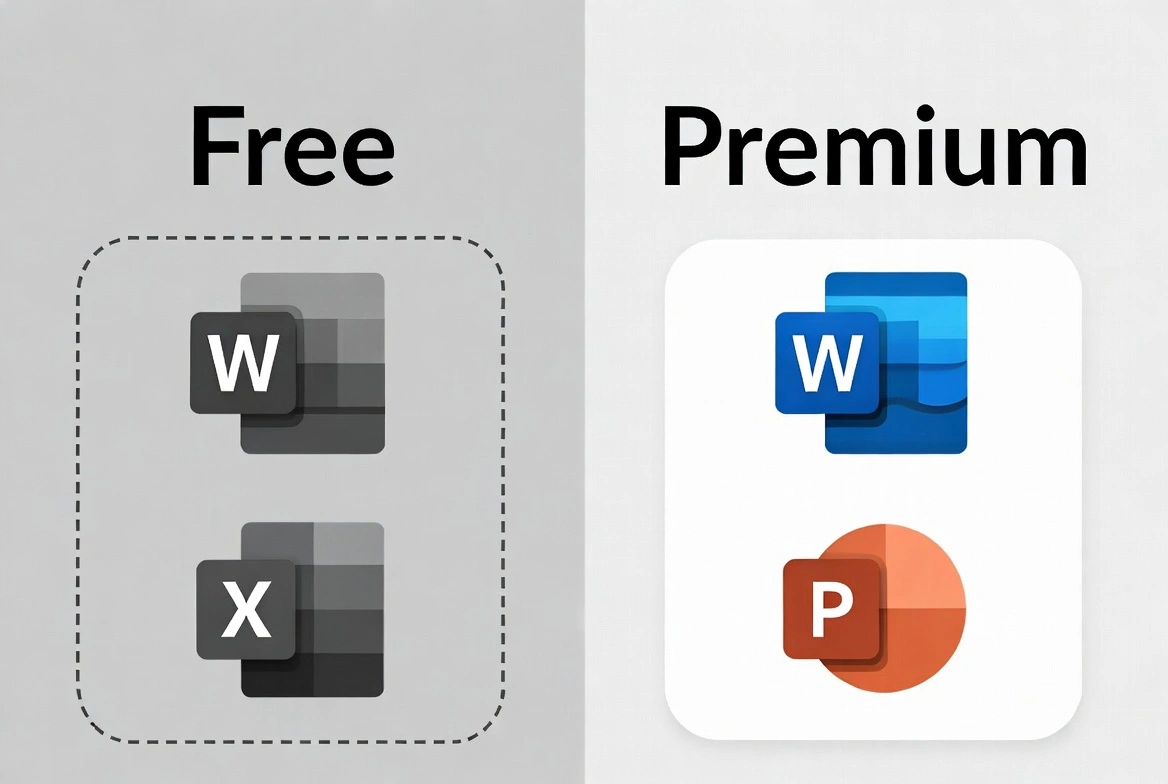
Free vs Premium: What You're Missing
Understanding the limitations helps you decide if a Microsoft 365 subscription is worth it for your needs.
Free Features
- Full editing on devices ≤10.1" screens
- View documents on any screen size
- Basic formatting and styles
- 5GB OneDrive storage
- Real-time collaboration
- PDF export and scanning
Premium Features
- Edit on tablets >10.1" and desktop
- Advanced formatting (custom headers, page breaks)
- 1TB OneDrive storage
- Premium templates and fonts
- Advanced Excel features (PivotTables, macros)
- Offline presentations in PowerPoint
Pro Tips for Maximum Free Value
1Use the Unified App
The Microsoft 365 app includes all Office apps plus extra tools like document scanning and PDF signing.
2Enable Auto-Save
Turn on auto-save to OneDrive to never lose work and enable cross-device access.
3Master Keyboard Shortcuts
When using a Bluetooth keyboard, standard Office shortcuts work in mobile apps.
4Leverage Templates
Start with templates instead of blank documents—they're professionally designed and free.
5Use Voice Features
Dictation in Word and voice commands save significant time on mobile.
6Connect to Third-Party Clouds
Link Dropbox, Google Drive, or Box for additional free storage options.
Office Mobile vs Desktop: Quick Comparison
| Feature | Mobile | Desktop |
|---|---|---|
| Document Editing | Full | Full |
| Formatting Options | Basic | Advanced |
| Macros & VBA | View Only | Full Support |
| Advanced Charts | Limited | Full |
| Touch Optimization | Excellent | Limited |
| Camera Features | Built-in | None |
| Portability | Always Available | Fixed Location |
Maximize Your Productivity Suite
While Office mobile apps offer impressive free features, pairing them with a genuine Windows license unlocks the full potential of Microsoft's productivity ecosystem. Get affordable Windows licenses from trusted sources.
View Windows LicensesConclusion
Microsoft Office mobile apps deliver remarkable value for free, enabling document creation, editing, and collaboration from anywhere. The unified Microsoft 365 app is particularly powerful, combining three Office apps with document scanning, PDF tools, and more. For most mobile productivity needs, the free tier provides everything necessary. However, power users and those working on larger screens may find a Microsoft 365 subscription worthwhile for advanced features and expanded storage.