
Top 5 Must-Have Software in 2026: Office 2024, Canva, Notion, Adobe & CapCut

Callum specializes in breaking down complex technology topics into easy-to-understand guides. He has a background in computer science and technical writing.
As we step into 2026, having the right software on your devices is more important than ever. Whether you're a professional, content creator, or student, certain programs can dramatically boost your productivity and creativity. In this guide, we'll reveal the top 5 essential software for 2026 and help you understand which ones are worth your investment.
📋 What You'll Learn
Why These 5 Software Programs Matter in 2026
The software landscape changes fast, but some programs remain essential year after year. In 2026, these five categories dominate:
- Productivity Suite: Microsoft Office continues to dominate business and personal use
- Design Tools: Visual content creation is essential for marketing and communication
- Project Management: Organization tools help teams and individuals stay productive
- Creative Production: Professional-grade creative tools for serious creators
- Video Editing: Video content is king in 2026 across all platforms
#1: Microsoft Office 2024 – The Undisputed Productivity Standard
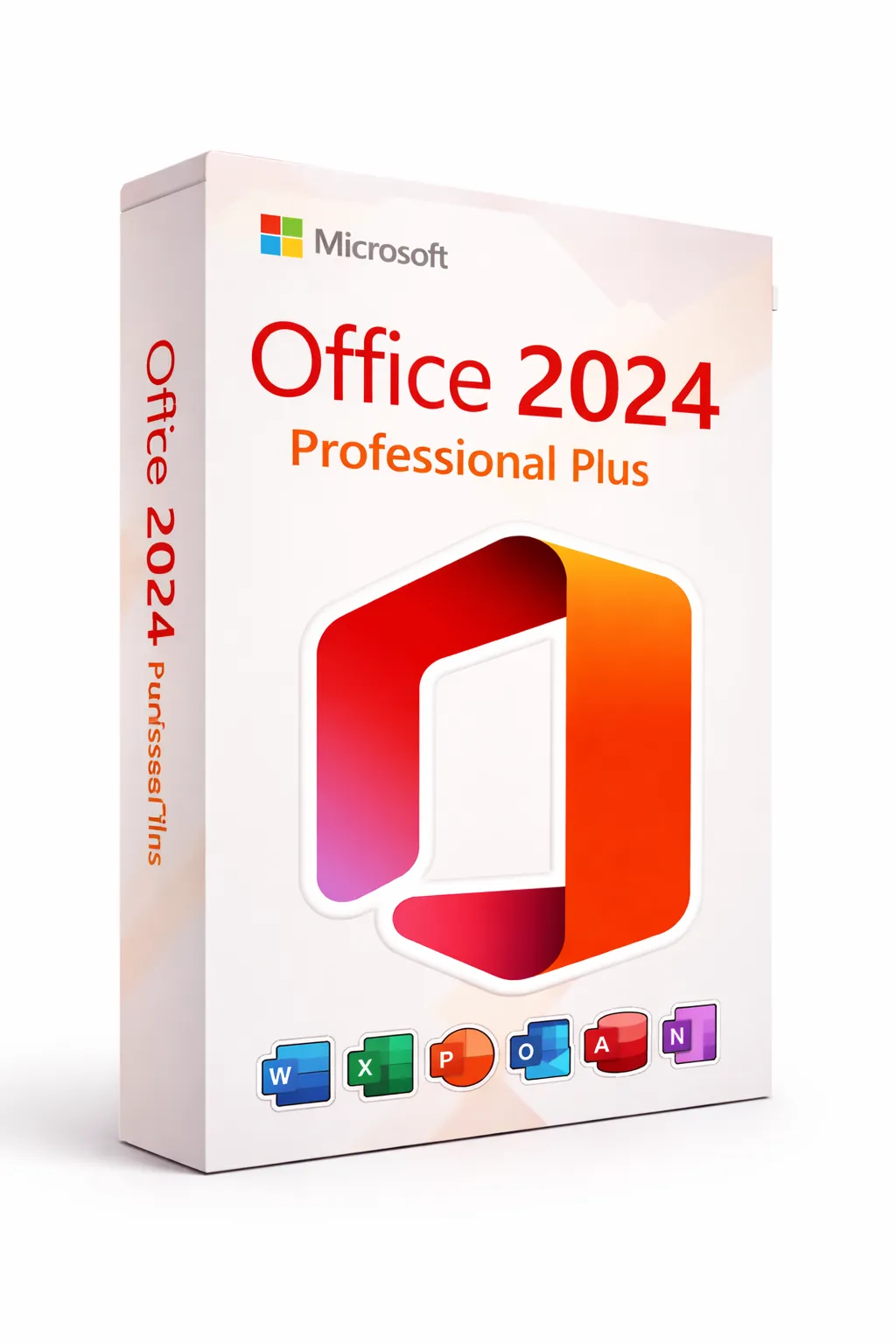
Microsoft Office 2024 is the latest perpetual (one-time purchase) version of Microsoft's iconic productivity suite. Unlike Microsoft 365, you pay once and own it forever—no recurring subscriptions.
Why Office 2024 Remains Essential:
- Word 2024: Advanced document creation with AI-powered writing assistance and real-time collaboration
- Excel 2024: Powerful spreadsheets with new functions like XLOOKUP, dynamic arrays, and Python integration
- PowerPoint 2024: Stunning presentations with Cameo, enhanced design tools, and live captions
- Outlook 2024: Professional email management with improved search and calendar features
- Access & Publisher: Database management and desktop publishing (Professional Plus only)
Pro Tip: For the best value, consider our Windows 11 + Office 2024 bundles that save you over $500 compared to retail.
#2: Canva – Design Made Accessible
Canva has revolutionized graphic design by making professional-quality visuals accessible to everyone—no design degree required.
Why Canva Dominates in 2026:
AI-Powered Design
Magic Design, Magic Write, and background removal make creating effortless
Massive Template Library
Over 250,000+ templates for social media, presentations, marketing materials
Brand Kit
Keep your brand consistent across all designs with saved colors, fonts, and logos
Real-time Collaboration
Work with team members simultaneously on designs
Best for: Canva is perfect for social media managers, small business owners, marketers, and anyone who needs professional visuals without hiring a designer.
Pro Tip: The free tier is surprisingly powerful. Start there and upgrade to Pro only when you need premium features like Magic Resize or Brand Kit.
#3: Notion – The All-in-One Workspace
Notion combines notes, databases, wikis, and project management into one flexible workspace that adapts to how you work.
Why Notion is Essential in 2026:
Flexible Databases
Create custom databases for anything—projects, contacts, content calendars, habits
AI Integration
Notion AI helps write, summarize, translate, and brainstorm directly in your workspace
Templates Galore
Thousands of community templates for GTD, second brain, CRM, and more
Cross-Platform Sync
Access your workspace from any device with seamless synchronization
Best for: Notion shines for students, freelancers, startups, and teams who want a customizable system that grows with their needs.
Pro Tip: Start with a simple setup. Notion's flexibility can be overwhelming—begin with notes and tasks, then expand as you learn.
#4: Adobe Creative Cloud – The Professional Standard
For serious creative professionals, Adobe Creative Cloud remains the industry standard with unmatched power and integration.
The Adobe Creative Cloud Suite:
Photoshop
Industry-standard photo editing and digital art creation
Premiere Pro
Professional video editing used by Hollywood studios
Illustrator
Vector graphics for logos, icons, and scalable designs
After Effects
Motion graphics and visual effects
Lightroom
Photo organization and non-destructive editing
InDesign
Page layout for magazines, books, and marketing materials
Best for: Adobe Creative Cloud is essential for professional photographers, videographers, graphic designers, and anyone in creative industries.
Pro Tip: The Photography Plan (Photoshop + Lightroom) at $9.99/month is the best value for photographers. Only upgrade to All Apps if you need video or design tools.
#5: CapCut – Video Editing for the Modern Creator
CapCut has emerged as the go-to video editor for content creators, combining powerful features with an intuitive interface—and it's free!
Why CapCut Dominates Video Editing:
Intuitive Timeline Editor
Professional editing interface that's actually easy to learn
AI-Powered Features
Auto-captions, background removal, voice cloning, and text-to-speech
Trending Effects & Templates
Stay current with viral effects and ready-to-use templates
Multi-Platform
Available on desktop, mobile, and browser for editing anywhere
Best for: CapCut is perfect for TikTokers, YouTubers, social media managers, and anyone creating video content without a Hollywood budget.
Pro Tip: Master keyboard shortcuts early—they dramatically speed up your editing workflow. J, K, L for playback control are game-changers.
How to Save on Essential Software
Here's how to maximize value when building your software toolkit:
- Buy lifetime licenses when available: Microsoft Office 2024's one-time purchase beats years of subscription fees
- Use authorized resellers: Get genuine Windows and Office keys at up to 90% off through legitimate volume licensing
- Start with free tiers: Canva, Notion, and CapCut all offer powerful free versions—upgrade only when needed
- Bundle when possible: Our Windows + Office bundles save hundreds compared to buying separately
- Student discounts: Adobe and Microsoft offer significant discounts for students and educators
Why Choose Prise Keys for Microsoft Products?
100% Genuine
All keys activate through official Microsoft servers
Instant Delivery
Receive your key via email in seconds
24/7 Support
Free activation assistance anytime
Frequently Asked Questions
Which software should I prioritize if I can only choose one?
Microsoft Office 2024. It's essential for virtually everyone—documents, spreadsheets, presentations, and email are universal needs. Get a lifetime license and you're set for years.
Is Canva Pro worth it over the free version?
It depends on your usage. Free is great for occasional design work. Pro is worth it if you need Magic Resize, Brand Kit, premium templates, or you're creating content regularly.
Can CapCut replace Adobe Premiere Pro?
For most content creators, yes. CapCut handles 90% of what YouTubers and social media creators need. Premiere Pro is only necessary for professional video production with advanced color grading, multi-cam editing, or broadcast work.
Is Notion too complex for personal use?
No! Start simple with notes and a basic task list. Notion can be as simple or complex as you make it. Many people use it just as a better notes app.
Are cheap Microsoft Office keys legitimate?
Yes, when purchased from authorized resellers like Prise Keys. These are genuine volume licenses that activate through official Microsoft servers and provide full functionality.