
Novedades de Windows 11: Guía Completa de Características

Callum specializes in breaking down complex technology topics into easy-to-understand guides. He has a background in computer science and technical writing.
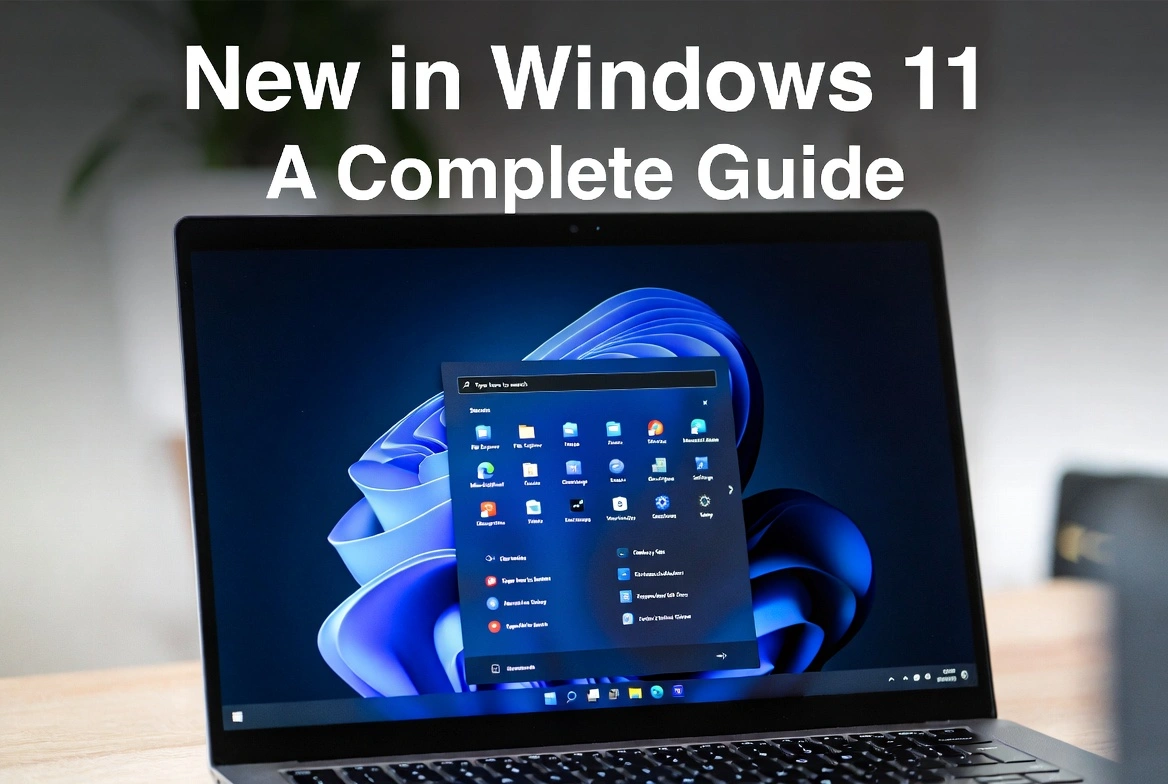
What's new in Windows 11? Microsoft's latest operating system represents the biggest overhaul in years. This Windows 11 complete feature breakdown covers everything new in Windows 11—from the Windows 11 UI changes and Windows 11 new Start menu features to powerful Windows 11 productivity features and Windows 11 gaming improvements. Is Windows 11 worth upgrading to? Read on to discover what changed in Windows 11 and whether it's time for your Windows 11 Pro upgrade.
📋 Windows 11 New Features Explained
Windows 11 Design Changes: The New UI Explained
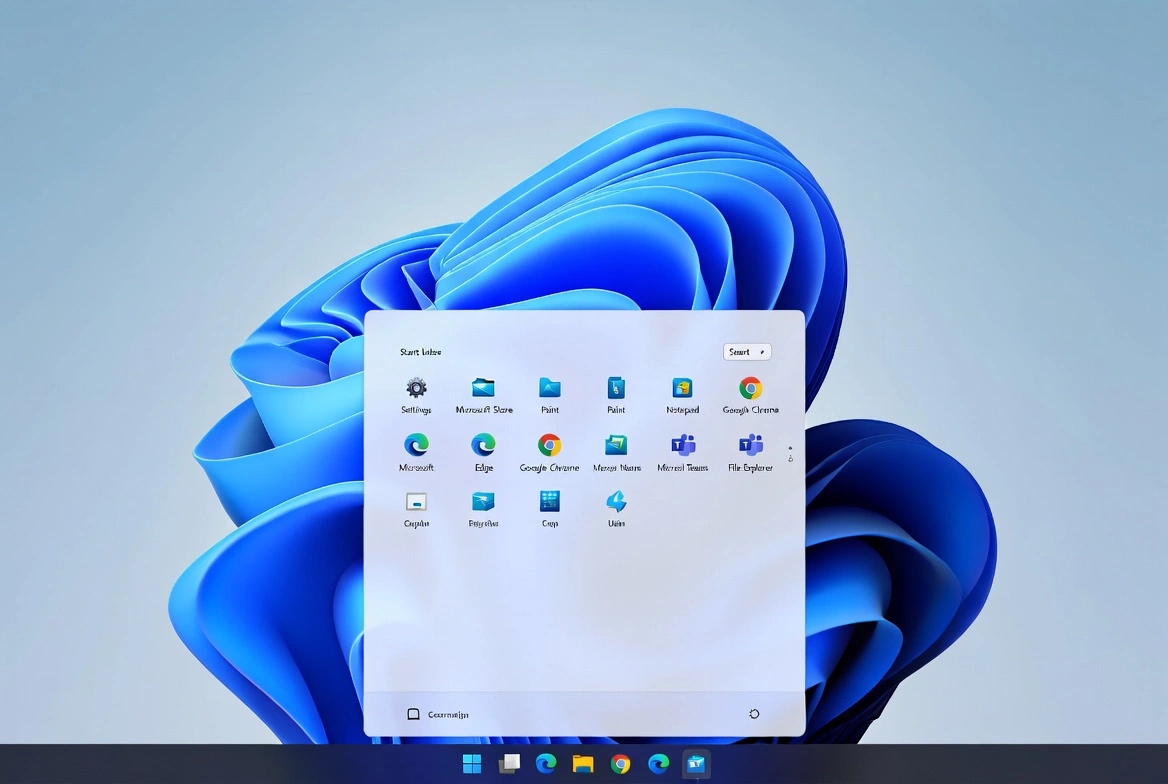
The most visible of what's new in Windows 11 is the Windows 11 new UI explained. Microsoft has moved the Windows 11 new Start menu features and taskbar to the center of the screen, creating a cleaner, more modern look. This is one of the major Windows 11 design changes that sets it apart from Windows 10.
When comparing Windows 11 vs Windows 10 differences, the Start menu now features a simplified grid of pinned apps at the top, with recommended files and recent documents below. Gone are the Live Tiles from Windows 10—replaced with a more streamlined, icon-based approach that's easier to navigate.
Centered Taskbar
A key Windows 11 UI change: icons are centered on the taskbar for a balanced, modern aesthetic. You can switch back to left-aligned if you prefer.
Rounded Corners
Windows, menus, and apps now feature soft rounded corners throughout, a major Windows 11 design change giving the OS a more polished feel.
New Animations
Smooth, fluid animations make everything from opening apps to resizing windows feel more responsive—one of the best Windows 11 new features.
Dark Mode Enhanced
An improved dark mode that's easier on the eyes, with better contrast and more consistent styling across apps.
Windows 11 Snap Layouts Tutorial: Master Multitasking
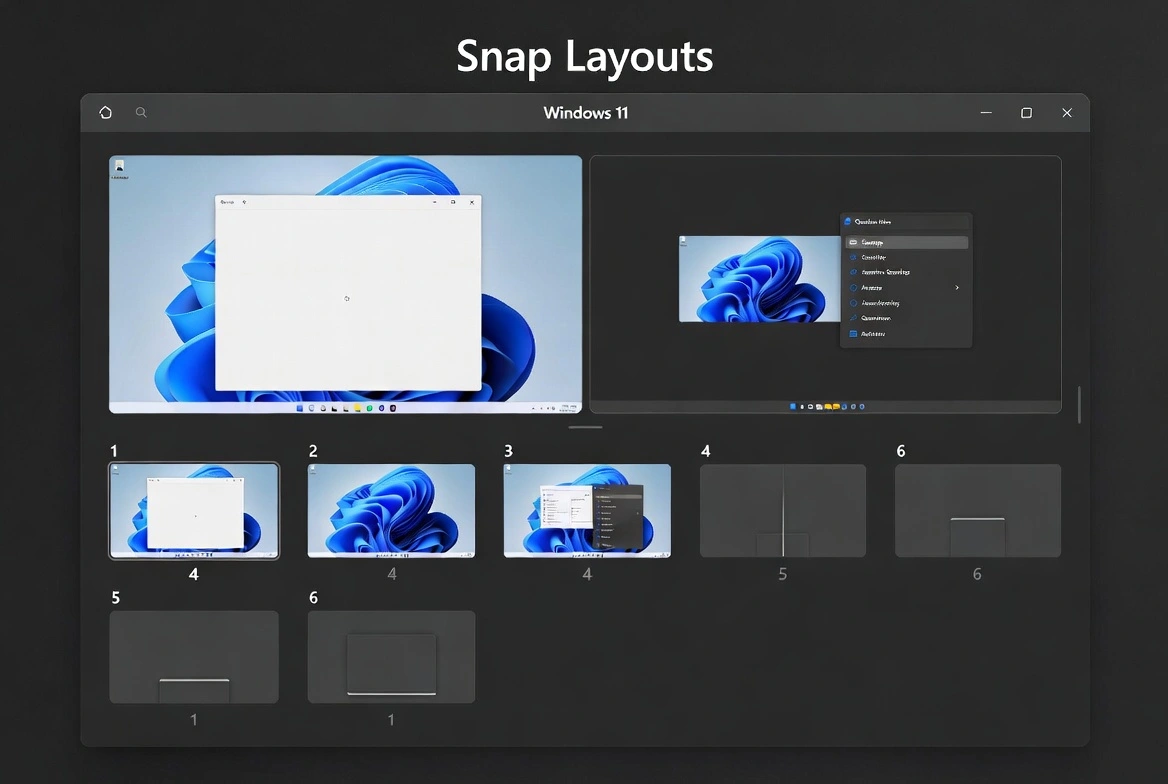
Among the most useful Windows 11 multitasking features is Snap Layouts. This Windows 11 Snap Layouts tutorial shows how to hover over the maximize button on any window to see layout options for arranging your windows. Choose from side-by-side, quadrant, or asymmetric layouts with a single click.
Snap Groups take this further by remembering your window arrangements—a standout Windows 11 productivity feature. If you minimize a group of snapped windows, Windows 11 remembers them as a group—hover over the taskbar, and you can restore the entire arrangement instantly.
- 6 layout options: Choose from various arrangements for 2, 3, or 4 windows
- Keyboard shortcuts: Use Win + Z to access Snap Layouts quickly
- Multi-monitor support: These Windows 11 multitasking features work seamlessly across multiple displays
Windows 11 Widgets Guide: Personalized Content at a Glance
What's new in Windows 11 includes a dedicated Widgets panel—a key Windows 11 2024 feature. This Windows 11 widgets guide explains how it slides out from the left side of the screen, displaying personalized content including news, weather, calendar events, sports scores, stocks, and more.
The widget board uses AI to learn your preferences and surface content you're most likely to want to see. You can customize which widgets appear and resize them to show more or less detail—one of the most useful Windows 11 update features.
Windows 11 Gaming Improvements: Built for Gamers
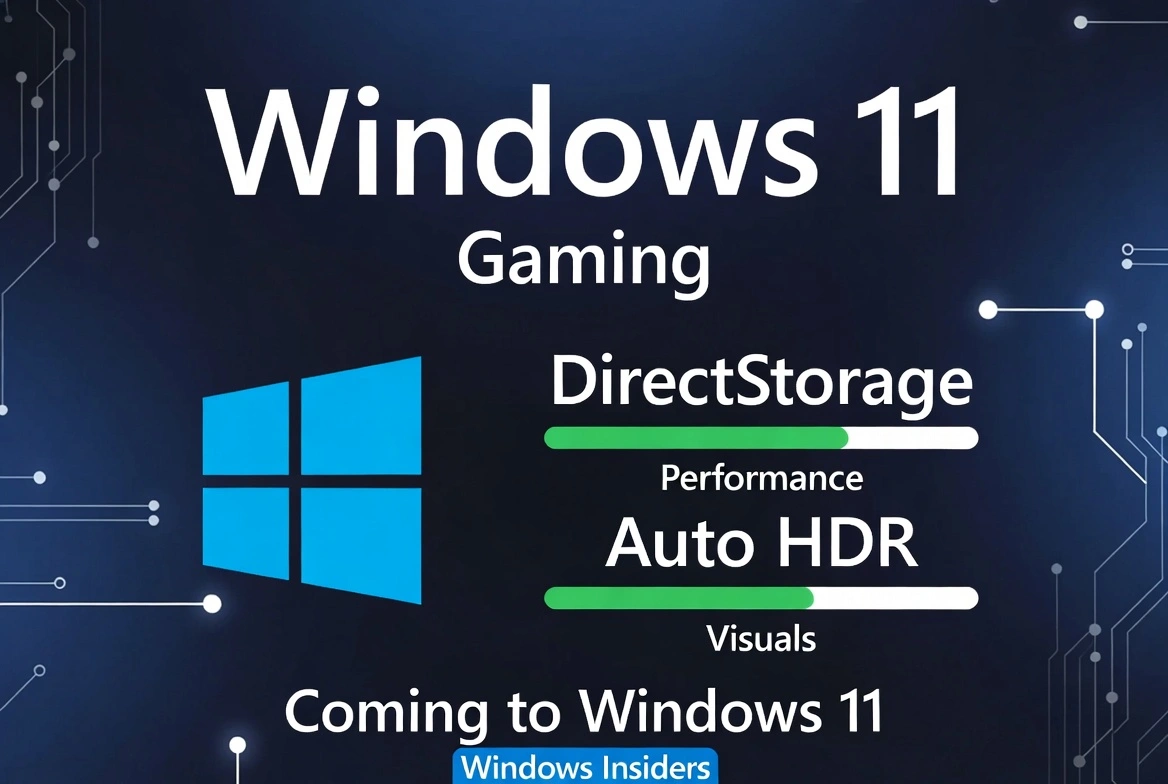
Windows 11 gaming improvements make it Microsoft's most gaming-focused OS yet. When asking what is the difference between Windows 11 and Windows 10 for gaming, the answer is significant. Windows 11 brings several features from Xbox consoles to PC.
DirectStorage
A major Windows 11 performance improvement: load games faster than ever by allowing your GPU to load assets directly from your NVMe SSD, bypassing the CPU bottleneck.
Auto HDR
One of the standout Windows 11 new features: automatically adds HDR enhancements to thousands of DirectX 11 and 12 games, even if they weren't built for HDR.
Xbox Game Pass Integration
The Xbox app is built into Windows 11, giving you easy access to Game Pass games, cloud gaming, and your Xbox network friends—a key Windows 11 2024 feature.
Microsoft Teams Integration: Windows 11 Productivity Features
Microsoft Teams is now integrated directly into the Windows 11 taskbar via Chat. This is one of the major Windows 11 productivity features. With a single click, you can start a video call, send a message, or share content with friends, family, or colleagues—no need to open the full Teams app.
This integration makes Windows 11 ideal for remote work and staying connected, answering the question "is Windows 11 worth upgrading to?" with a resounding yes for business users.
Android Apps on Windows: Major Windows 11 Update Feature
One of the most anticipated Windows 11 new features is the ability to run Android apps natively through the Amazon Appstore. This is a key Windows 11 vs Windows 10 difference—you can use your favorite mobile apps right on your PC.
- Access thousands of Android apps from the Amazon Appstore
- Apps run in windows alongside your regular desktop apps
- Use Android apps with keyboard, mouse, and touch—a standout Windows 11 2024 feature
Windows 11 Performance Improvements & Security Features
Under the hood, Windows 11 performance improvements are significant. The OS uses less memory, has better power management for laptops, and prioritizes foreground windows for a more responsive experience. This is what changed in Windows 11 at the core level.
Windows 11 security features have also been enhanced with requirements like TPM 2.0, Secure Boot, and virtualization-based security (VBS). Check the Windows 11 system requirements to ensure compatibility. Windows 11 Pro users also get access to BitLocker for full-disk encryption.
Is Windows 11 Worth Upgrading To?
Is Windows 11 worth upgrading to? If your PC meets the Windows 11 system requirements, upgrading is generally recommended. Here's why the Windows 11 Pro upgrade delivers real value:
- Modern interface: Windows 11 UI changes create a fresh, clean design that's pleasant to use daily
- Better productivity: Windows 11 multitasking features like Snap Layouts and virtual desktops boost efficiency
- Enhanced security: Windows 11 security features provide built-in protections against modern threats
- Gaming features: Windows 11 gaming improvements with DirectStorage and Auto HDR deliver better performance
- Long-term support: Windows 11 will receive updates and features for years to come
Frequently Asked Questions
What is the difference between Windows 11 and Windows 10?
The Windows 11 vs Windows 10 differences include a completely redesigned interface, Snap Layouts for multitasking, widgets panel, Android app support, improved gaming with DirectStorage and Auto HDR, and enhanced security features.
Is Windows 11 worth upgrading to?
Yes! Windows 11 new features deliver significant improvements in productivity, gaming, and security. With Windows 11 Pro license cheap options available, it's a worthwhile investment.
What are the Windows 11 system requirements?
Windows 11 system requirements include a compatible 64-bit processor, 4GB RAM, 64GB storage, UEFI with Secure Boot, TPM 2.0, and a DirectX 12 compatible graphics card.
Can I go back to Windows 10?
Yes, within 10 days of the Windows 11 Pro upgrade, you can roll back to Windows 10. After that, you'll need to do a clean install.
Where can I buy a Windows 11 activation key?
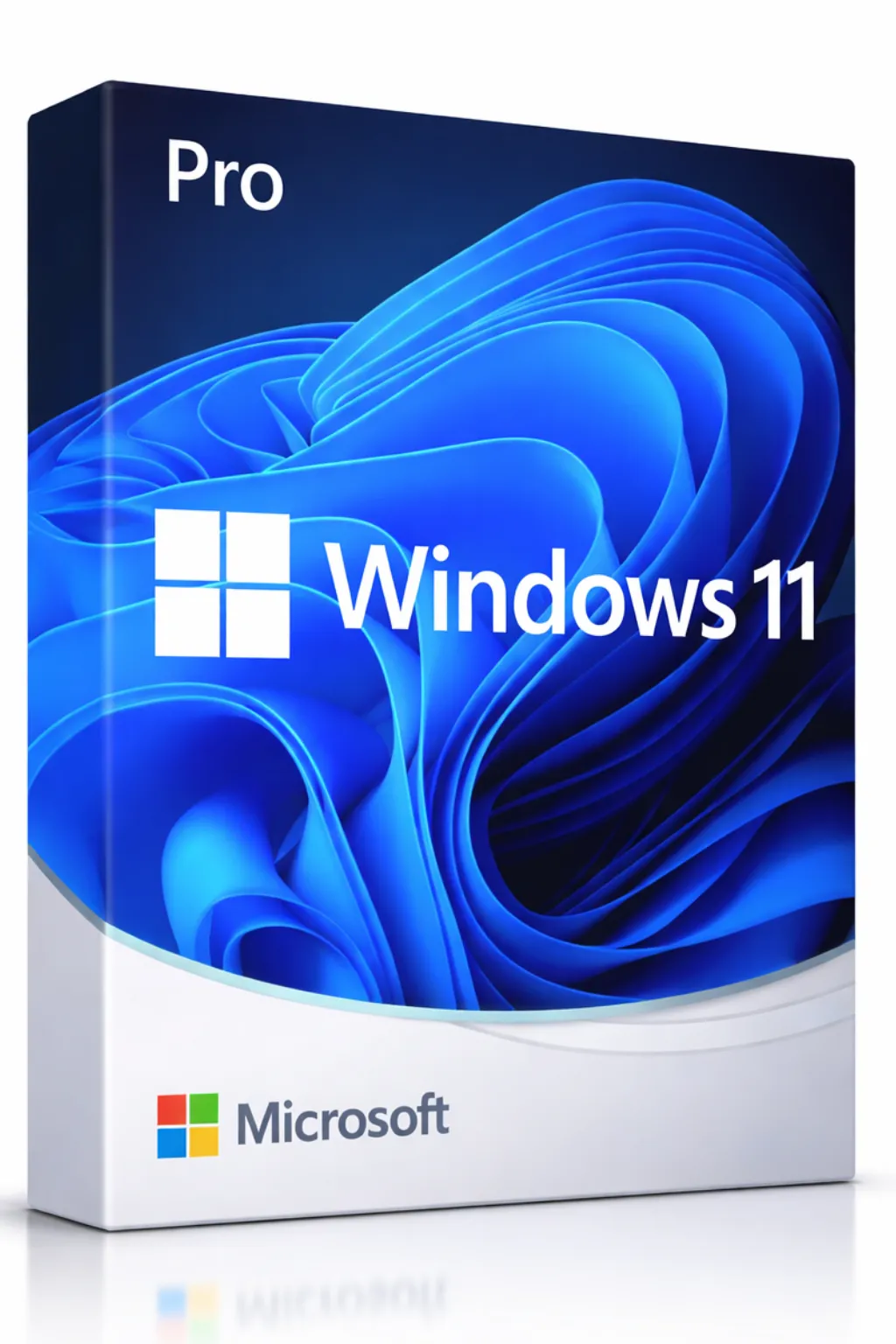
Buy Windows 11 Pro key from Prise Keys for just $33.99—save 85% compared to the Microsoft Store with a genuine Windows 11 Pro lifetime key and instant delivery.
Conclusion: Windows 11 Major Changes You Need to Know
What's new in Windows 11? Everything from the centered taskbar and Windows 11 new Start menu features to Windows 11 gaming improvements and Android app support. This Windows 11 complete feature breakdown shows why it's Microsoft's most significant update in years.
For the best experience, we recommend the Windows 11 Pro upgrade, which unlocks additional Windows 11 security features and Windows 11 productivity features. Get your genuine Windows 11 Pro lifetime key from Prise Keys today and enjoy instant delivery, 24/7 support, and massive savings with our Windows 11 Pro license cheap pricing.